


















Confirm the structure before the screen
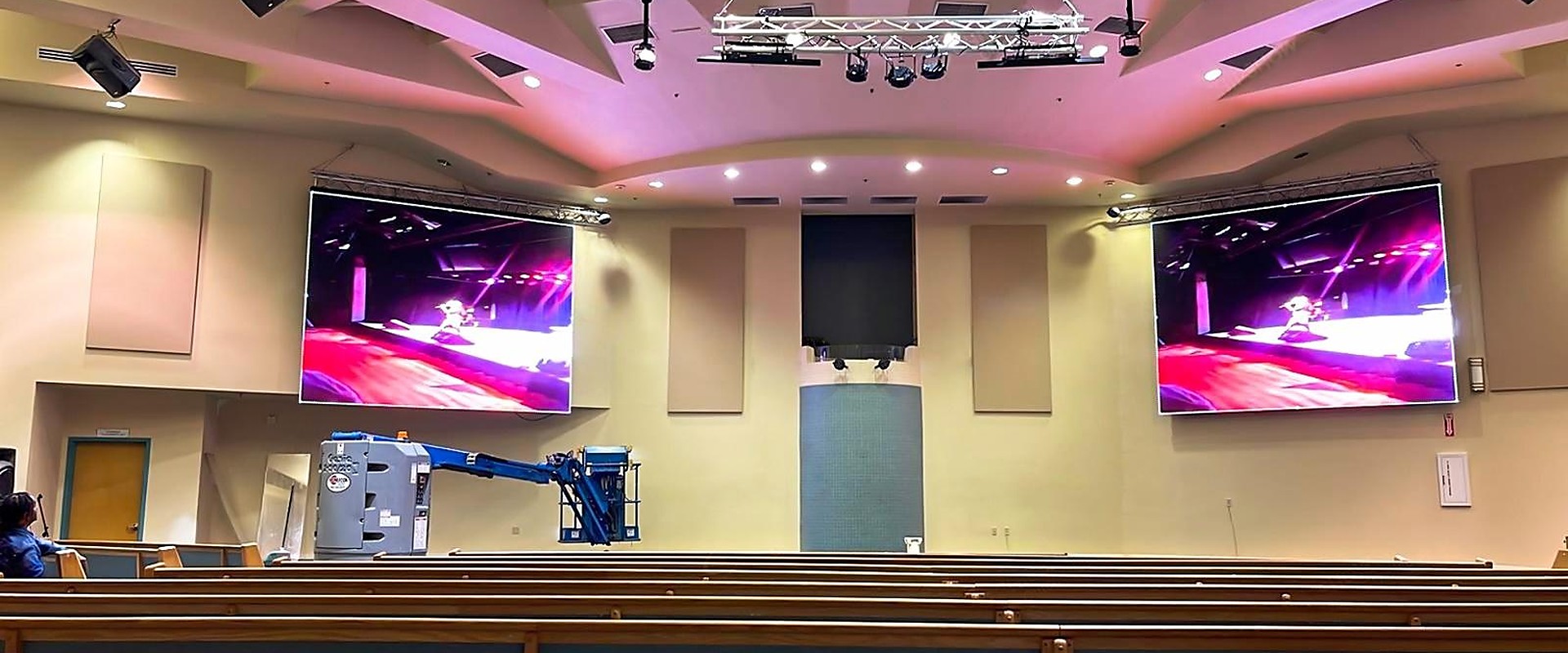
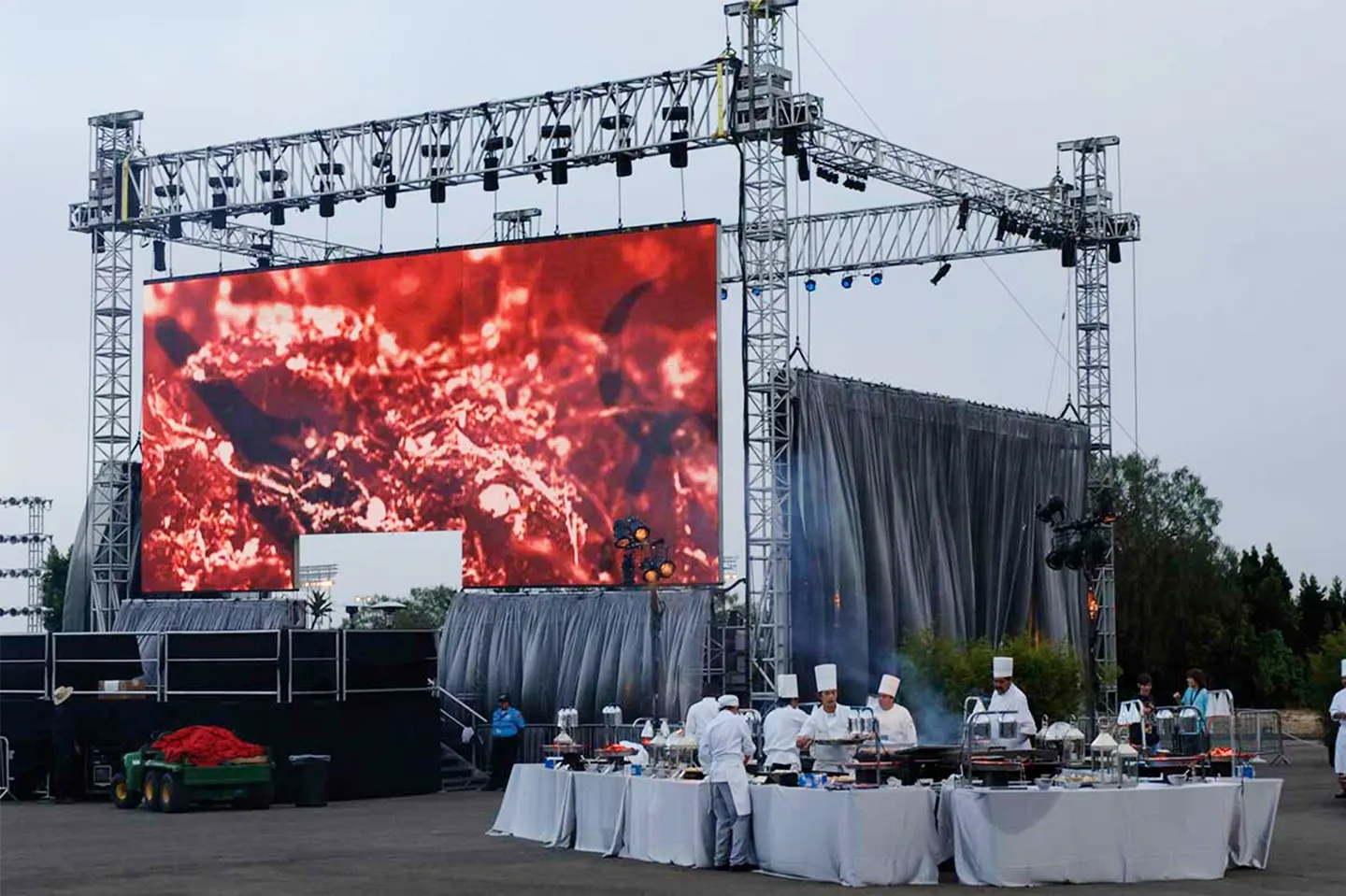
The screen hangs on something. For a wall-mounted installation, that means verifying the substrate — concrete, steel stud, brick or a purpose-built frame — and the anchor type. For a hanging installation, it means confirming rigging points, load per point and the height of the truss. Screen weight is only part of the load; cabinets, cables, frames and service access add to it.
Power: circuits, not just kilowatts
A screen needs the right number of circuits, in the right place, with the right breaker curve. Ask the supplier for maximum and average power per cabinet, then split the wall into circuits that can be isolated separately. Leave a dedicated circuit for the control desk and processor, and confirm the earth connection before anything is powered.
| Item | What to confirm |
|---|---|
| Main supply | Three-phase or single-phase, breaker rating, cable size |
| Circuits | Number of feeds, distance to each screen section |
| Control desk | Dedicated circuit, surge protection, UPS if required |
| Earthing | Common earth for screen and signal source |
Signal route and control room
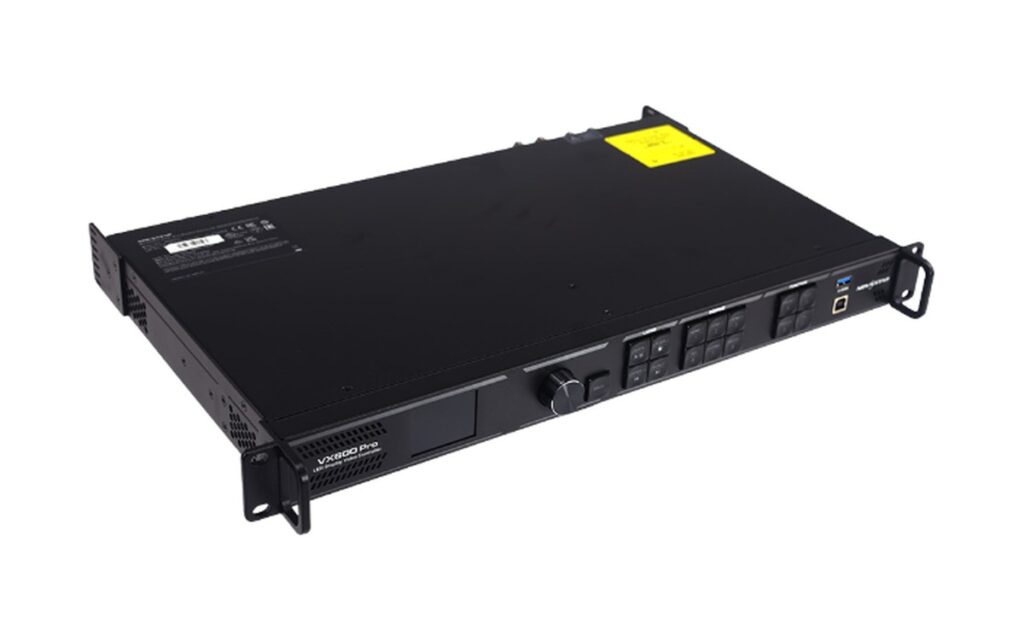
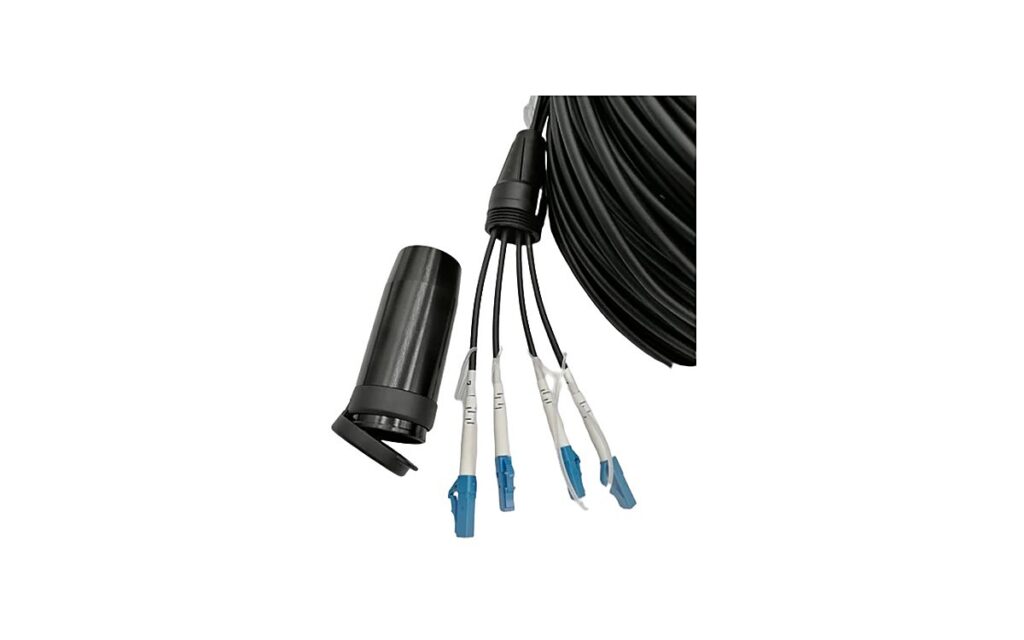
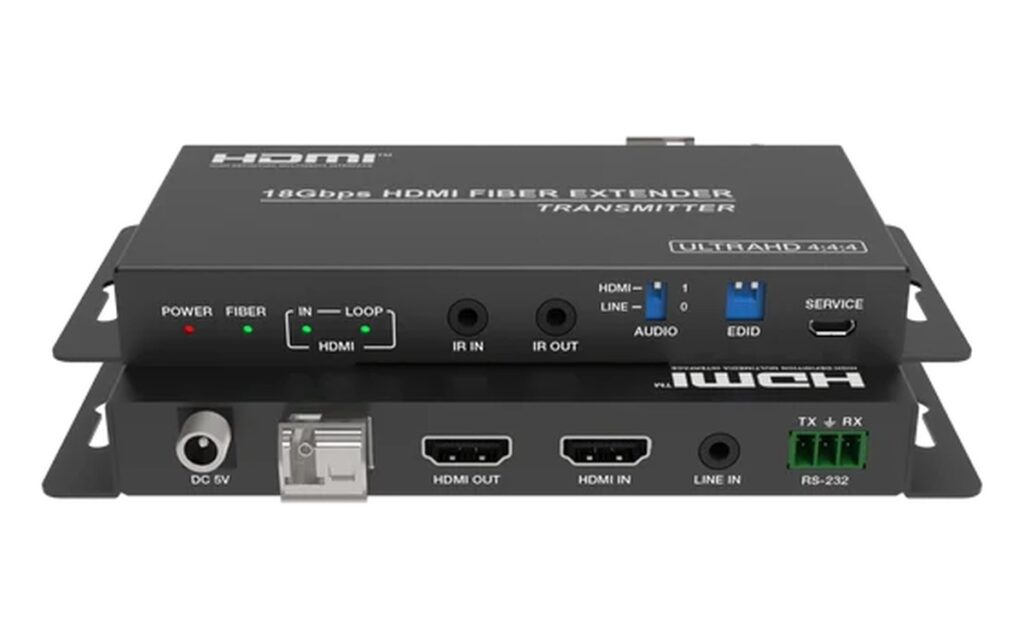
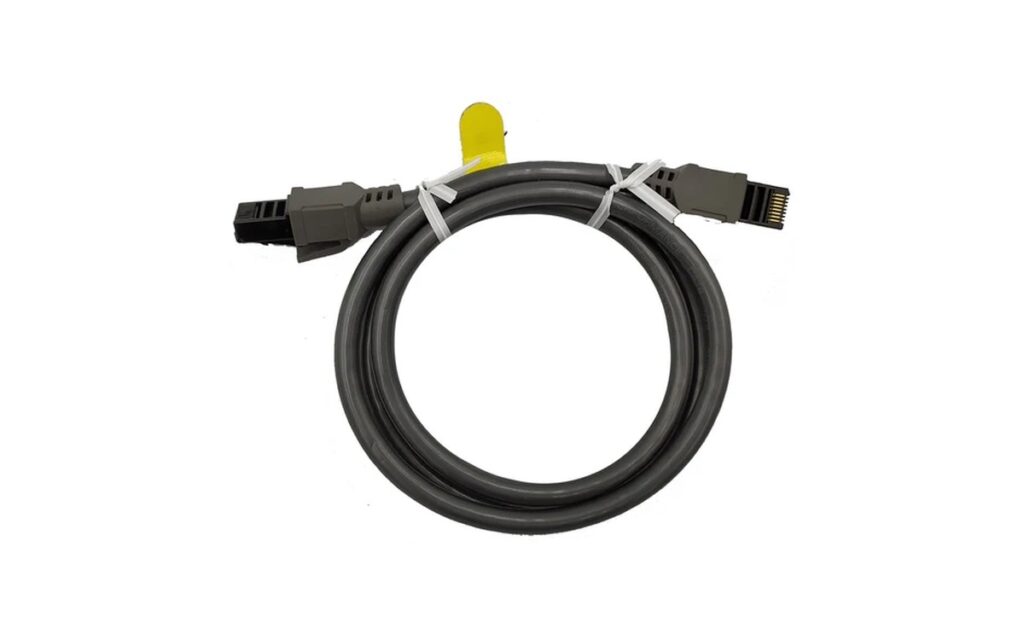
Map the path from the source to the processor, and from the processor to the first cabinet. HDMI and SDI have practical length limits; longer runs need fiber extenders. Confirm who supplies the fiber, who terminates it, and whether the control room has space for the processor, monitor and network switch.
Access, lifting and storage
Check door widths, lift capacity, loading bay height and where empty flight cases will live during the event. A 500×500 cabinet is manageable by two people; a 960×960 outdoor cabinet is not. If the site has no forklift, plan the pallet breakdown before delivery.
Who commissions the screen?
Decide before shipment whether the integrator, the rental company or the supplier configures the processor, maps the canvas and trains the operator. Commissioning is usually a separate line item, and unclear ownership is the most common reason a screen sits powered off on day one.
One-page checklist
- Structure drawing approved, anchor type confirmed
- Power per cabinet received, circuits planned, earth checked
- Signal path mapped, fiber length and connectors agreed
- Access route and storage for cases confirmed
- Commissioning owner named, with a contact on site
- Spare modules and receiving cards on site before install
A realistic installation timeline
For a 30 square metre indoor wall, a typical plan looks like this: day one for unloading, frame marking and anchors; day two for cabinet installation and alignment; day three for power, signal and processor configuration; day four for content testing, brightness calibration and operator training. Outdoor installations add structure and weather sealing, usually two to three extra days.
Compressing this timeline is possible with more people, but not with fewer checks. The step most often skipped is the signal test before the cabinets go up, which is also the hardest to fix afterwards.
Five mistakes that delay commissioning
- Power circuits sized from a brochure instead of the cabinet specification
- No fiber length allowance for the route, including vertical drops
- Processor configured for the wrong canvas size, discovered after installation
- Empty flight cases left in the only access corridor
- No named person on site who can approve the final test
Each of these costs hours, not minutes, because they surface when the screen is already mounted. A short pre-installation call with the site electrician and the integrator removes most of the risk.
A 20–30 square metre indoor wall is typically one to two days for mechanical installation and one day for commissioning, assuming power and structure are ready.
Yes for indoor cabinets, which are light enough to carry by hand. Outdoor 960×960 cabinets and flight cases need lifting equipment or a ground-floor loading position.
Whoever will operate the screen. If the venue has no technician, agree a commissioning and training session with the supplier before shipment.
Two to three percent spare modules, a few receiving cards, one power supply per circuit group, and a spare data cable.
For fixed installations, yes. Photos and dimensions rarely capture substrate, power and access accurately enough to avoid change orders.