
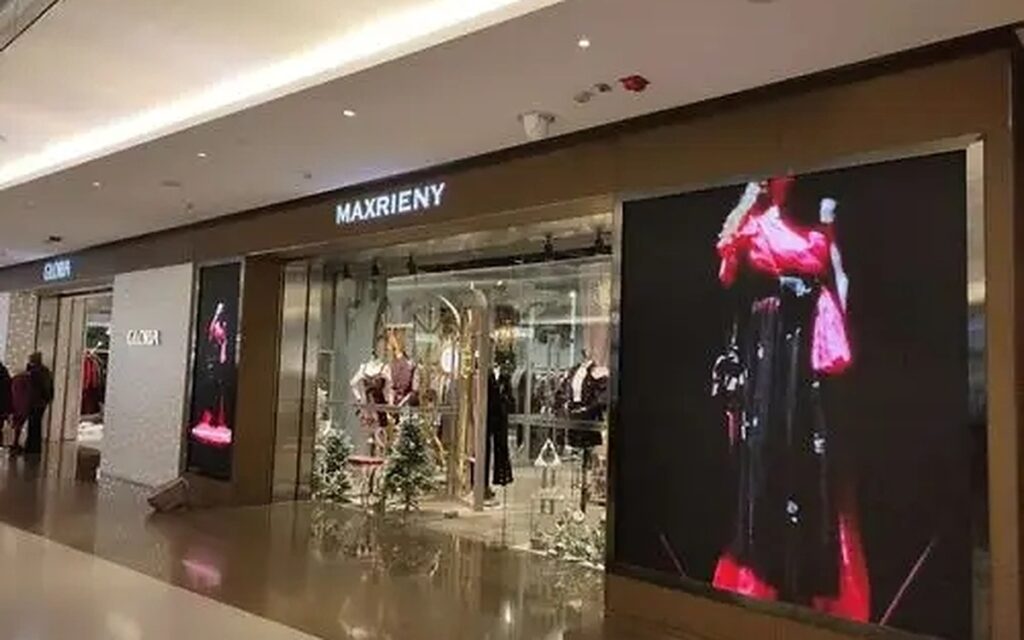
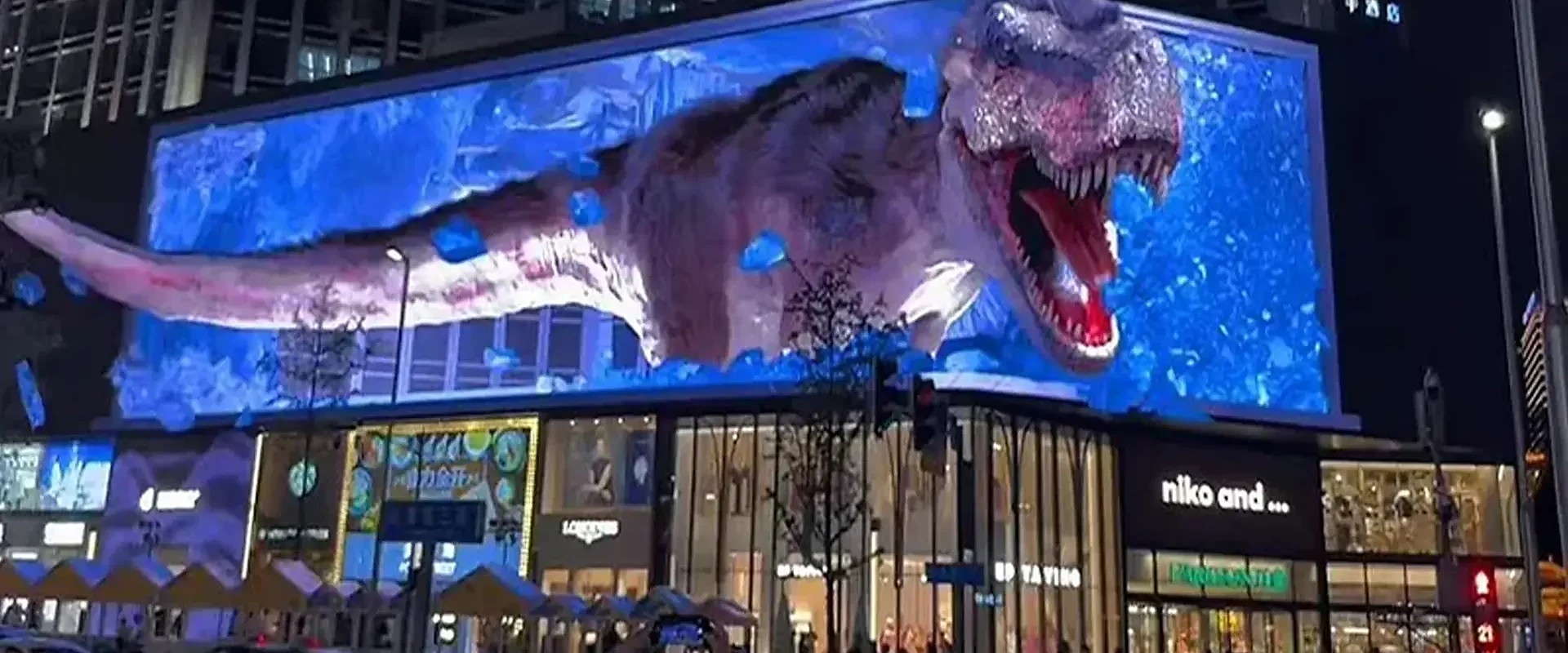
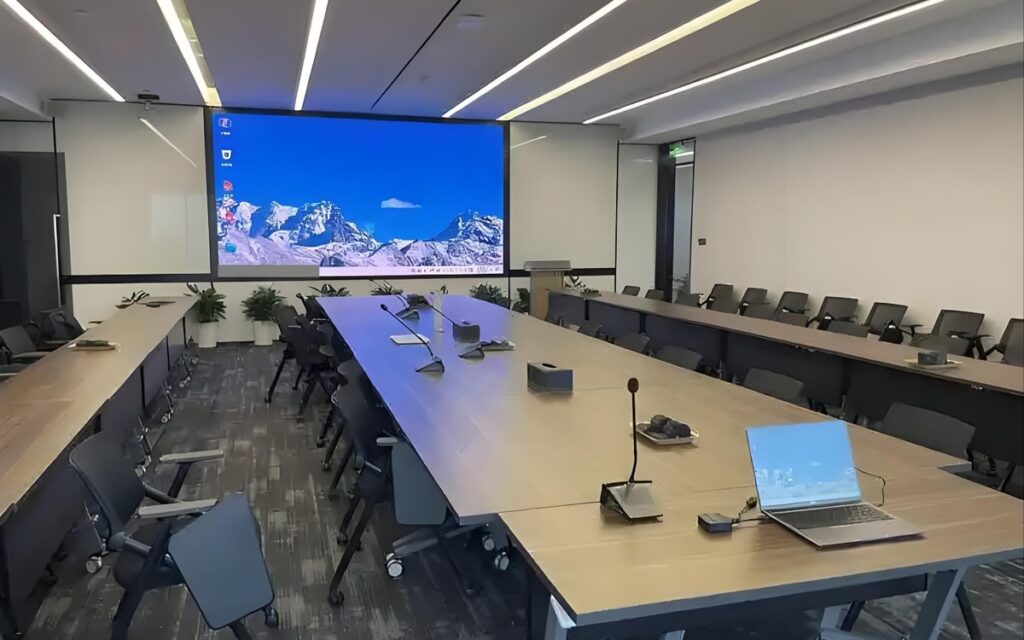
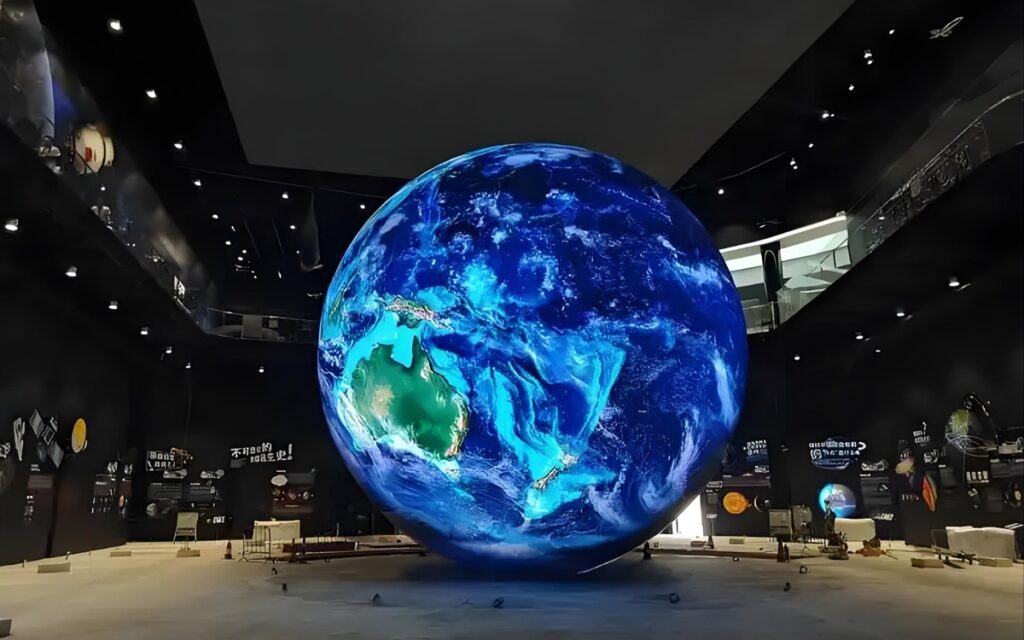
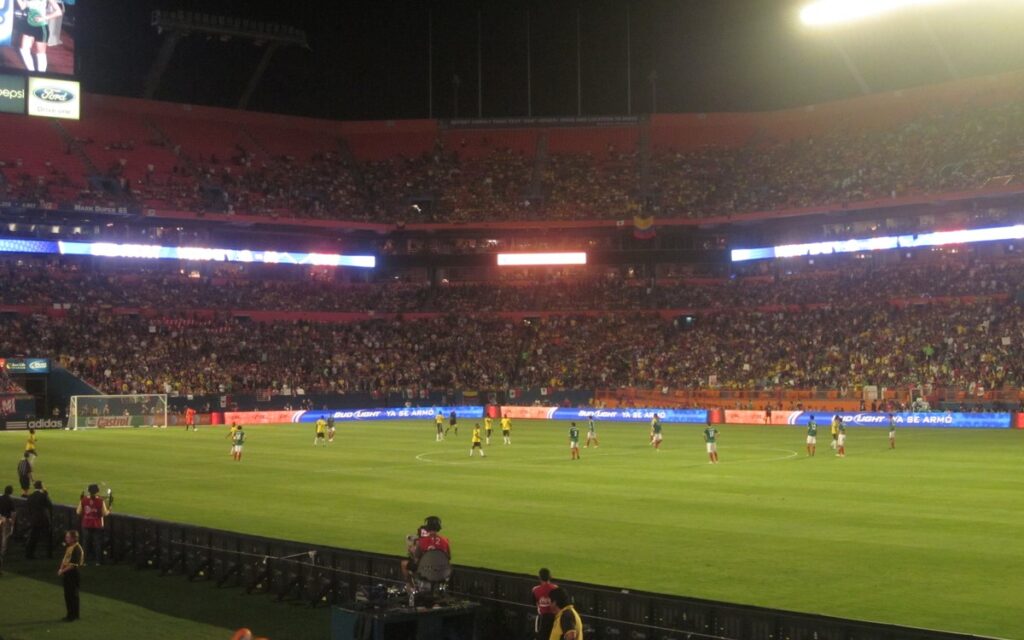
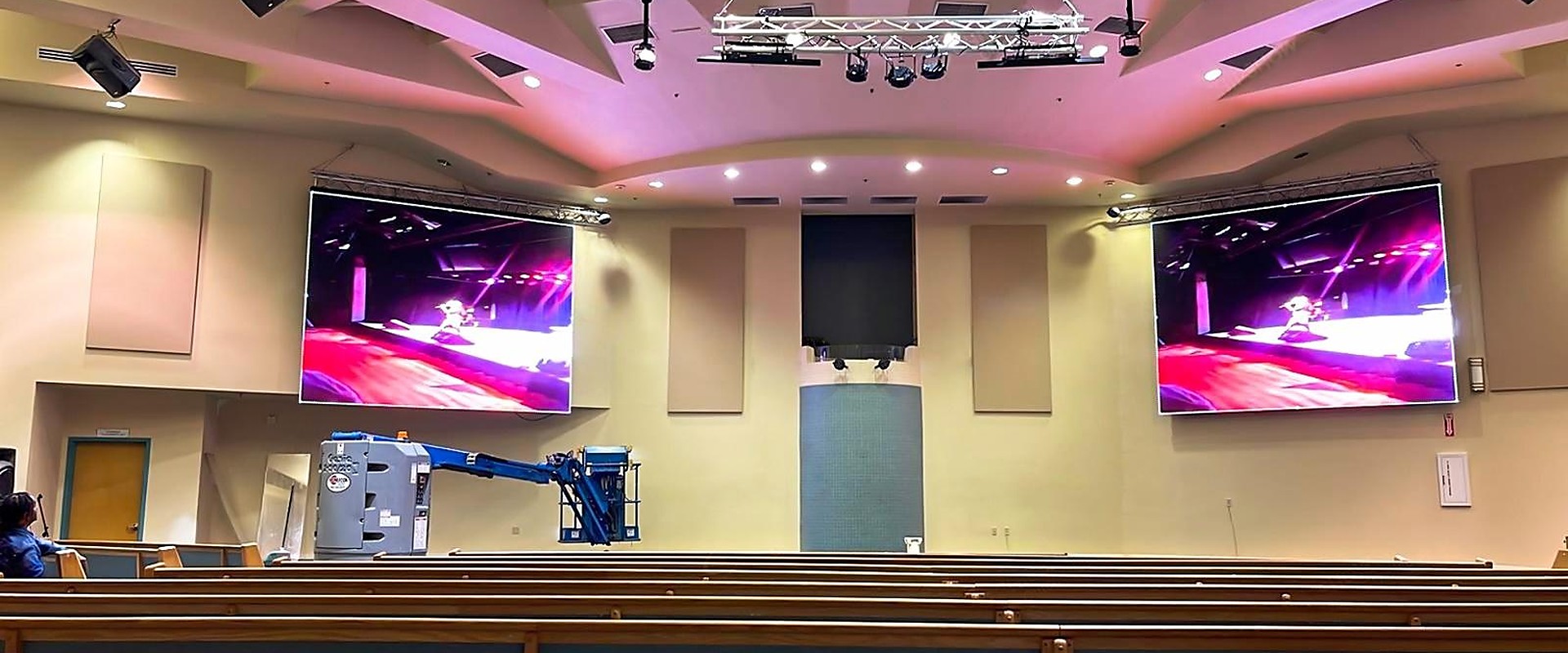
Retail & Shopping Mall LED Display Solutions
Convert storefront glass, in-store walls and mall spaces into selling media with LED displays designed for retail environments.
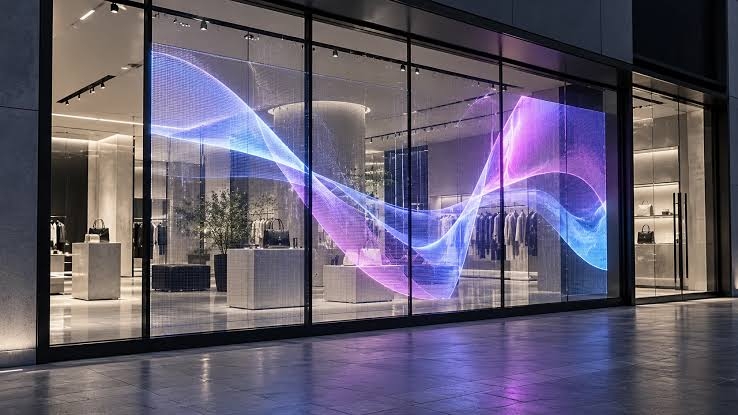
- Transparent LED for storefront glass & windows
- In-store media walls & poster screens
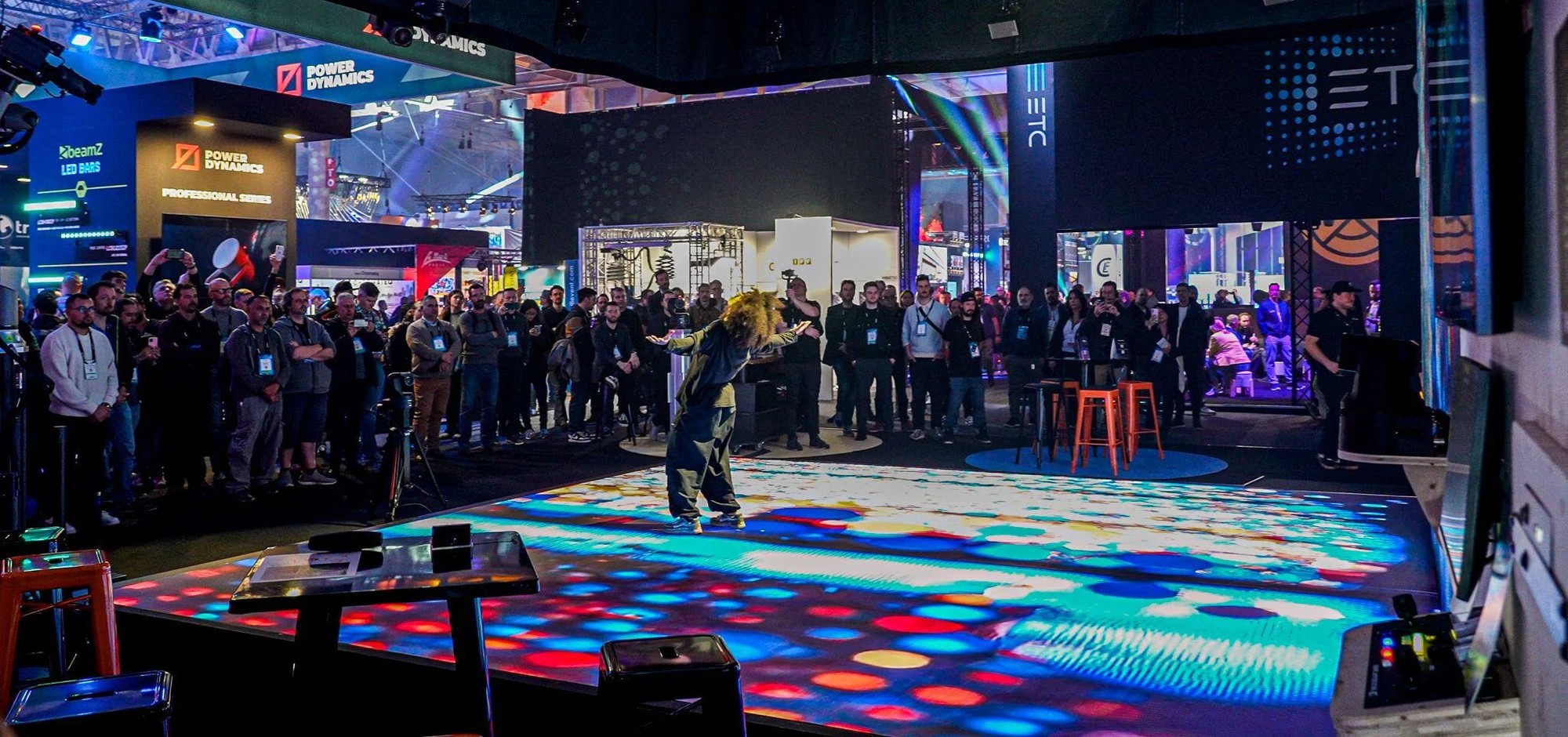
- Floor & interactive feature displays
- Scheduled, unattended playback systems
Typical Retail & Shopping Mall Display Challenges
These are the key technical factors to confirm before selecting a retail LED display system:
- Window displays that stay readable in daylight and behind glazing
- Content schedules that change daily — promotions, campaigns and seasonal offers
- Brightness and colour consistency across stores and screens
- Unattended operation and central control across multiple locations
Choose the Right Retail Display
Storefront glass, in-store walls, posters and floors — matched to the space and the campaign.
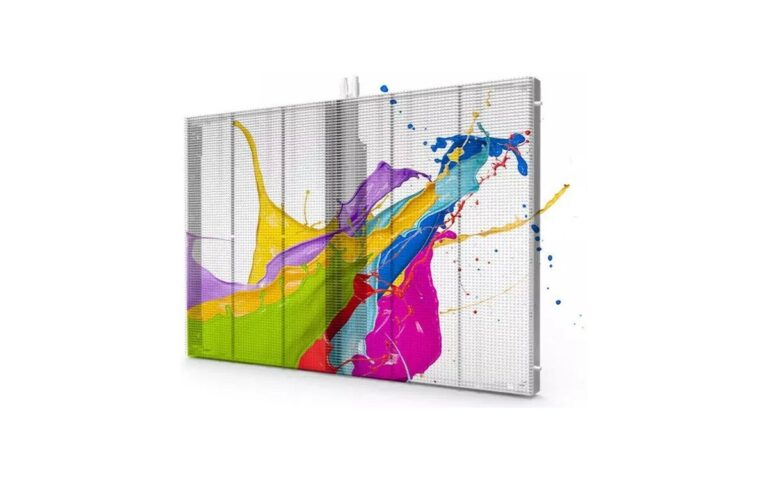
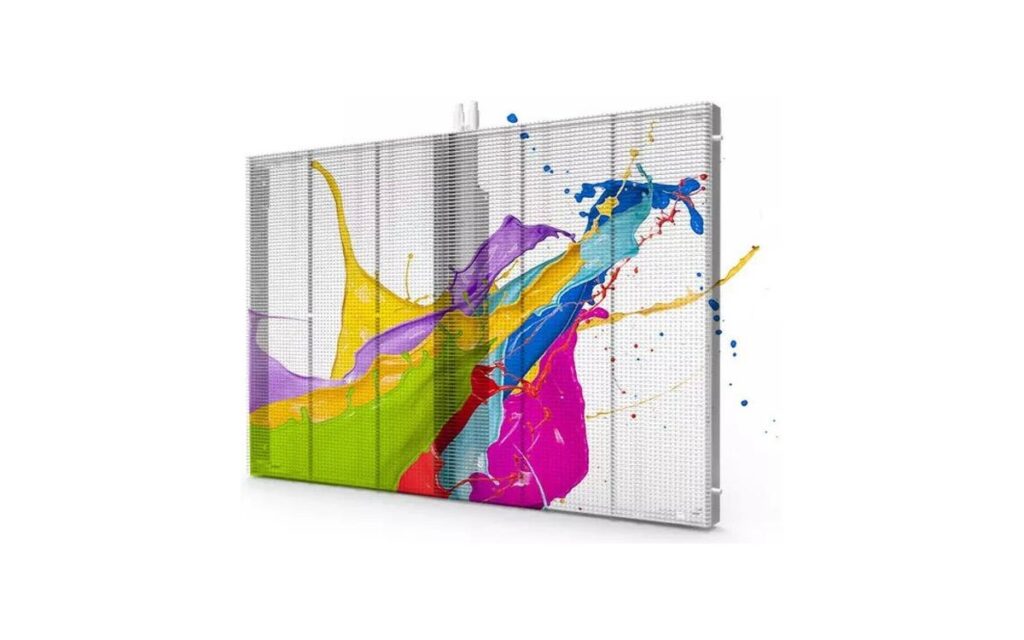
Glass-F Series
Storefront glazing, shopping mall shopfronts and brand spaces where outward visibility and window presentation both matter.
View details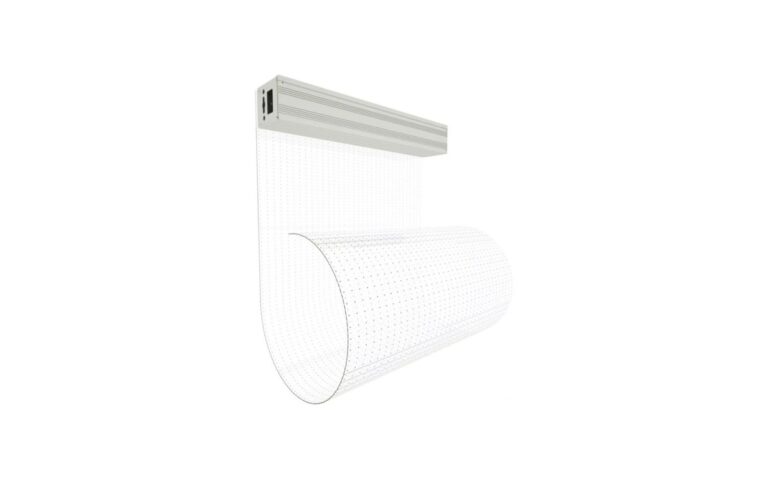
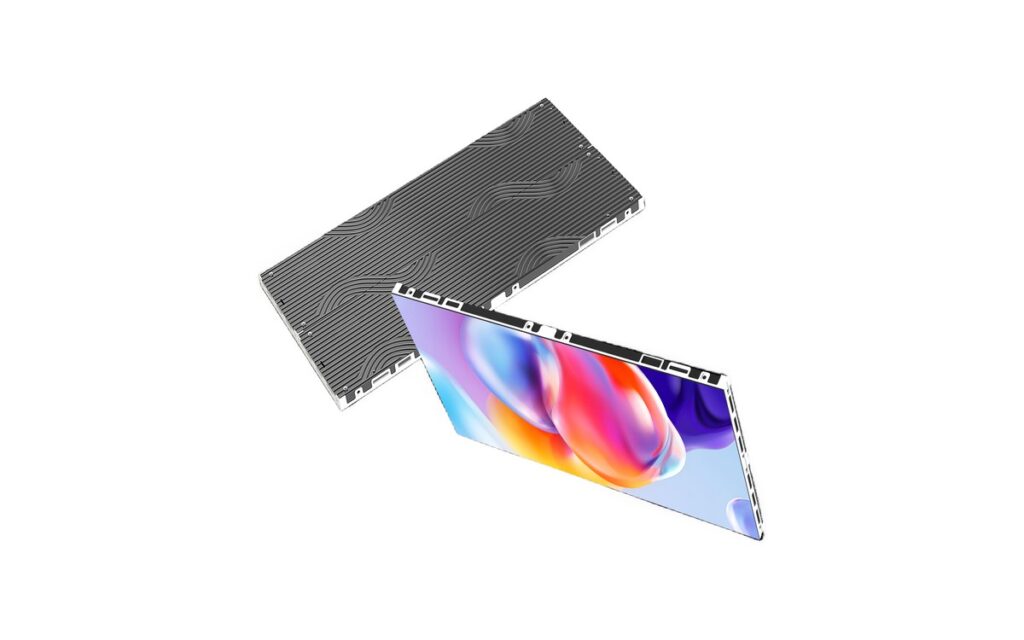
Film-A Series
Retail window displays, glazed brand spaces and shopfront campaigns where glass compatibility requires assessment before installation.
View details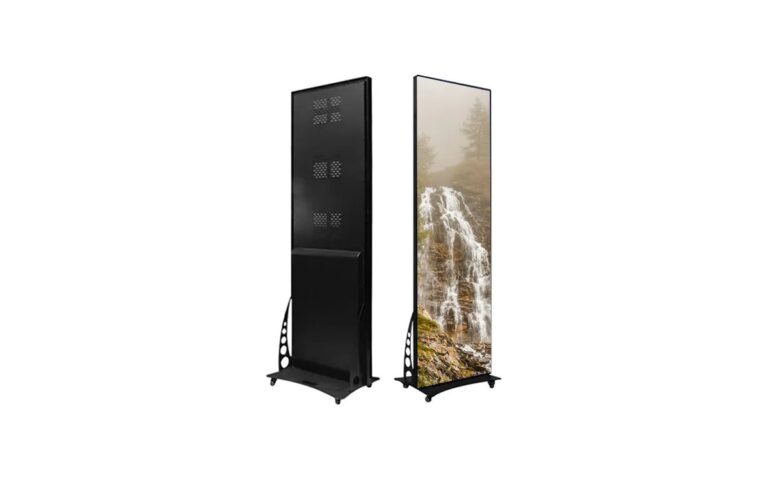
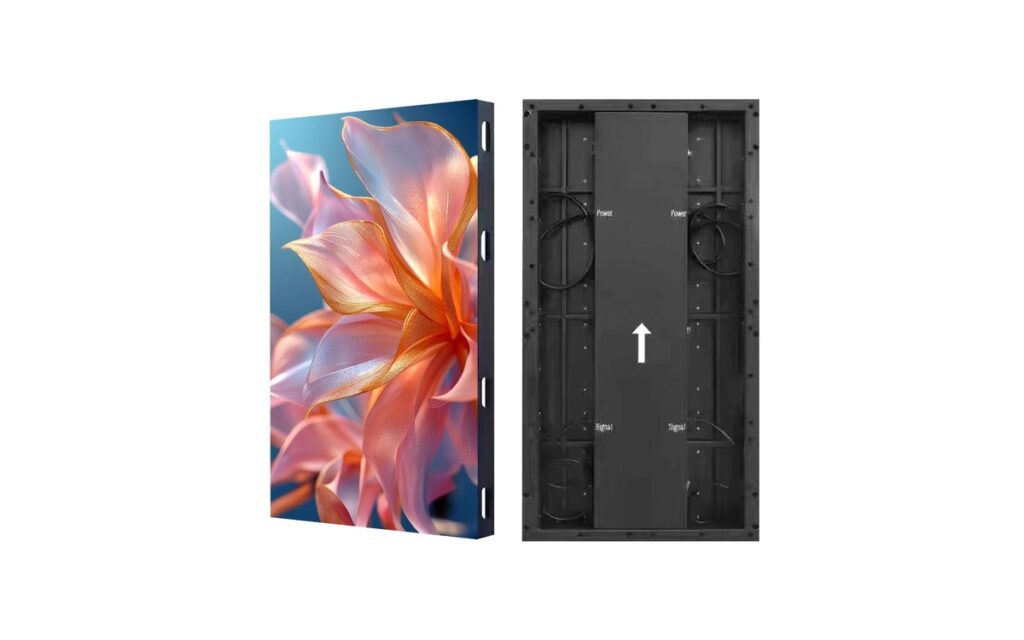
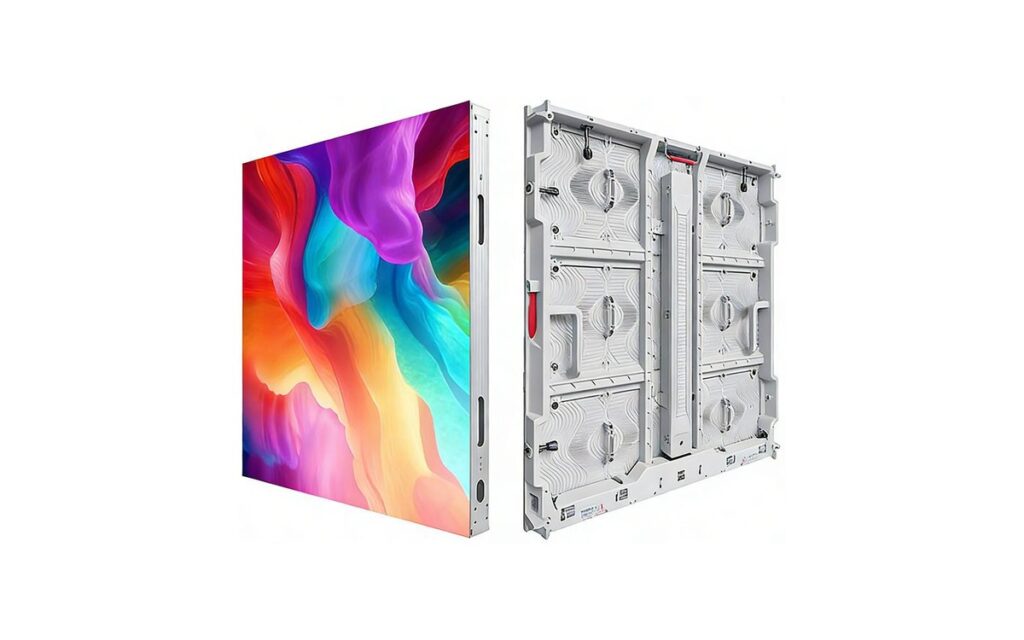
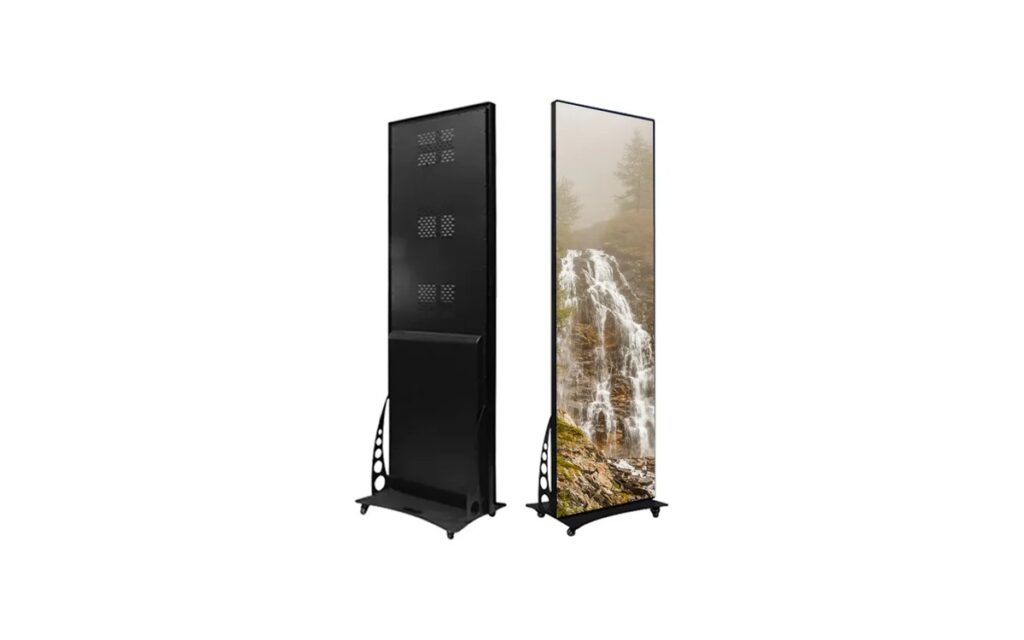
Poster-L Series
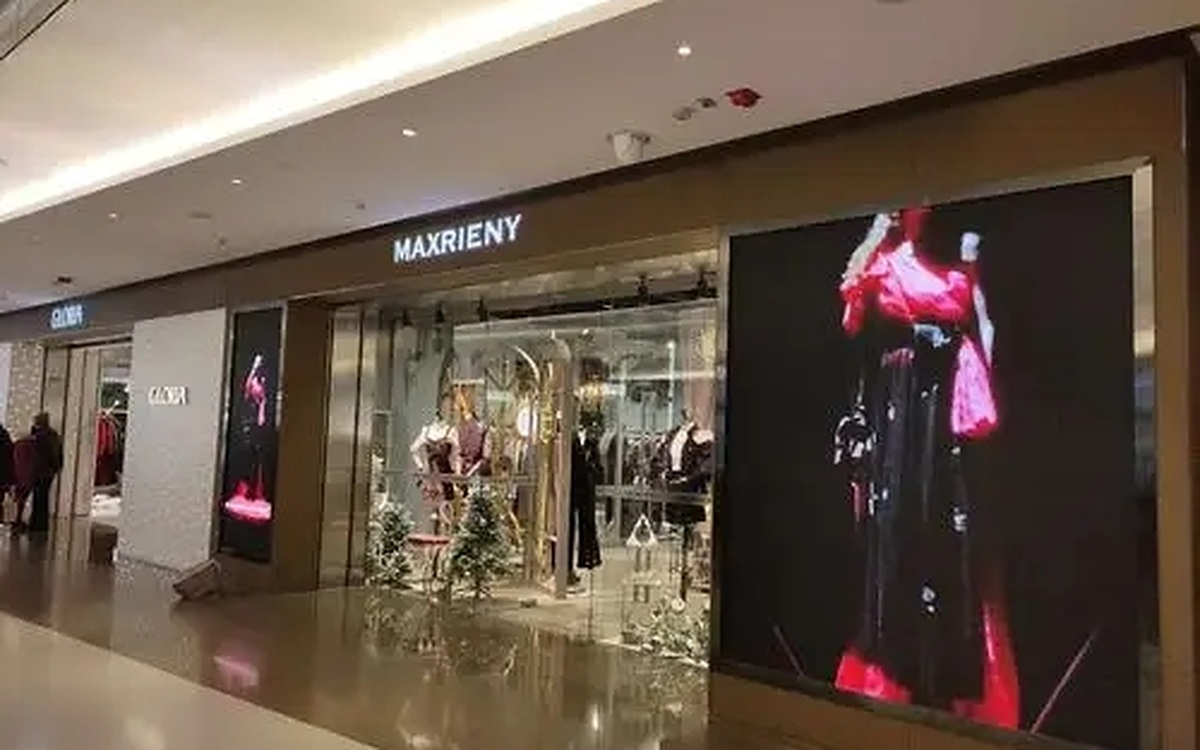
Store entrances, promotional zones and shopping mall tenant spaces presenting product information, campaign messages and directional content.
View details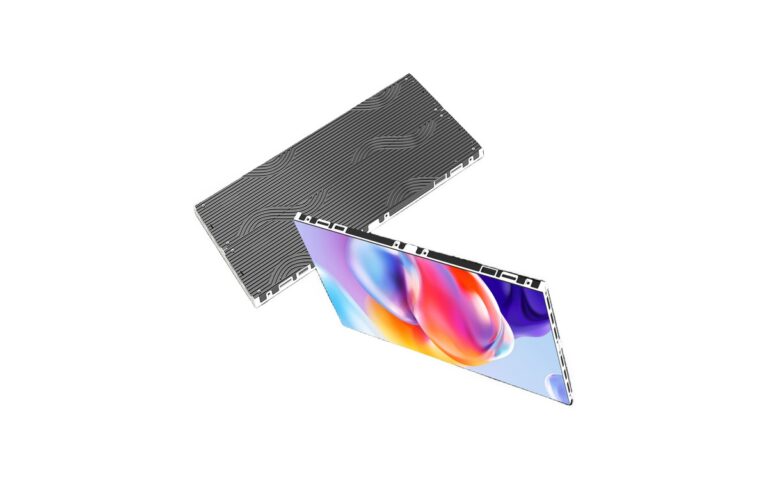
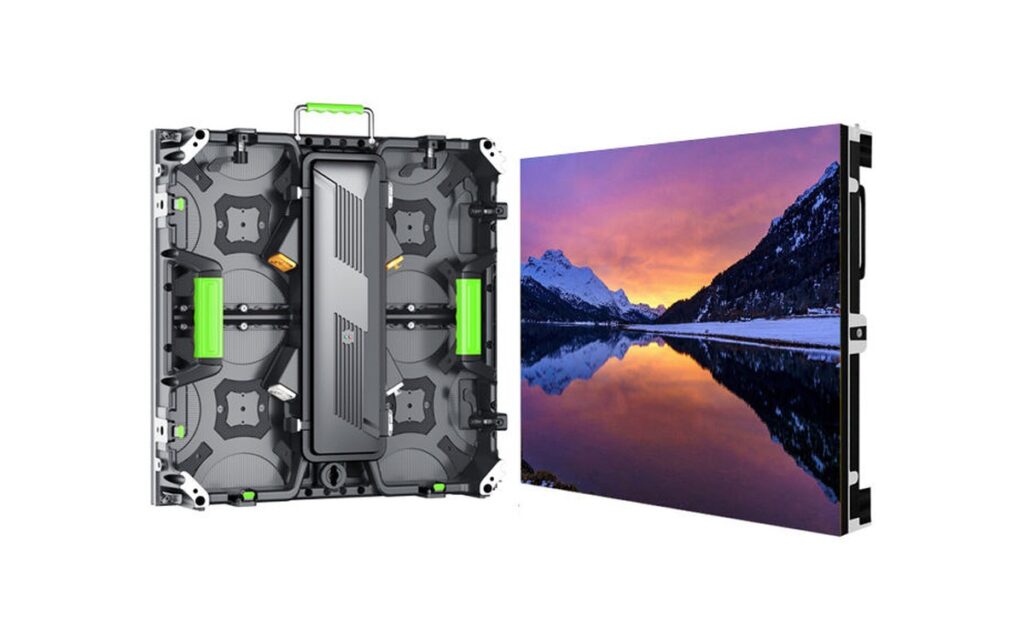
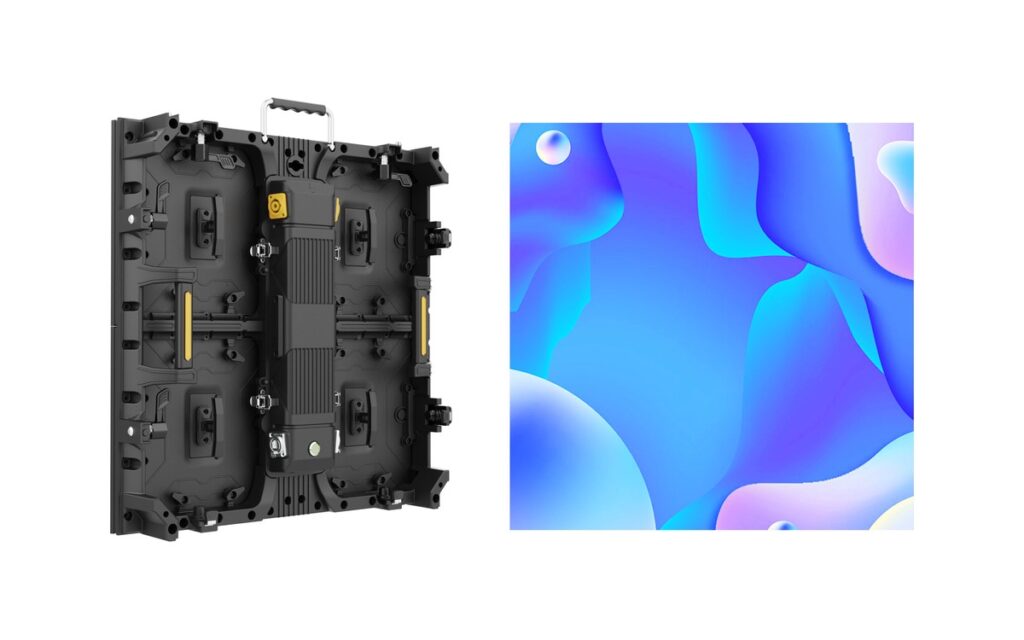
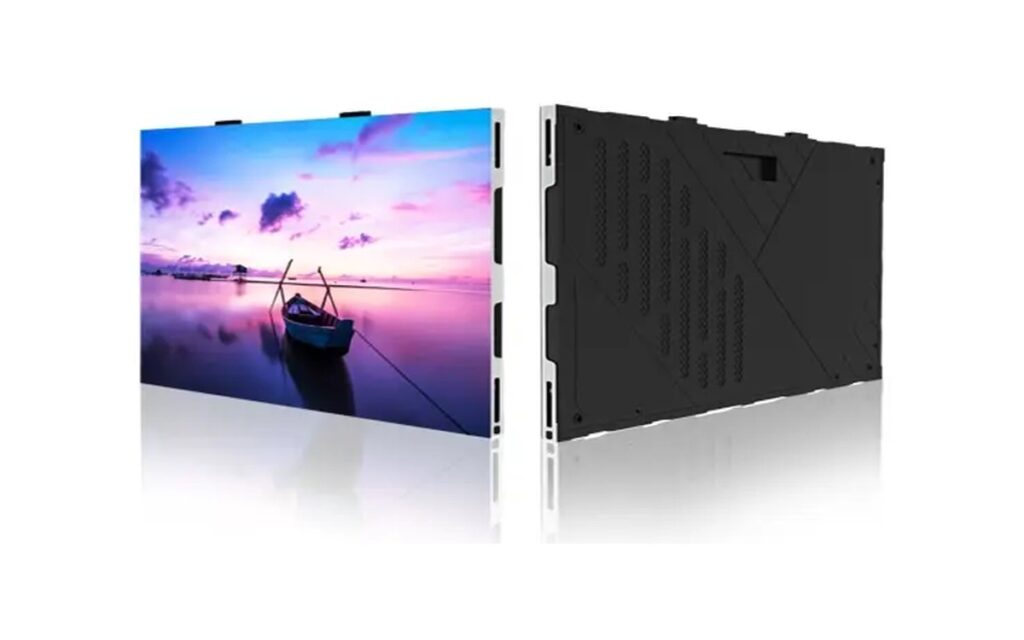
Indoor-Slim Series
In-store media walls, brand zones and interior retail areas where a slim fixed build suits the store design.
View details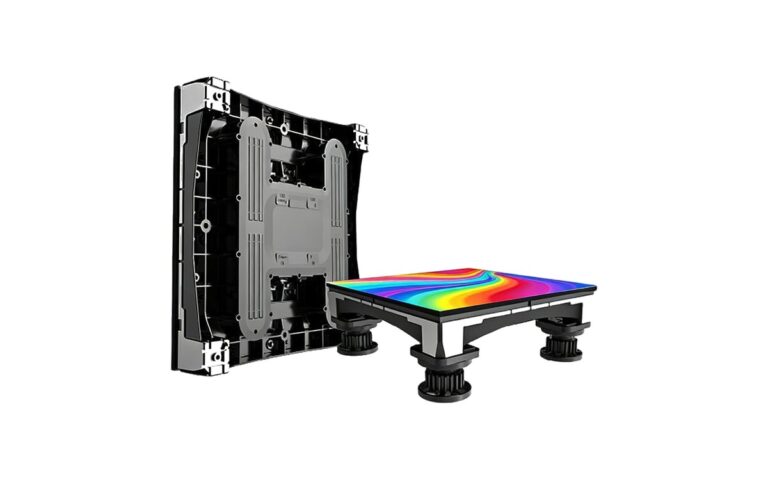
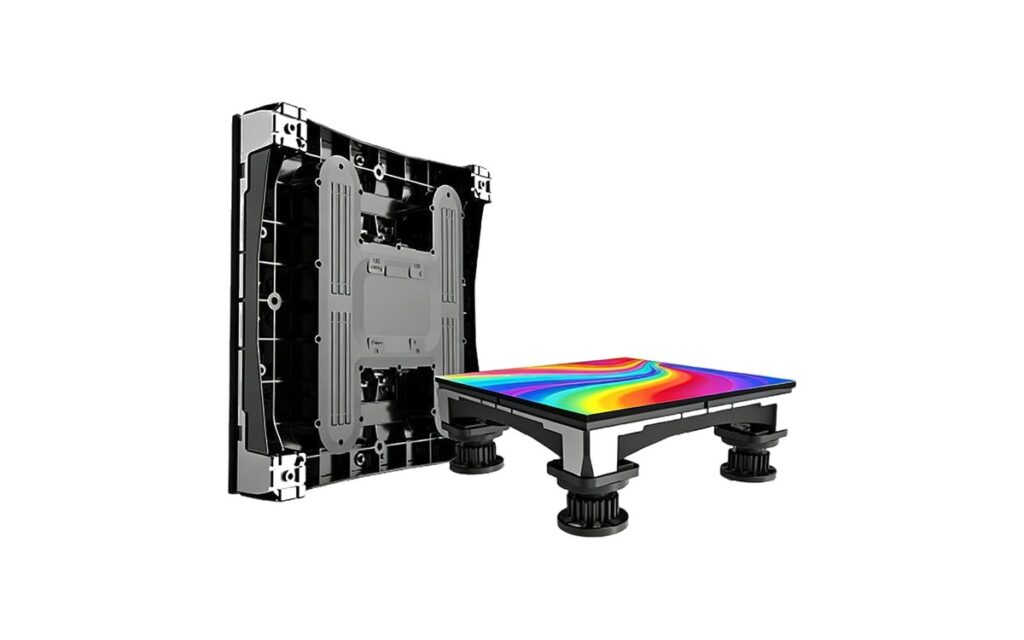
Floor-R Series
Brand activation areas, retail experience zones and shopping mall promotions where floor interaction supports planned visitor activities.
View details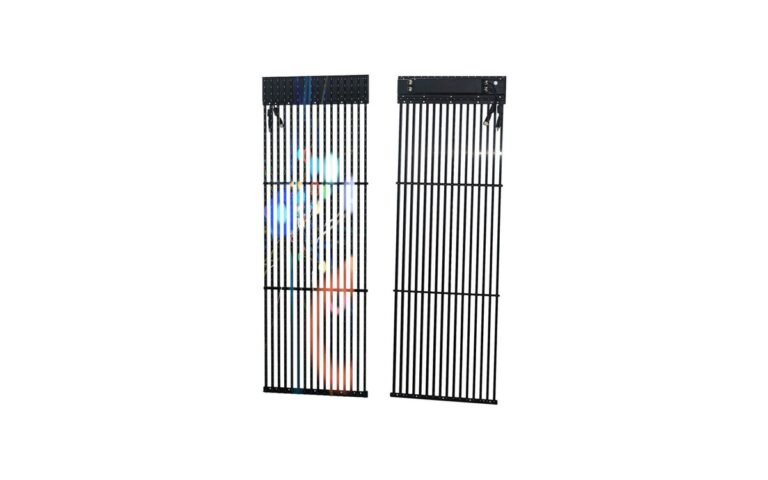
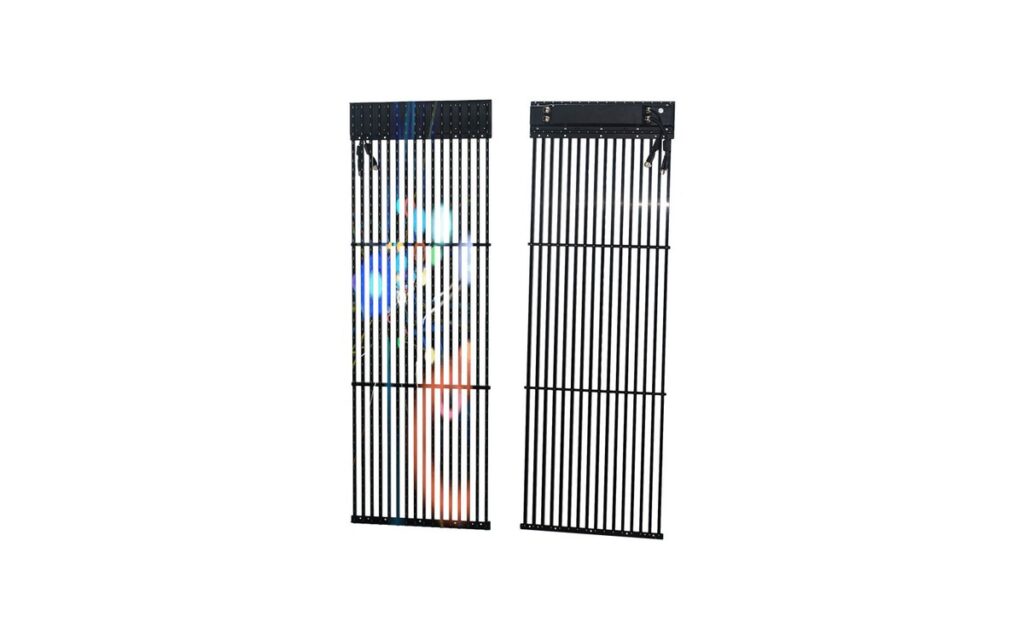
Mesh-ST Series
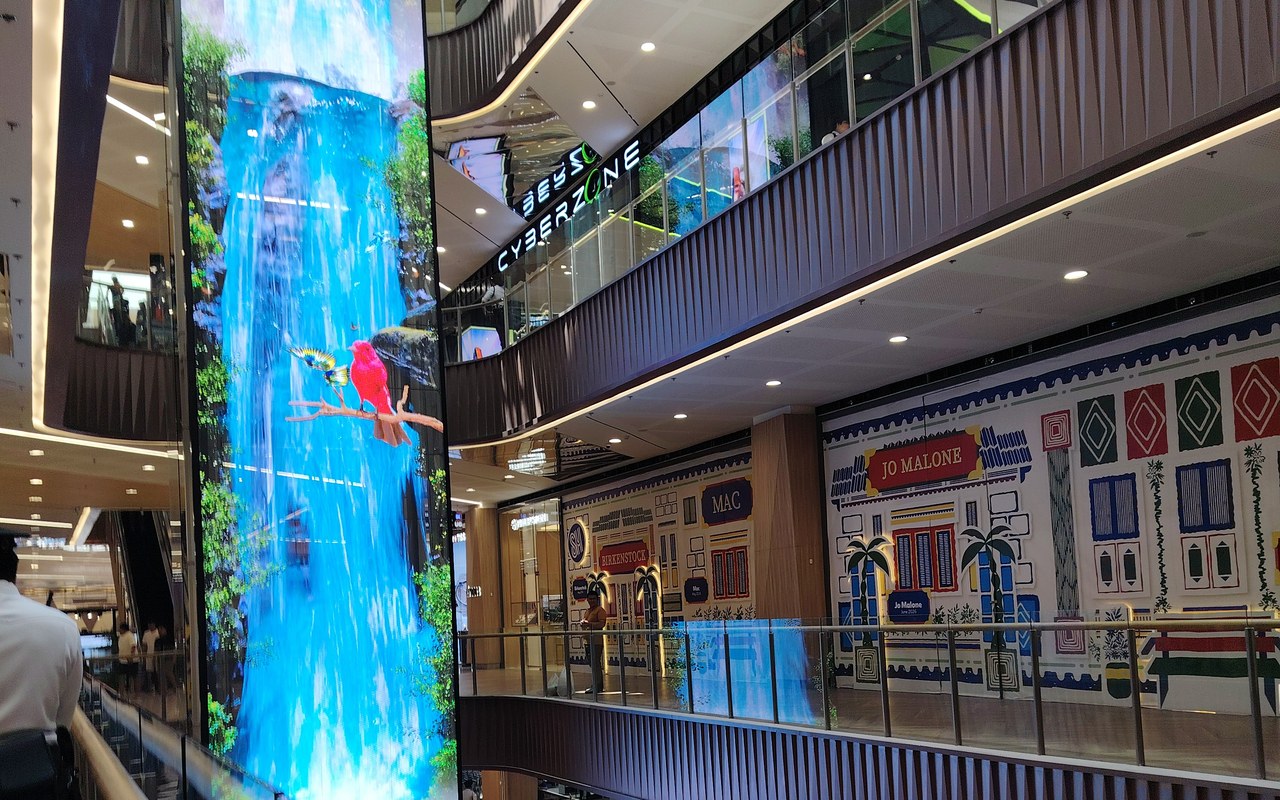
Large mall atriums, exterior façades and open-frame architectural media areas where an open screen structure suits the project.
View detailsQuick comparison
| Series | Best For | Key Consideration |
|---|---|---|
| Glass-F | Storefront windows and glazed shopfronts | Transparency and daylight visibility to be confirmed |
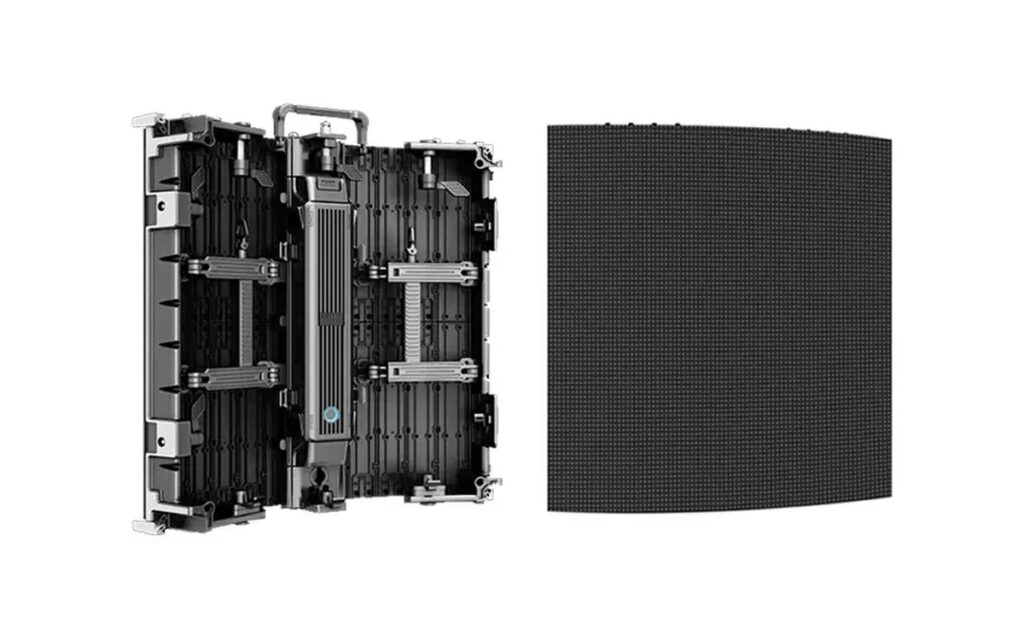
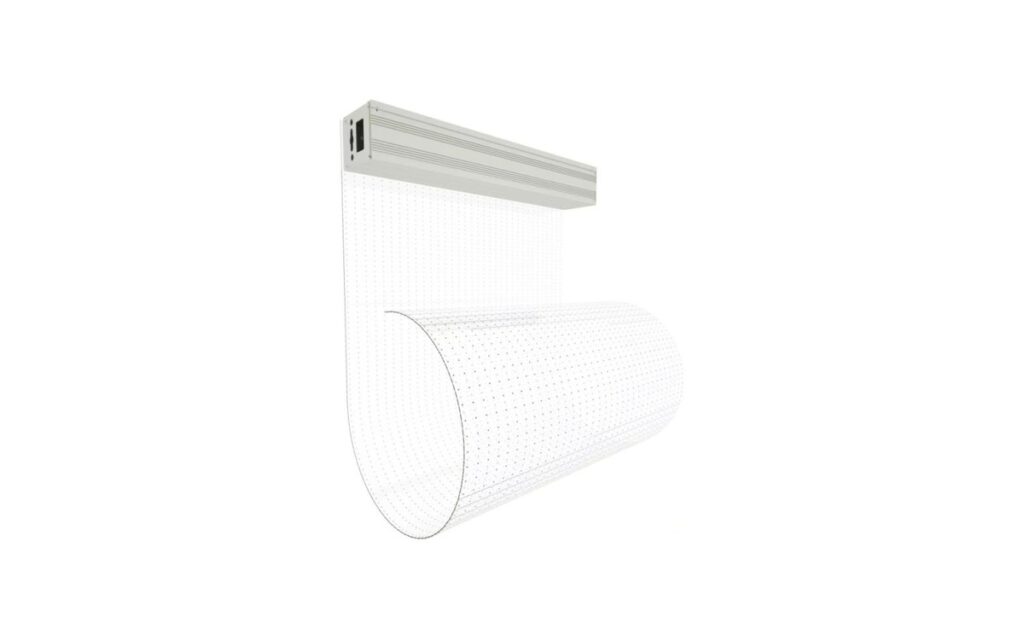
| Film-A | Curved and existing glass surfaces | Adhesive film mounting — confirm glass type and curvature |
| Poster-L | Entrances, promotion zones and aisle ends | Free-standing or mounted — simple content updates |
| Indoor-Slim | In-store media walls and brand zones | Slim fixed cabinet for interior retail walls |
| Floor-R | Experience and activation zones | Load-bearing rating and interactive content |
| Mesh-ST | Mall atriums and open-frame media areas | Related option — confirm support and access |
Which Retail LED Display Fits Your Store?
Transparent glass LED displays are suitable for storefront windows and glazed shopfronts where the interior must stay visible. Poster and indoor fixed displays are used for in-store promotion, media walls and brand areas, while interactive floor displays support experience zones and brand activations. The final configuration depends on the display position, ambient light, viewing distance and content plan.
Retail Display Planning Checklist
-
Confirm the display position and shopper journey
Choose a storefront display when the main audience is outside the store and the message needs to be visible through or across the glazing. In-store media walls suit locations where shoppers can pause and view product stories or campaign content. LED posters can support entrances, promotional areas and individual product zones.
-
Check the glazing, light and viewing conditions
Assess daylight, reflections, glass tint, viewing direction and nearby lighting before selecting a display. Transparent glass, mesh and LED film options may suit different shopfront arrangements, but their visibility and installation requirements should be checked against the proposed site and product datasheet.
-
Set brightness and readability on site
Plan brightness around ambient light, operating hours and the intended viewing position. A window facing daylight may need a different setting from an interior promotional screen. Confirm adjustment options and assess readability on site; excessive brightness can create discomfort or compete with nearby merchandise.
-
Plan content, scheduling and playback
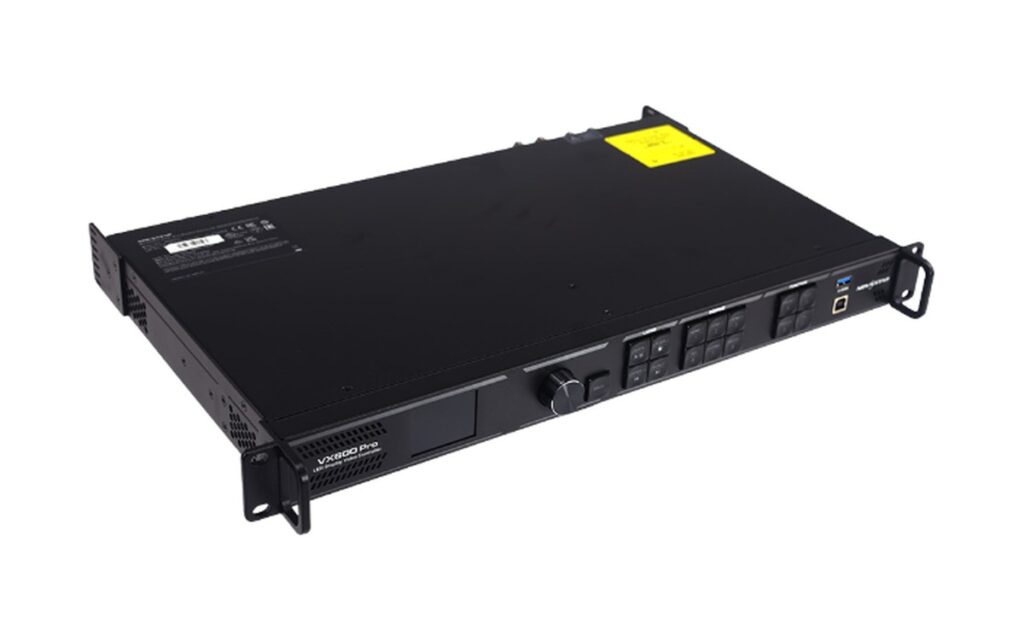
Use clear text, simple layouts and product imagery sized for the actual screen format. For unattended scheduled playback, confirm that the selected controller or media player supports the required schedules, content formats and update method. Organize playlists around opening hours, seasonal campaigns and product availability. Assign responsibility for approving and refreshing content, and test each campaign on the installed screen before regular playback.
-
Coordinate placement with the store layout
Select screen size and placement from viewing distance, available space and customer movement. Keep window messaging short enough to read from outside, and check that the display arrangement supports merchandise visibility and store access. Coordinate screens with store layout so messages appear near relevant products or decision points.
Recommended System Configurations
Typical retail LED setups we configure and supply as complete systems — displays together with playback, control and mounting.
Flagship Storefront & Window
Glass-F Series transparent display + media player + scheduled playback
View Related ProductsIn-Store Promotion & Media Walls
Poster-L Series + Indoor-Slim Series + central content control
View Related ProductsInteractive Retail Experience Zones
Floor-R Series interactive floor + content management system
View Related ProductsHow to Select Your Retail Display Configuration
Configuration follows the space and the shopper journey — window, entrance, in-store area or activation zone.
| Project Factor | What We Consider |
|---|---|
| Display position | Window, storefront, in-store wall, aisle or floor area |
| Viewing distance and speed | Shoppers passing by or standing — affects pixel pitch and text size |
| Ambient light | Daylight, window reflections or controlled interior lighting |
| Content and scheduling | Campaign updates, promotions, brand loops or interactive content |
| Transparency needs | Whether the display must stay see-through behind glass |
| Service and access | Front maintenance, cleaning and safe shopper access |
Typical recommendations are a starting point only. The final configuration is confirmed against the store environment, glazing, content plan and budget.
Choosing the Right Display Format
Compare display formats by installation type and intended viewing area.
| Format | What it is | Best for | Series to explore |
|---|---|---|---|
| LED Poster | Freestanding plug-and-play promotional screen | Portable promotions in retail spaces | Poster series |
| Transparent LED | See-through LED screen for glazing | Storefronts where visibility through glass matters | Glass, Mesh series |
| LED Film | Ultra-thin adhesive LED film for glass | Glass surfaces with limited installation depth | Film-A series |
| Fine-Pitch LED | Bezel-free indoor video wall | Close-viewing indoor content and retail walls | COB-H, FHD series |
These are typical format descriptions; confirm final selection against site conditions and installation requirements.
Retail Display System Capabilities
- Transparent, poster and fixed LED displays for different retail zones
- High-brightness options for daylight-facing windows
- Scheduled playback and remote content updates
- Colour and brightness consistency across multiple stores
- Interactive floor and motion-triggered content options
- Mounting, power and signal chain supplied with the display
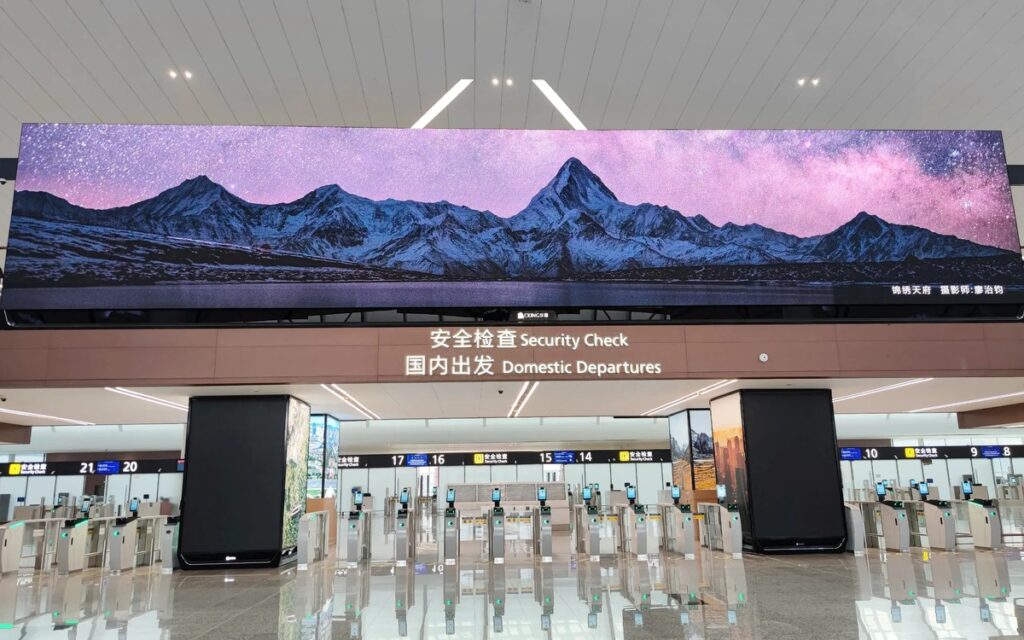
Application References
Typical retail configurations for reference. Each project is configured to its own store environment and content plan.
Retail Display FAQ
Can a transparent LED display keep products visible behind the shop window?
Yes — transparent LED displays such as Glass-F Series use a see-through cabinet structure, so the store interior and products behind the display stay visible while content plays on the screen surface. How much remains visible depends on the pixel pitch, cabinet structure, brightness and content design: dense or bright content reduces the see-through effect, while light graphics keep more of the window clear. Review the proposed display against the real window, lighting conditions and content plan before final selection.
Which LED display type should I choose for a retail project?
Start with the display location, viewing distance, available mounting space and the role of the content. Glass-F Series, Mesh-ST Series and Film-A Series may be considered for window or glazing applications, subject to installation suitability. Poster-L Series can support promotional positions, while Floor-R Series suits planned interactive floor areas. Confirm the selected configuration against site conditions, content requirements and the relevant product datasheet.
Will a window LED display remain visible in daylight?
Daylight visibility depends on ambient light, direct sun exposure, reflections, glass properties, display output and content design. Assess the shopfront from the positions where people will actually view it, including across the walkway or street where relevant. Large text and clear contrast can help readability. Confirm the proposed display specification and brightness controls, and arrange a site assessment or demonstration where practical before final selection.
Can an LED display be installed on existing storefront glass?
Suitability depends on the glass type, condition, dimensions, supporting structure and the installation method required by the selected display. Existing glazing should be assessed before choosing a glass or film display. Confirm mounting or adhesion requirements, cable routing, power access and any restrictions from the landlord or fit-out team. Do not assume every glazed surface is compatible; obtain the relevant installation guidance and confirm site suitability.
How can retail screens run scheduled content without daily manual operation?
Scheduled playback depends on the controller, media player and content management arrangement supplied for the project. Confirm support for operating schedules, playlists, remote updates and recovery after a power interruption. For retail chains, also check how individual stores receive content and whether local staff need access. Assign responsibility for campaign updates and verify the playback schedule during commissioning, including opening hours and any required shutdown periods.
What should the fit-out team prepare before installation?
Prepare site dimensions, proposed screen positions, access details and information about the mounting surface or supporting structure. Coordinate electrical supply, cable routes, ventilation and maintenance access with the relevant contractors. Check landlord requirements and how installation work fits the store programme. Final fixing methods and service clearances depend on the selected display and site conditions, so confirm these against the installation documentation before completing surrounding finishes.
What should be checked before using an interactive LED floor?
For Floor-R Series, assess how visitors will enter, move through and leave the display area. Confirm the supported interaction method, content system, installation build-up and operating requirements for the proposed configuration. Review loading, surface suitability, cleaning arrangements and accessibility with the project team using the relevant documentation. Keep the activity area clear of conflicting circulation routes, and plan supervision or operating procedures where the activation requires them.