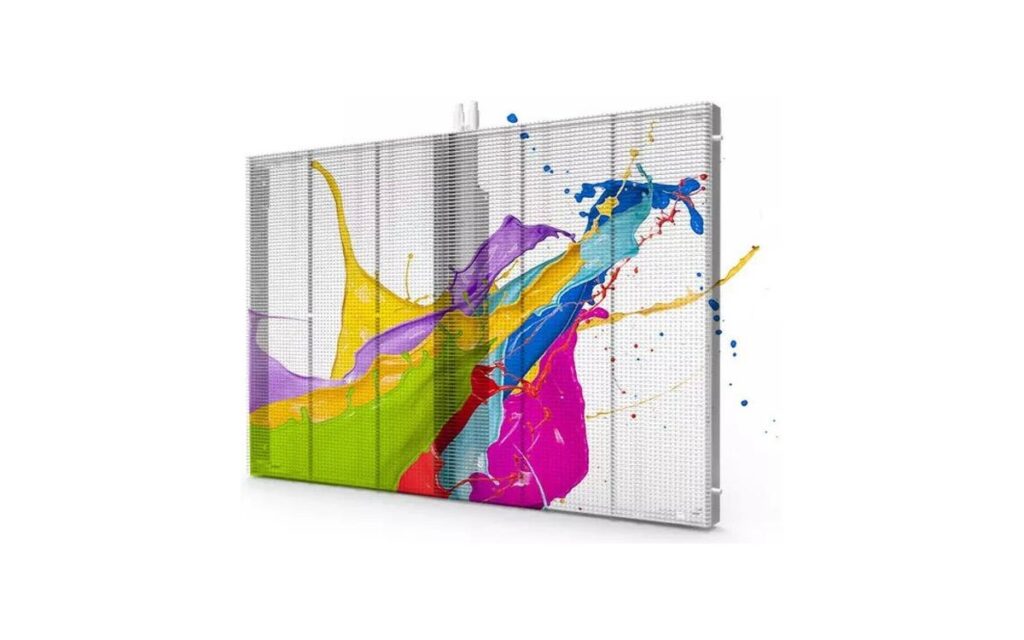
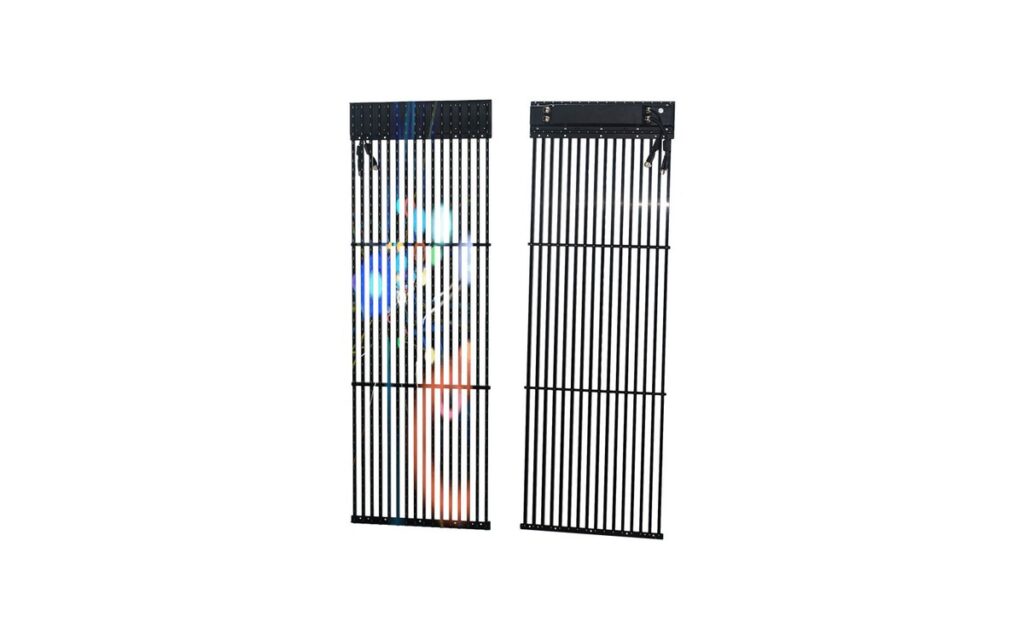
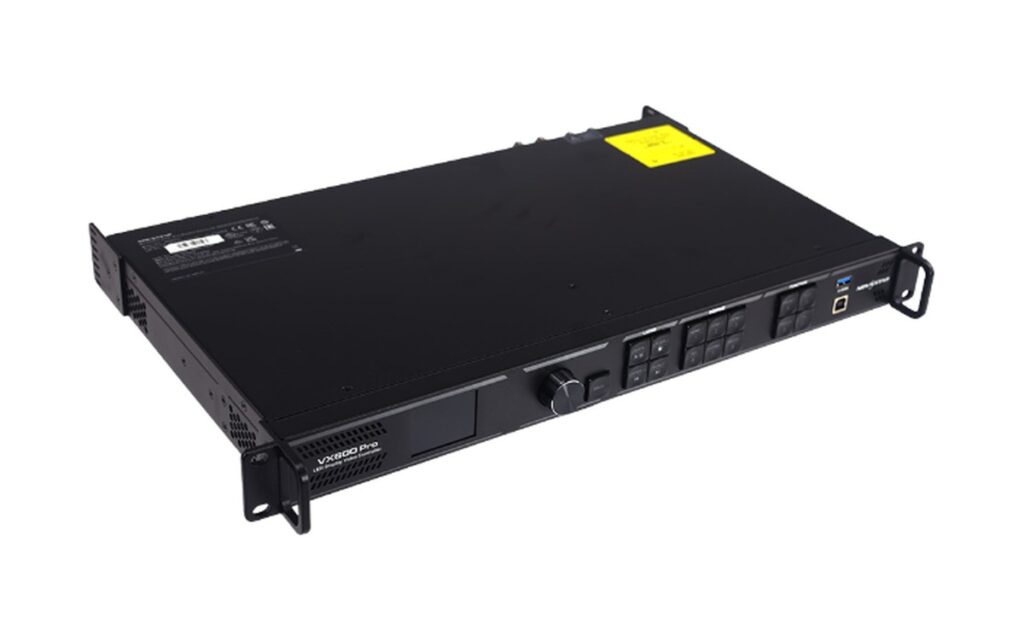


The format on the source is rarely the format the wall wants. A laptop outputs HDMI, a camera outputs SDI, the processor takes either, and the run to the screen may be 3 m or 300 m. The signal path is a chain of decisions, not one cable choice.
What each format is good at
| Format | Typical run | Strength | Watch out for |
|---|---|---|---|
| HDMI | Up to ~15 m passive | Cheap, universal on laptops and media players | Loose connectors, no locking, drops on long runs |
| SDI | ~100 m on coax | Locking BNC, stable on set, standard in broadcast | No audio/HDCP convenience, needs converters for laptops |
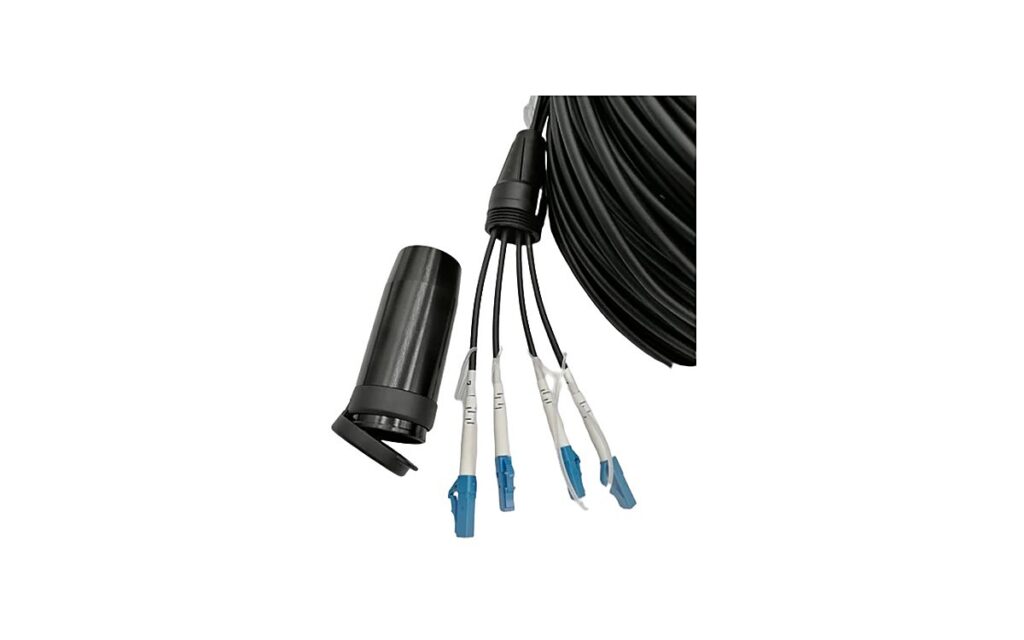
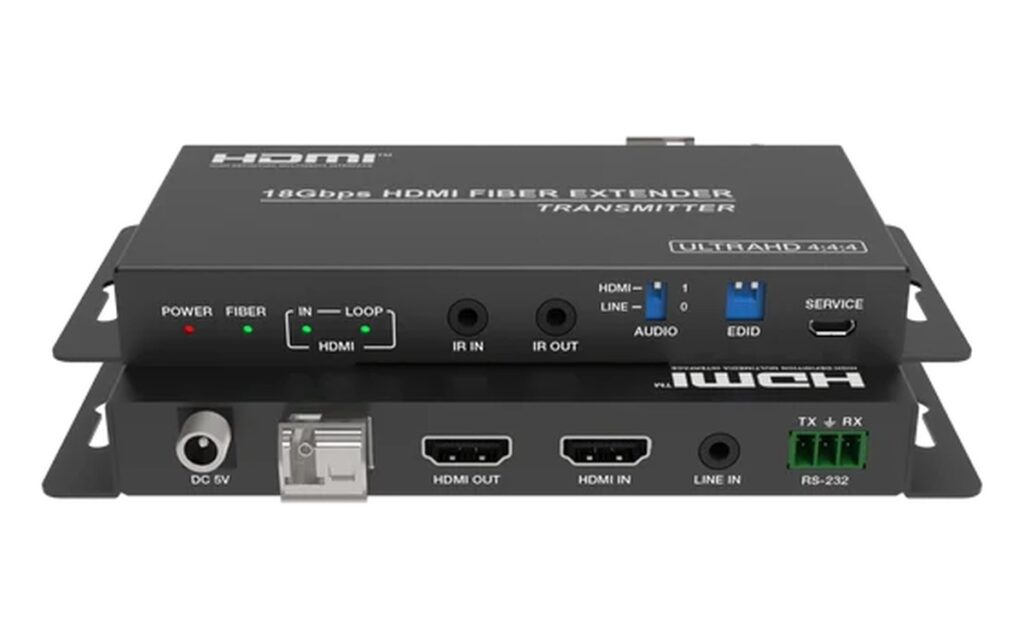
| Fiber | Hundreds of metres to km | Immune to EMI, carries any format via extender | Needs a converter pair and power at both ends |
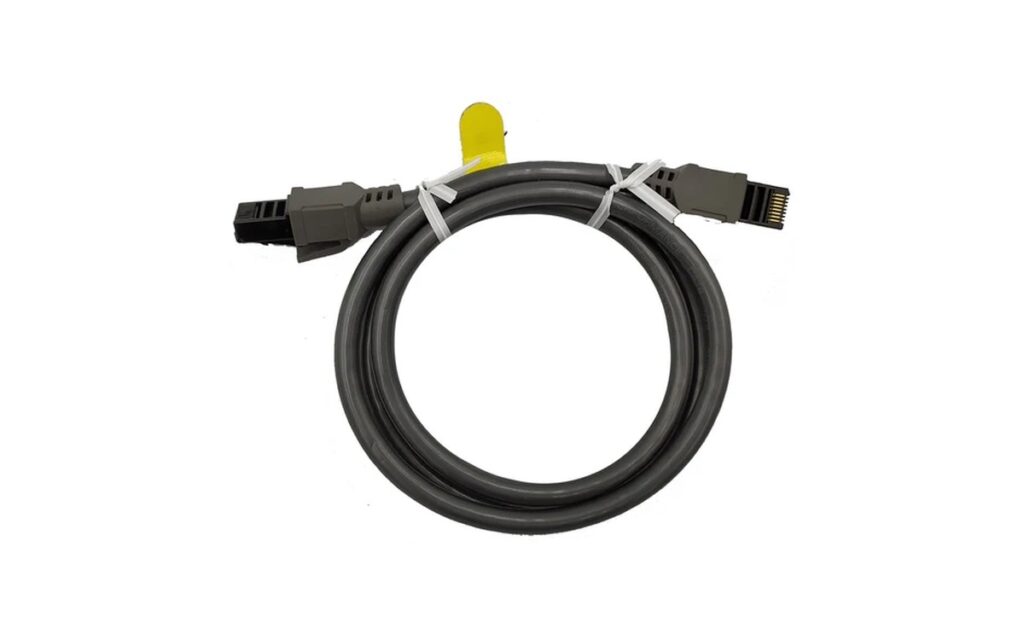
| Cat6 | ~70–100 m | Cheap, reuses structured cabling | Bandwidth limit at high resolution / refresh |
The usual chain on an LED wall
Source → converter or extender → processor → sending card → cabinets. Each hop has a format, and the weakest hop sets the limit. A 4K60 HDMI source run through a 4K30 extender becomes a 4K30 wall, even if every other part is 4K60.
Two rules avoid most problems: keep the source format native until the processor, and keep the long run on fiber or SDI rather than HDMI. HDMI is a connector standard, not a distance standard.
When HDMI is enough
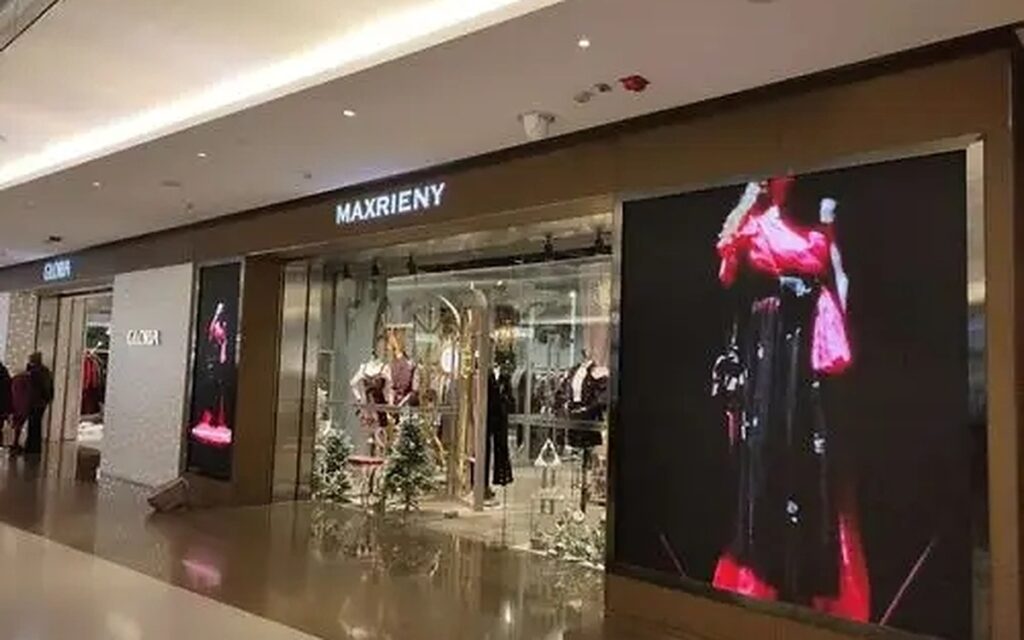
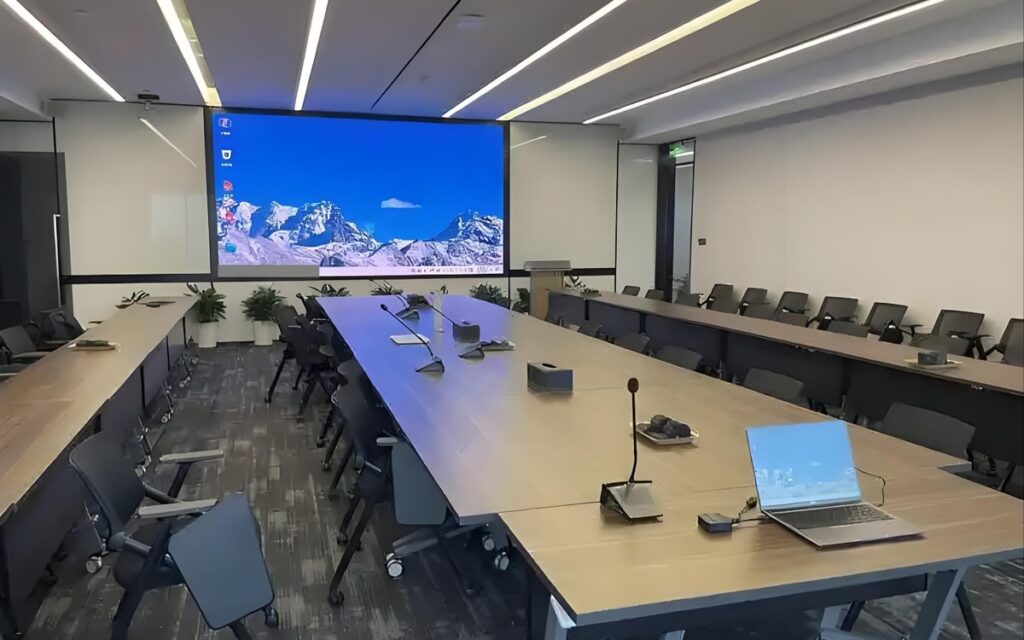
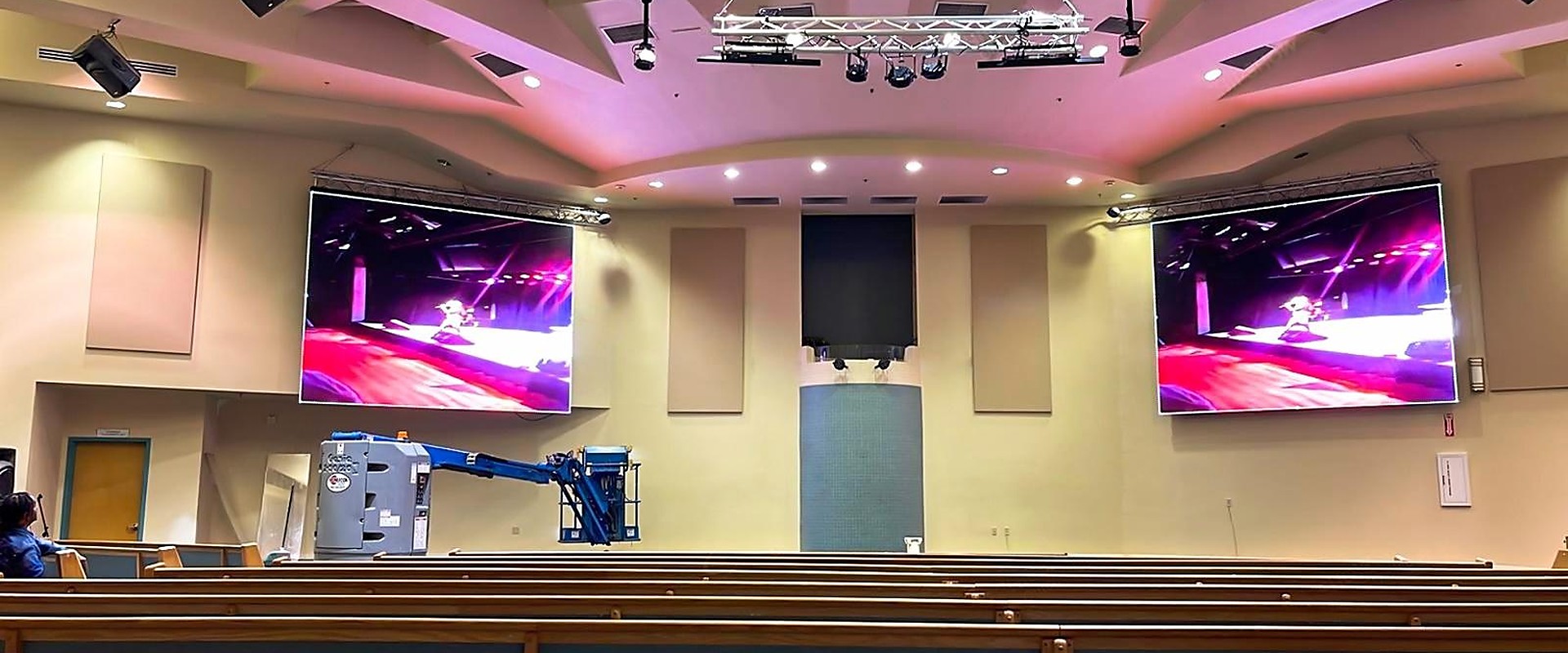
For a conference room, a retail wall or a church where the processor sits within 10–15 m of the source, HDMI is the cheapest and simplest path. Use a locking adapter or a short strain-relief pigtail — most HDMI failures on installed walls are mechanical, not electrical.
Beyond 15 m, move to an active HDMI cable, then to an extender. Passive long HDMI cables are the most common cause of “the wall works, then flickers”.
When SDI or fiber is the right call
SDI wins on set and in broadcast: locking connectors, long coax runs, and a signal chain that camera operators already trust. It needs a converter at the laptop end, which is a small cost against a failed show.
Fiber wins on distance and interference. Between buildings, up a tower, or beside power cables, fiber is the only format that does not care. The extender pair is the cost; the cable is cheap per metre.
Where splitters and matrices fit
A splitter sends one source to several displays; a matrix routes several sources to several displays; a processor scales and maps the canvas. They are not interchangeable. A splitter cannot map a wall’s canvas, and a processor is not the right tool for sending one laptop to four lobby screens.
Most projects need one processor at the wall, one splitter or matrix at the source rack, and extenders in between.
Choosing the extender
Extenders are specified by three numbers: resolution, refresh and distance. A unit that handles 4K30 will not pass 4K60, and a unit rated for 10 km single-mode will not run on multimode cable. Match the extender to the source first, then to the cable in the building.
Power is the detail that delays installations. Most extender pairs need power at both ends; if the far end is on a truss or a roof, confirm there is a socket or use a unit that can be powered over the same cable.
Commissioning checklist
Before the wall is signed off: confirm the source resolution and refresh at the processor input, confirm the extender is passing the same format, confirm the processor output matches the wall canvas, and confirm the receiving cards are on the expected firmware. Four checks, ten minutes, and most “the wall is flickering” calls disappear.
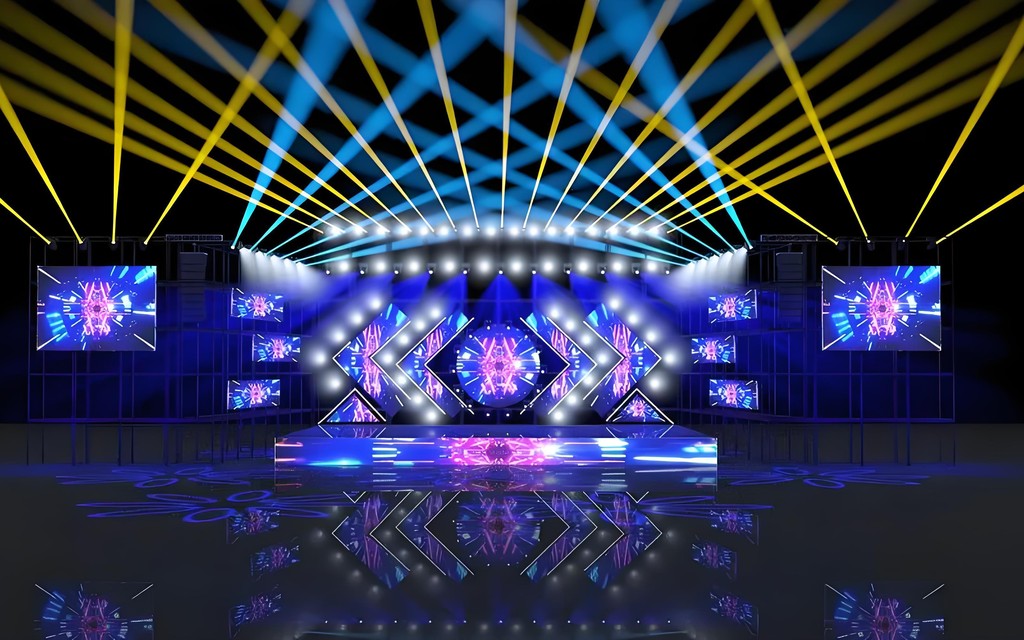
Label both ends of every cable. On a multi-screen stage, the cable that runs to the side screen is the one that gets swapped by mistake at load-in.
Common questions
Not reliably. Passive HDMI is specified for short runs; beyond about 15 m use an active cable or an extender pair.
Yes, when the extender carries the full HDMI or SDI payload. Confirm the extender supports the audio format you need.
Fiber for the long runs, SDI at the camera end. Use an SDI-to-fiber extender at the boundary.
Only if the chain is SDI. For HDMI sources, an HDMI extender or a processor with HDMI input is enough.
It depends on the extender. Many handle 1080p to 100 m and 4K over shorter runs; the spec sheet is the limit, not the cable category.
As part of the screen package: processor, sending card, extenders and cables can be quoted together, with the chain checked against your source list.
Not directly — an extender is point to point. Use a splitter or a distribution amplifier after the extender if several displays need the same signal.
Single-mode fiber with a matching extender pair. Multimode is cheaper for short runs inside a building but limited in distance.