


Conference Room LED Display Solutions
Present closer and clearer with fine-pitch LED displays for boardrooms, meeting rooms and auditoriums — supplied with switching, processing and control.
- Fine-pitch LED for close-view presentation
- Boardroom & meeting-room display walls
- Hybrid meeting & video-conference integration
- Switching, processing & control systems
Typical Conference Room Display Challenges
These are the key technical factors to confirm before selecting a meeting room LED display:
- Close viewing distances where pixel structure must stay invisible
- Reading small text, spreadsheets and diagrams from every seat
- Wireless presentation and multiple source types in one room
- Simple operation for non-technical users, meeting after meeting
Choose the Right Meeting Room Display
Fine-pitch, poster and fixed options for boardrooms, auditoriums and hybrid spaces.
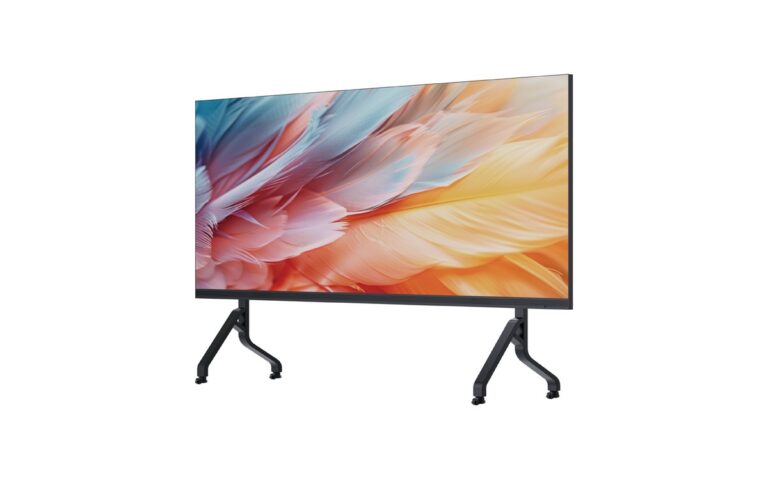
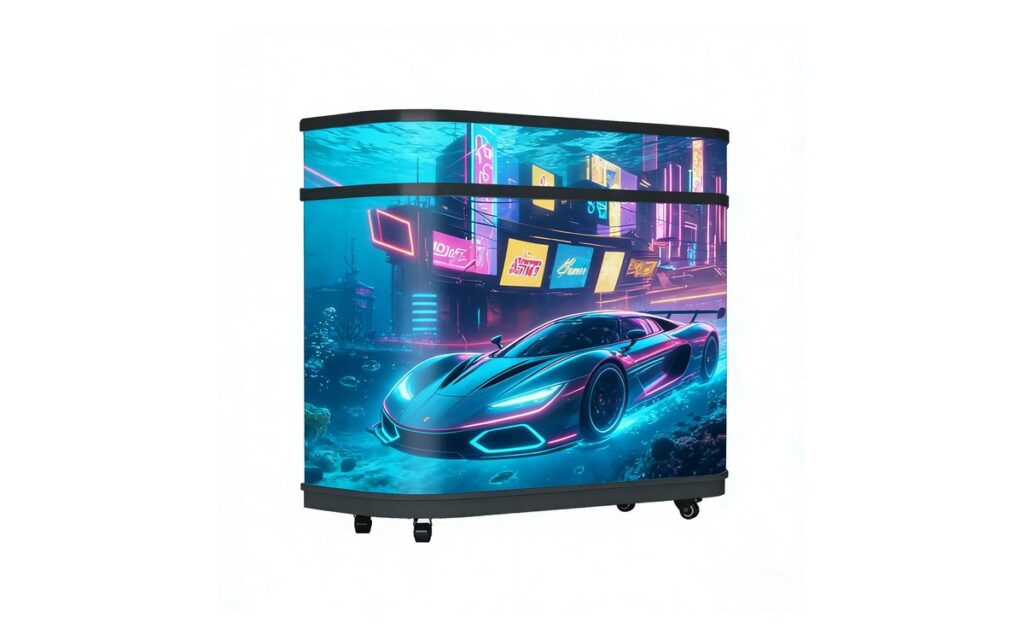
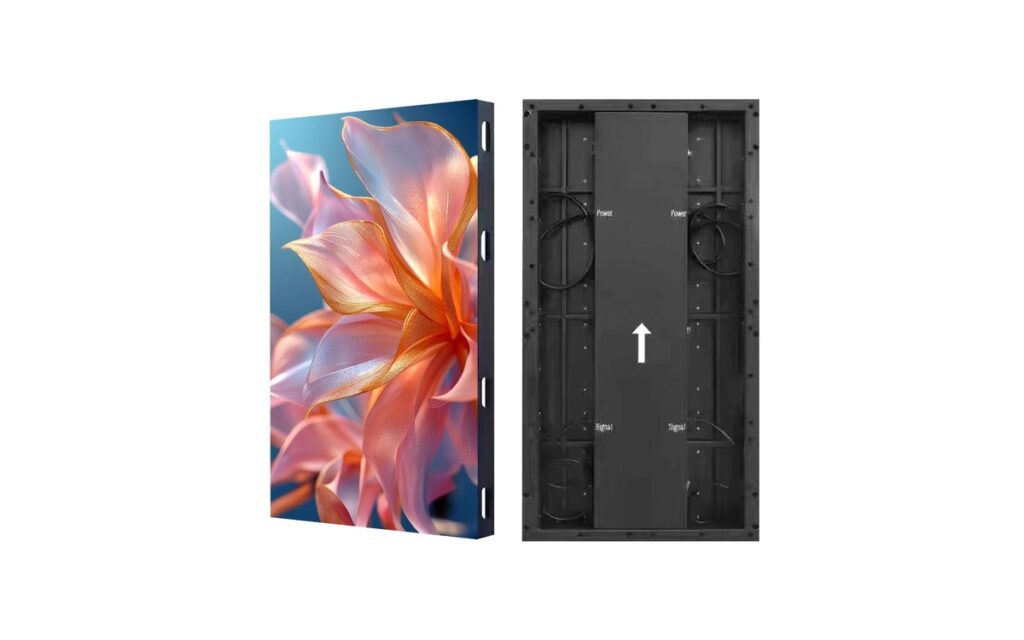
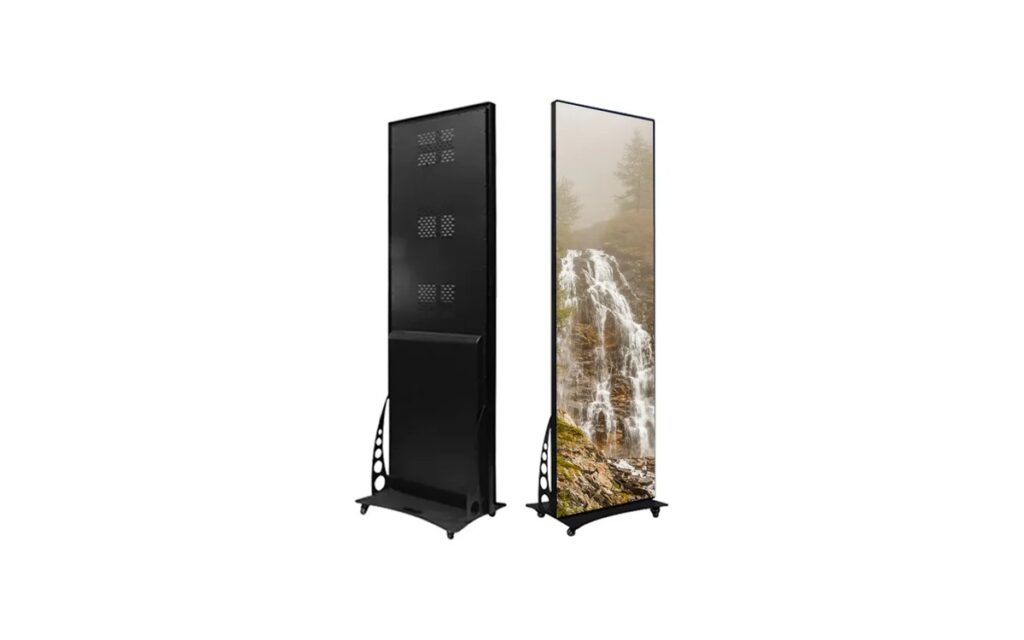
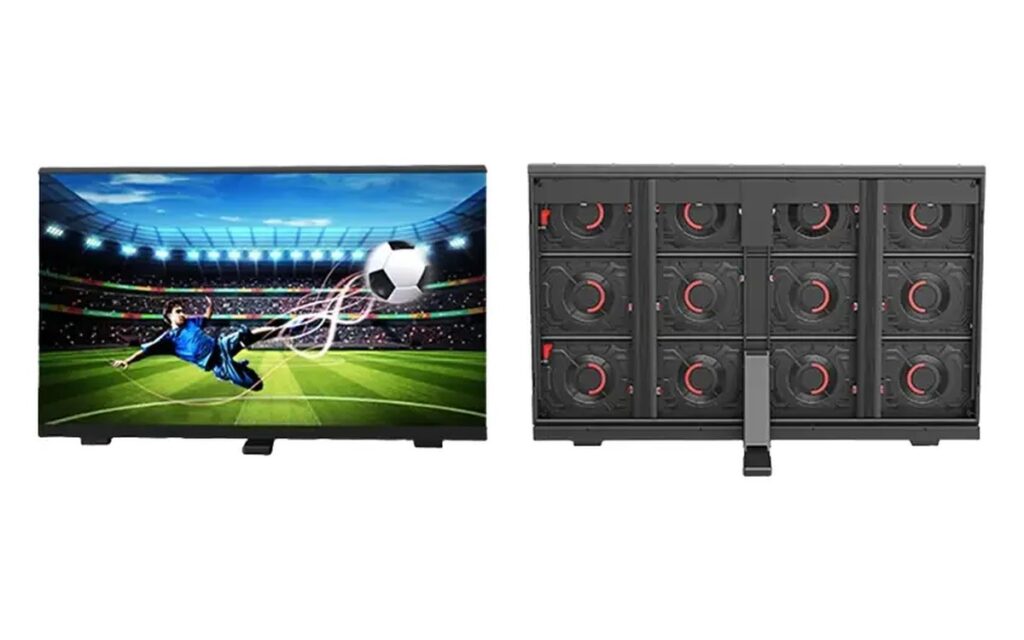
Poster-Conference Series
Agendas, speaker information, room guidance, and supplementary meeting content.
View details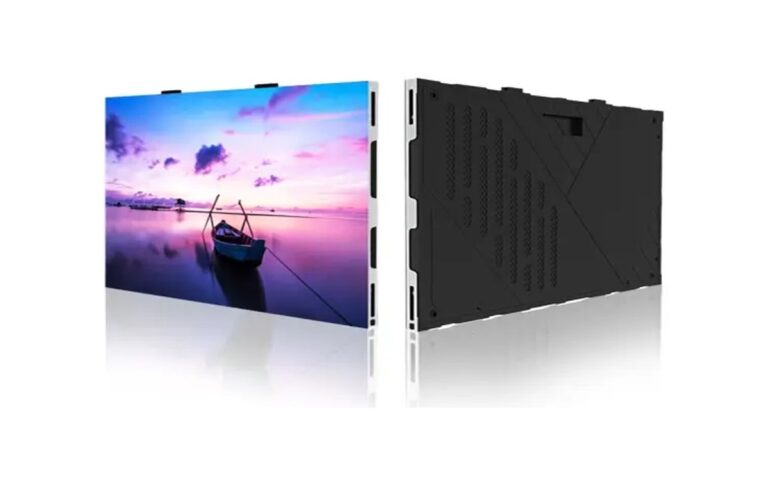
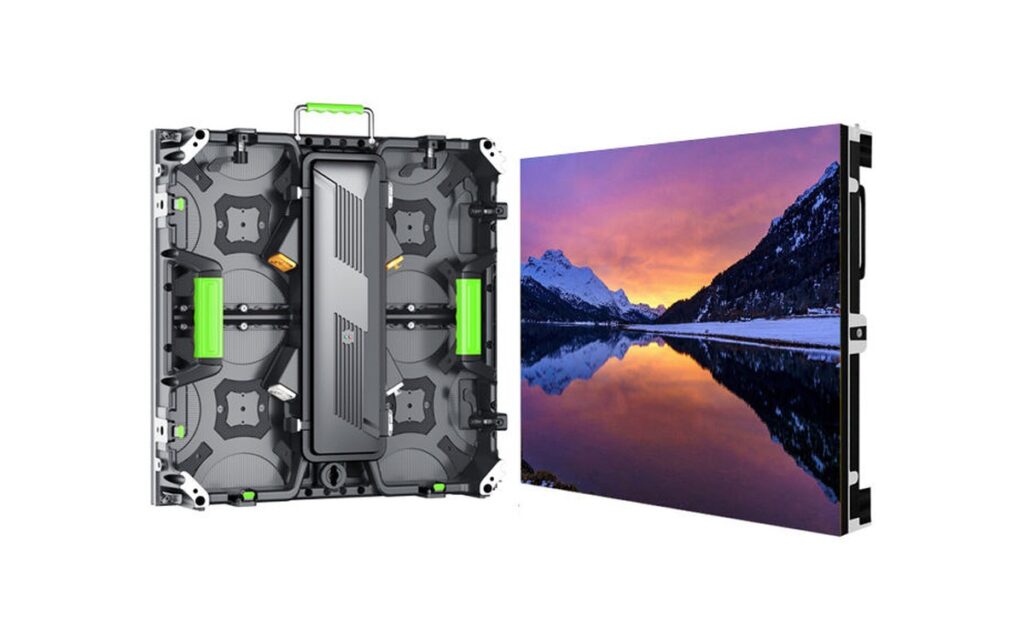
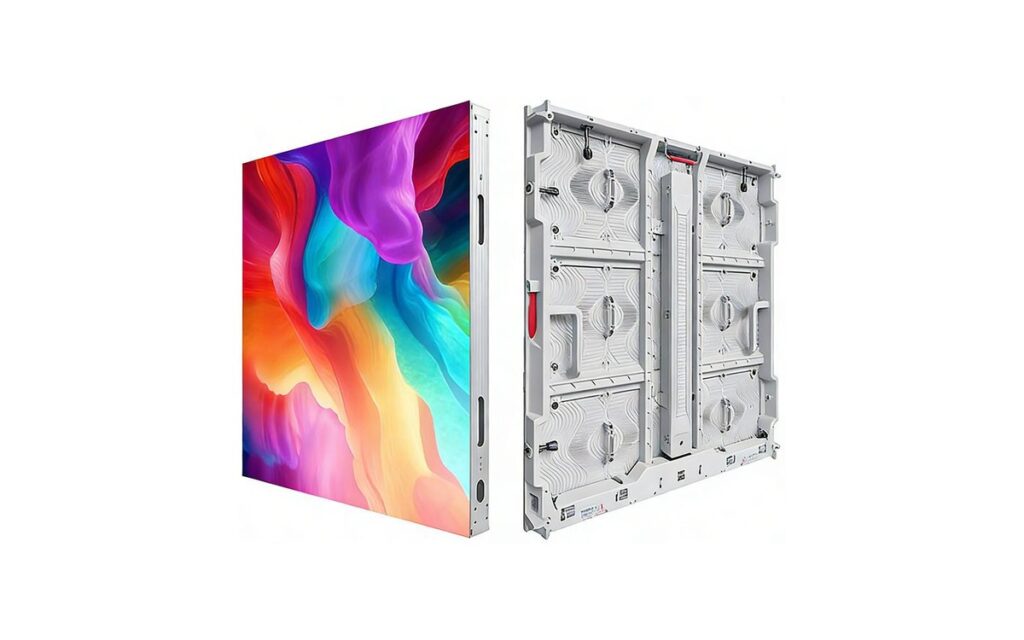
FHD-PRO Series
Boardrooms, executive meeting spaces, collaboration rooms, and detailed presentation viewing.
View details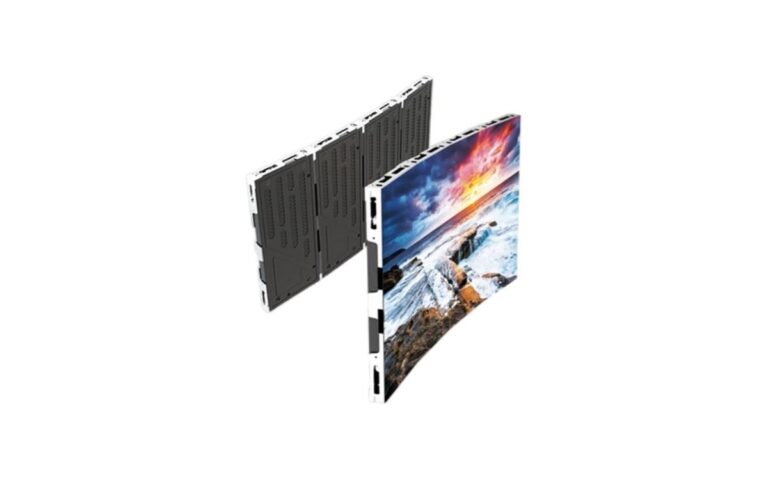
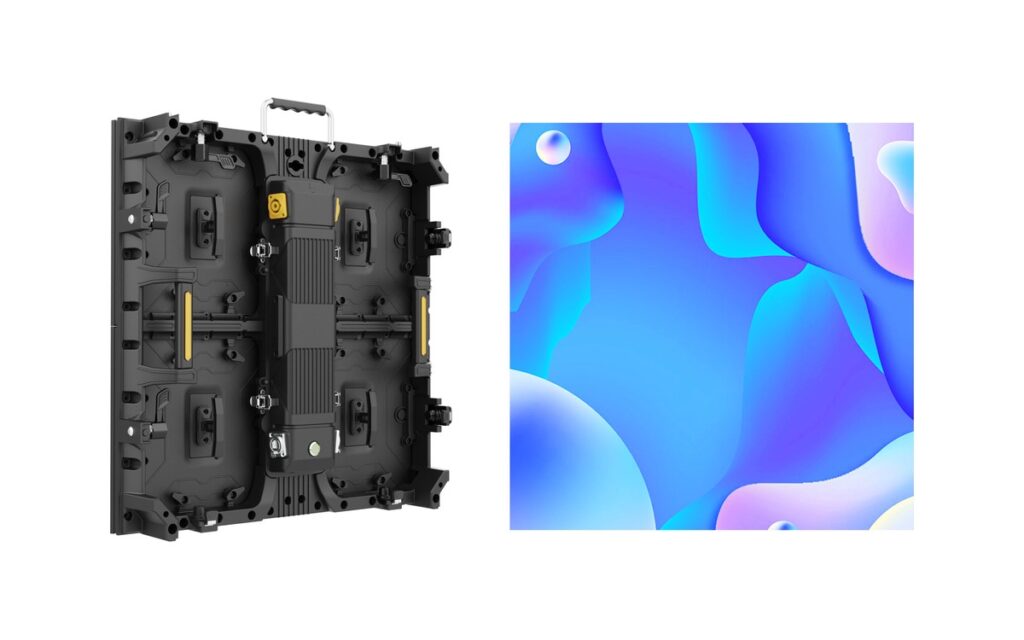
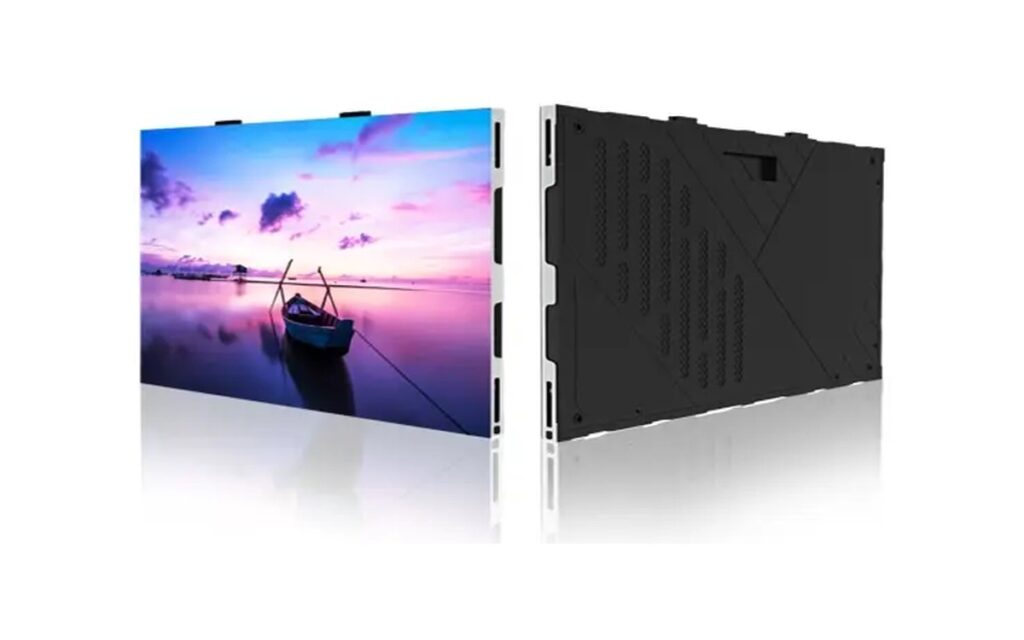
FHD-CU Series
Corporate meeting rooms, training rooms, hybrid presentation spaces, and multi-source collaboration environments.
View details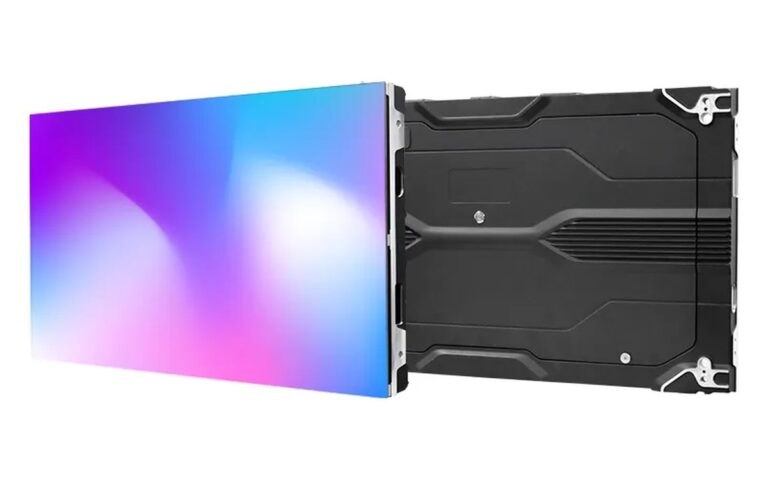
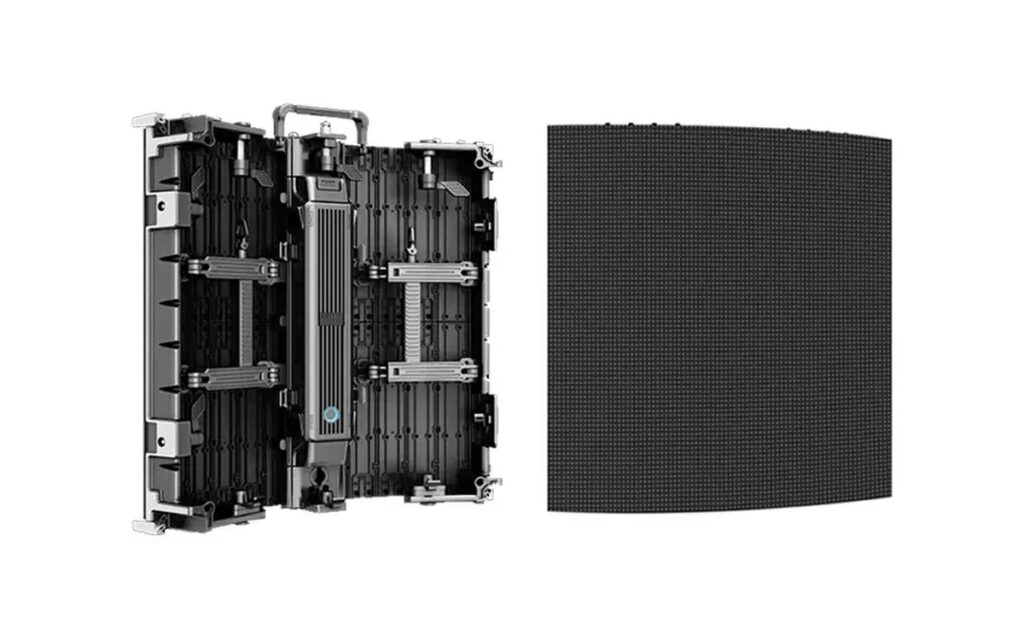
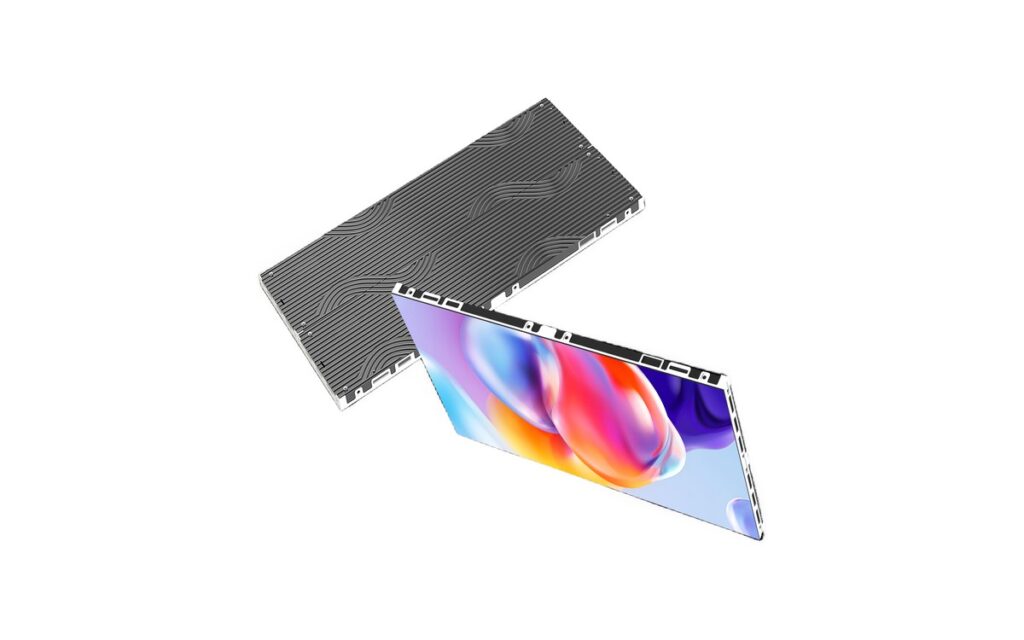
COB-H Series
Close-view boardrooms, document-heavy meetings, and shared data presentations.
View details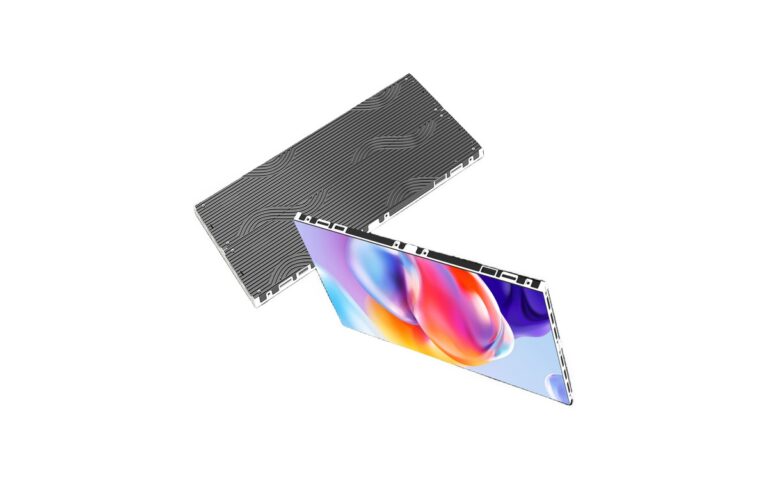
Indoor-Slim Series
Auditoriums, larger conference rooms, lecture spaces, and presentation areas with longer viewing distances.
View detailsQuick comparison
| Series | Best For | Key Consideration |
|---|---|---|
| FHD-PRO | Boardrooms and executive meeting spaces | Fine pitch for close viewing and text clarity |
| FHD-CU | Corporate meeting and training rooms | Standard 16:9 formats for meeting content |
| COB-H | Close-view boardrooms and document sharing | COB protection for touch-close viewing |
| Poster-Conference | Agendas, speaker information and room guidance | Free-standing screen for entrance and hallway use |
| Indoor-Slim | Auditoriums and larger conference rooms | Larger formats for mid-distance viewing |
Which LED Display Suits Your Meeting Room?
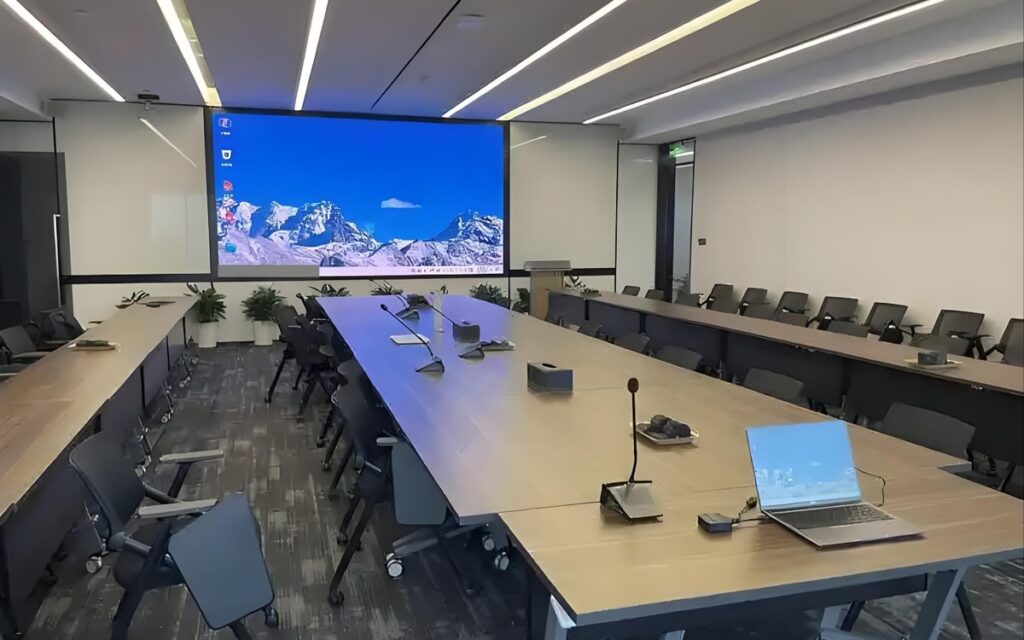
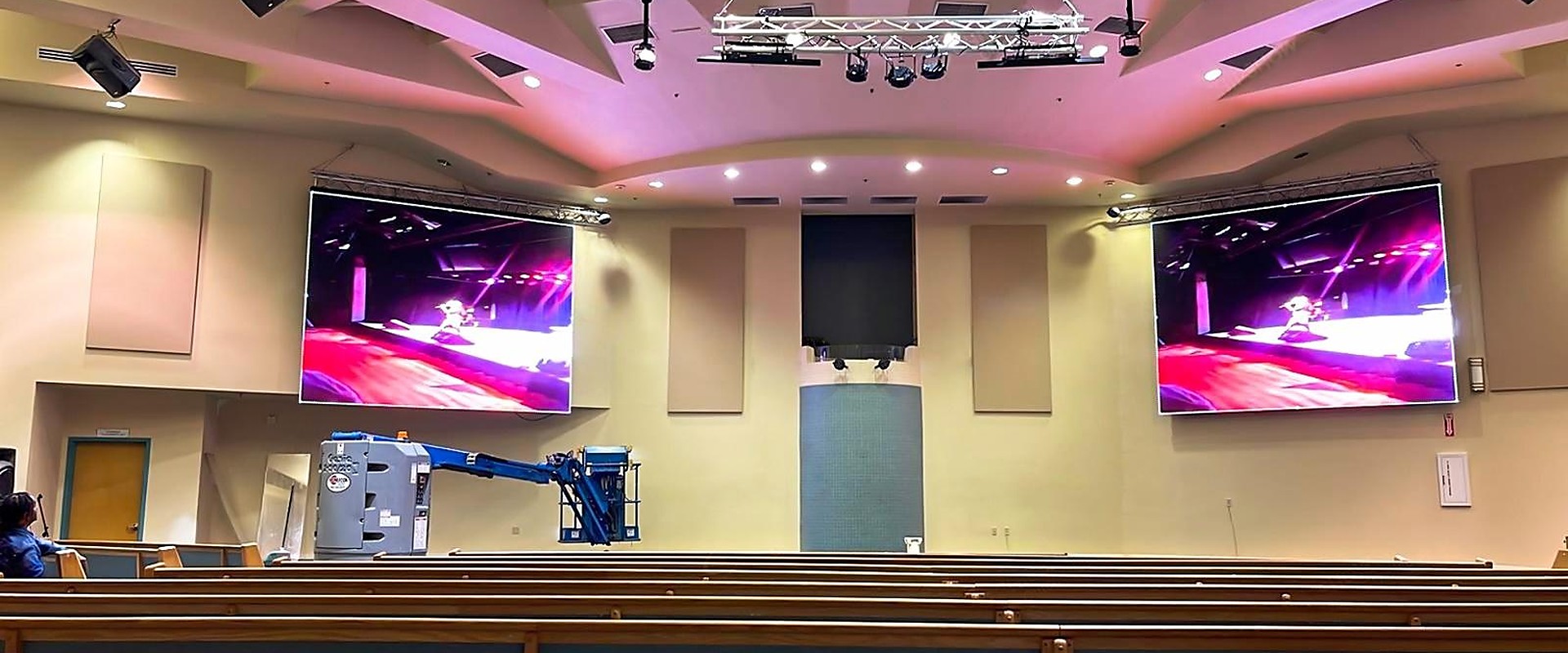
Fine-pitch LED displays are commonly used in boardrooms and meeting rooms where people sit close and read detailed content. Standard 16:9 formats suit corporate meeting and training rooms, while larger indoor displays support auditoriums and conference halls. The final configuration depends on room depth, viewing positions, content type and the AV signal chain.
For meeting rooms, the display should be selected as part of the presentation workflow — including content sources, wireless sharing, switching, audio, video conferencing and daily operation by non-technical users.
Meeting Room Display Planning Checklist
-
Define the room, seating and viewing distances
In boardrooms, screen width and image height should support close viewing without forcing users to scan an oversized image. Auditoriums usually have longer viewing distances, but sightlines and readability from rear seats remain important. Plan the display around room depth, seating layout, wall space, desired aspect ratio, and source resolution.
-
Select pixel pitch for close viewing
Fine-pitch LED displays are commonly considered for meeting rooms because participants may sit close to the screen and need to read small text, spreadsheets, diagrams, and interface elements. A smaller pixel pitch generally makes pixel structure less noticeable at shorter distances, but selection should be based on the nearest viewing position, content detail, screen dimensions, and budget. A larger display does not by itself ensure legible content; presentation design and scaling also affect results. Product specifications should be confirmed against the project design.
-
Plan the complete signal chain
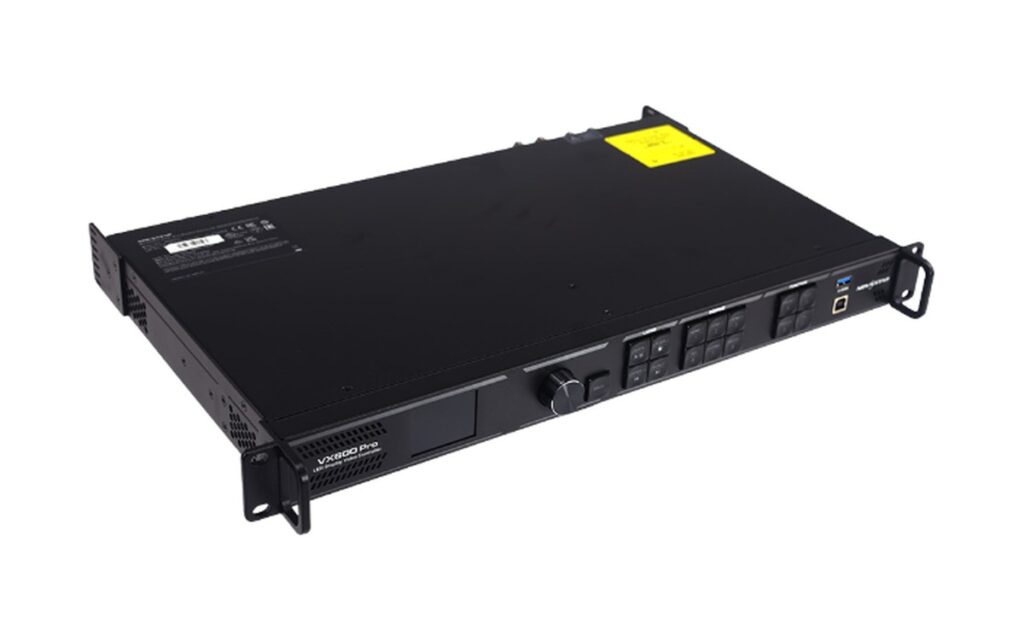
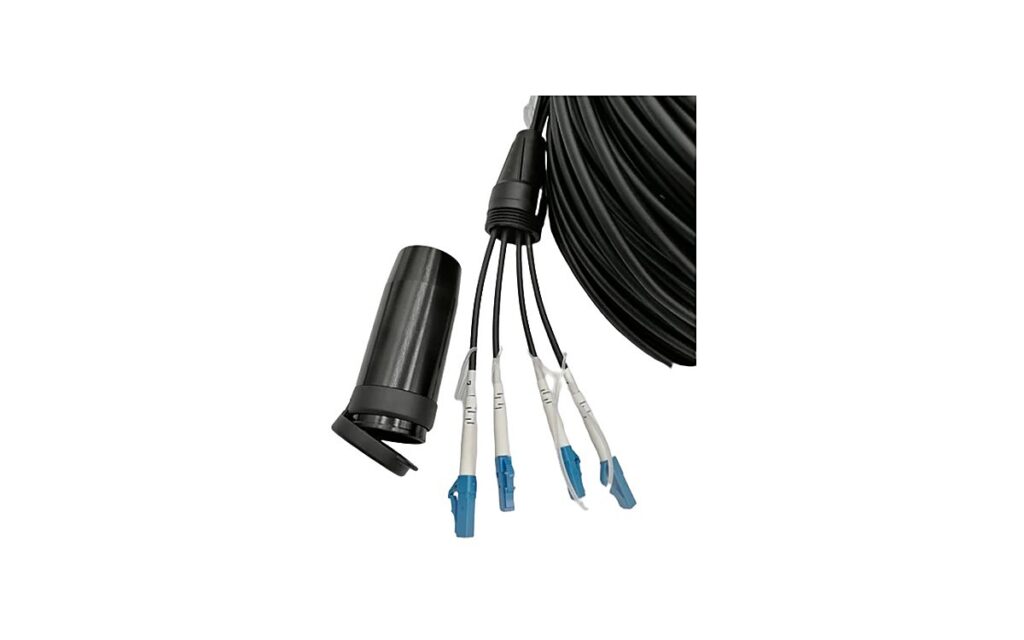
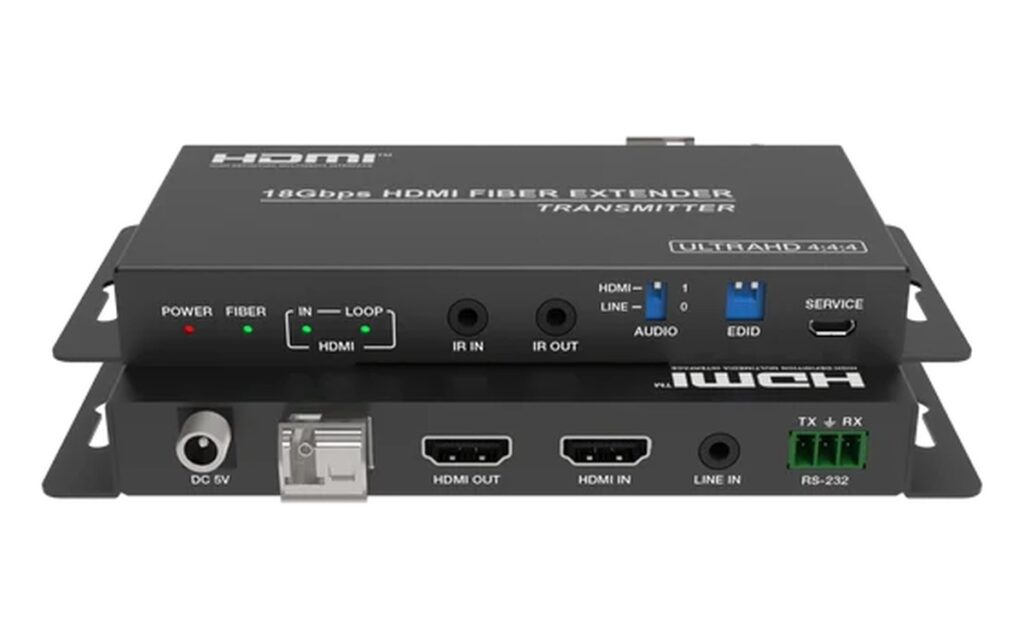
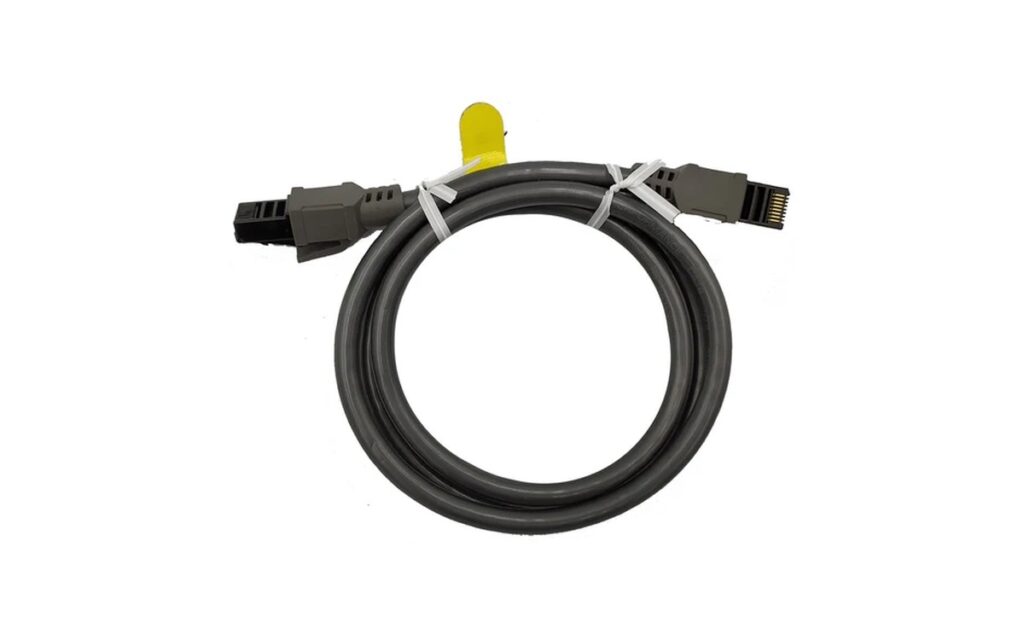
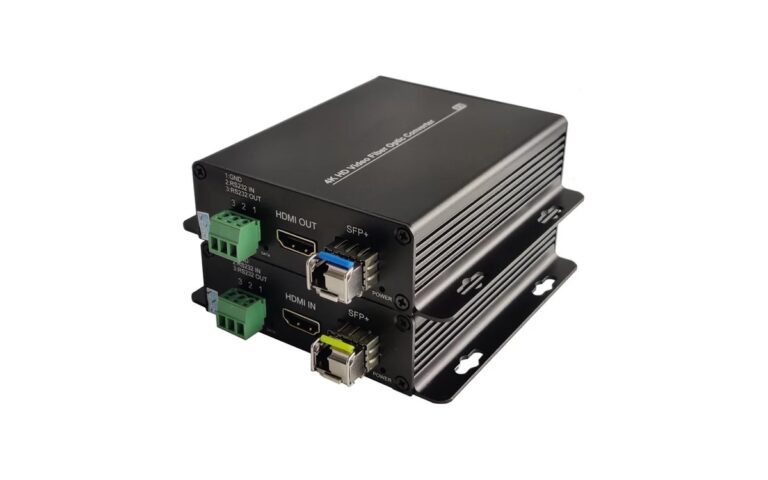
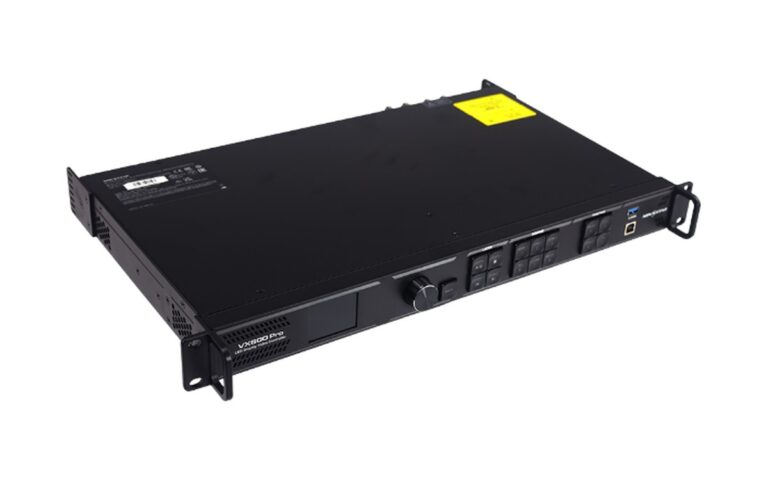
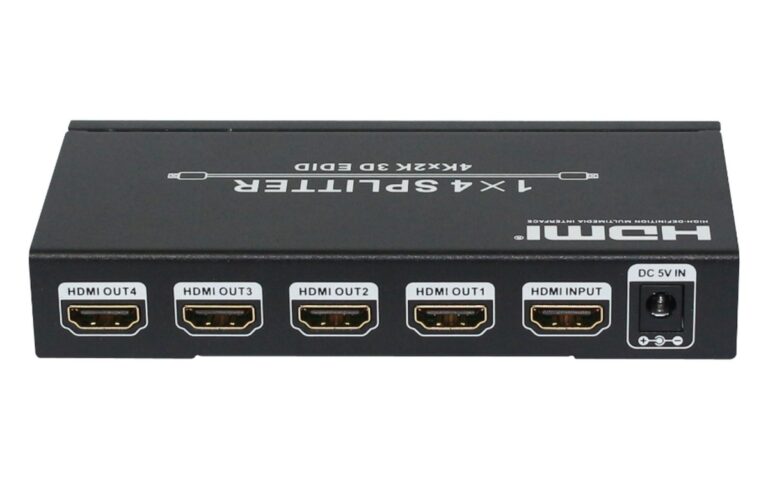
A meeting room display should be planned as part of the complete signal chain. Typical sources include laptops, room computers, conferencing systems, document cameras, and media players. A switcher or presentation processor can route and scale these sources before the LED controller. Extenders may be needed where source equipment and the display are separated by longer cable paths. Compatibility depends on signal format, resolution, frame rate, content protection, and the interfaces used.
-
Prepare for hybrid meetings
For hybrid meetings, consider how local presentation content, remote participants, and camera feeds will share the screen. Audio, camera, control, and display behavior should be tested together.
-
Keep operation simple for non-technical users
Non-technical users benefit from clearly labeled actions such as start meeting, share laptop, and end meeting. Presets, automatic source handling, and documented fallback steps can reduce operating errors, subject to the selected AV platform.
Recommended System Configurations
Typical meeting room setups we configure and supply as complete systems — displays together with switching, processing and control.
Boardroom & Executive Meeting Rooms
FHD-PRO Series + presentation switcher + 16:9 wall build
View Related ProductsTraining & Hybrid Meeting Rooms
FHD-CU Series + video conferencing integration + control
View Related ProductsAuditoriums & Large Meeting Spaces
Indoor-Slim Series + switching and distribution system
View Related Products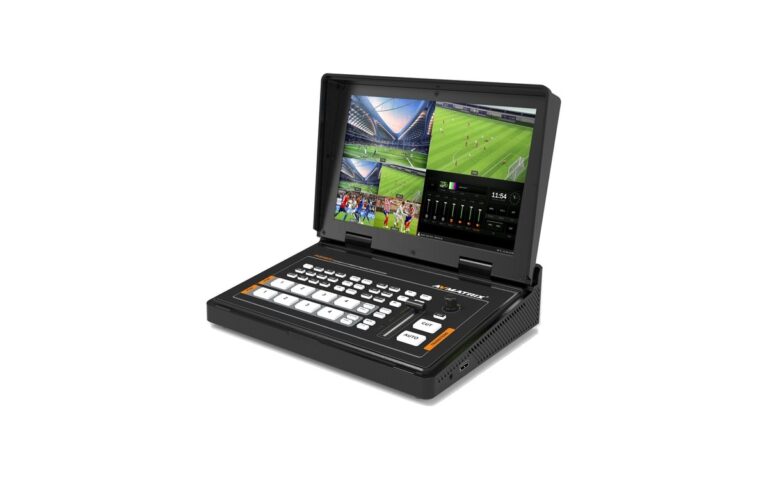
How to Select Your Conference Display Configuration
Configuration follows the room, the seating and the way meetings actually run.
| Project Factor | What We Consider |
|---|---|
| Room depth and seating | Nearest and farthest viewing positions |
| Content type | Text, spreadsheets, video or hybrid meetings |
| Aspect ratio and format | Standard 16:9 or custom wall dimensions |
| Signal sources | Laptops, room PC, conferencing and cameras |
| Control and ease of use | Presets, switching and labelled actions |
| Installation and service | Wall mounting, depth and access for maintenance |
Typical recommendations are a starting point only. The final configuration is confirmed against room drawings, viewing positions, AV platform and budget.
Fine-Pitch LED vs LCD Video Wall vs Projection
Most meeting rooms use LCD or projection; this table outlines how fine-pitch LED differs.
| LCD Video Wall | Projection | Fine-Pitch LED | |
|---|---|---|---|
| Image continuity | Panel-based; seams may be visible between screens. | Single projected image; boundaries depend on screen design. | Bezel-free display surface supports continuous image presentation. |
| Room lighting | Designed for standard indoor lighting conditions. | Typically needs controlled or dimmed lighting for image visibility. | Remains readable in daylight and other bright room conditions. |
| Viewing distance | Suitable for common meeting-room viewing distances. | Image size and clarity vary with throw distance and room lighting. | Fine-pitch modules support close viewing with clear text and graphics. |
| Size and format | Uses fixed panel dimensions and standard video-wall layouts. | Screen size depends on available space and projector throw distance. | Builds to bespoke sizes and aspect ratios. |
| Service and lifespan | Panels can be replaced individually; lifespan depends on usage and conditions. | Projectors require periodic service; lamp or light-source life varies. | Modules and receiving cards support targeted service; lifespan depends on operating conditions. |
| Typical fit | Common for standard meeting rooms and moderate display sizes. | Fits rooms with controlled lighting and larger shared-screen presentations. | Fits high-visibility rooms needing close readability or custom display formats. |
Characteristics are typical; final choice depends on the room, content, and project requirements.
Conference Display System Capabilities
- Fine-pitch options for close viewing and small text
- Standard 16:9 and custom formats for meeting rooms
- Presentation switchers and processors for multiple sources
- Video conferencing and hybrid meeting integration
- Simple presets and user-friendly meeting control
- Complete signal chain, mounting and commissioning support
Application References
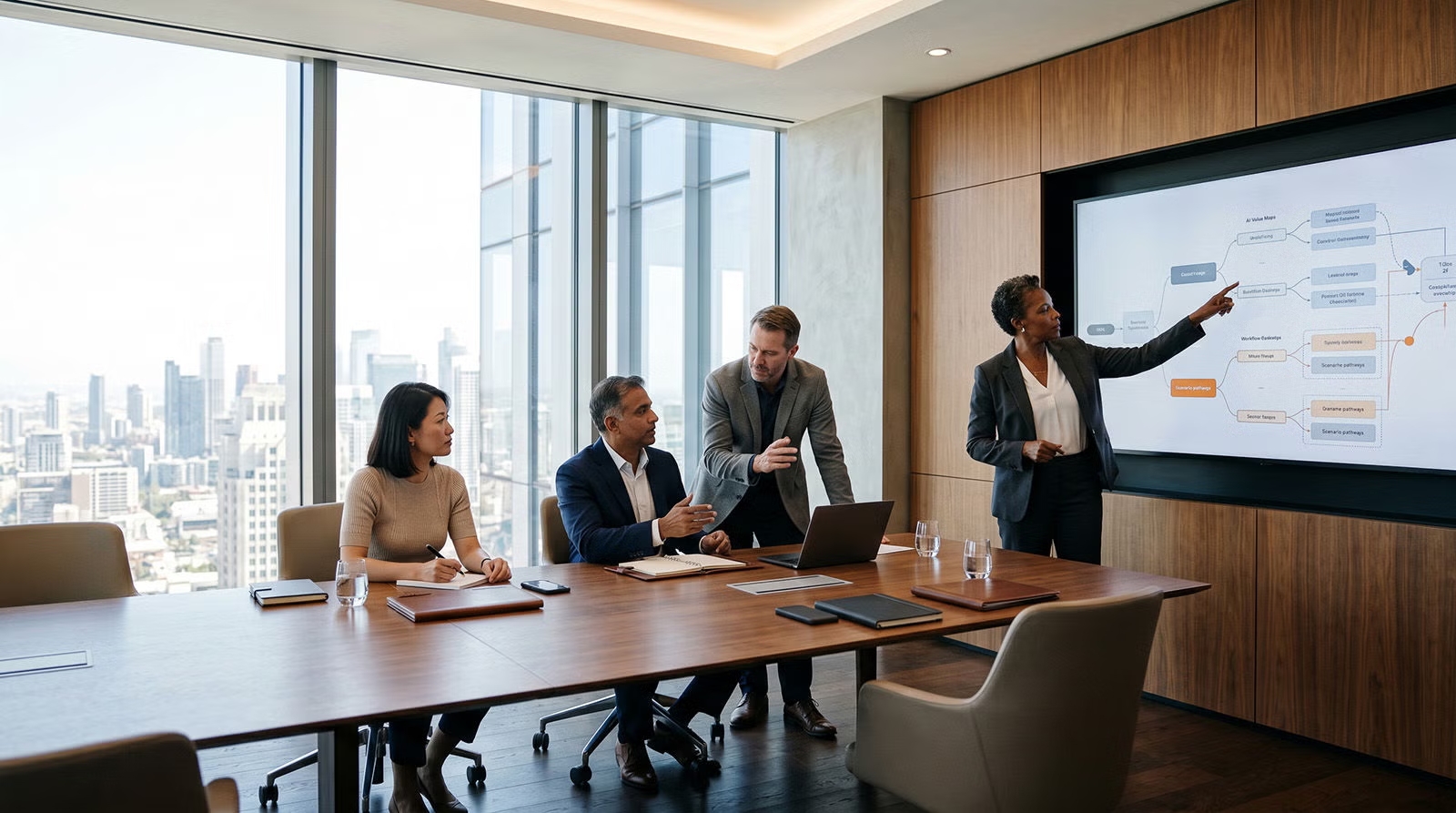
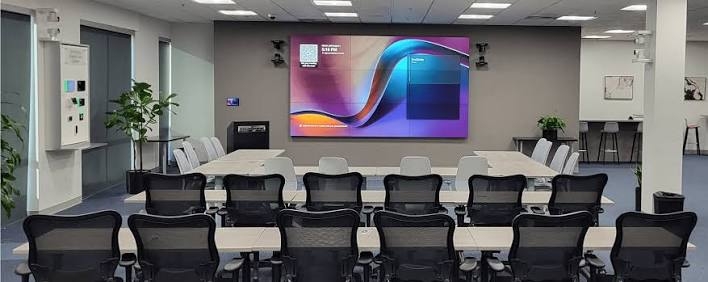
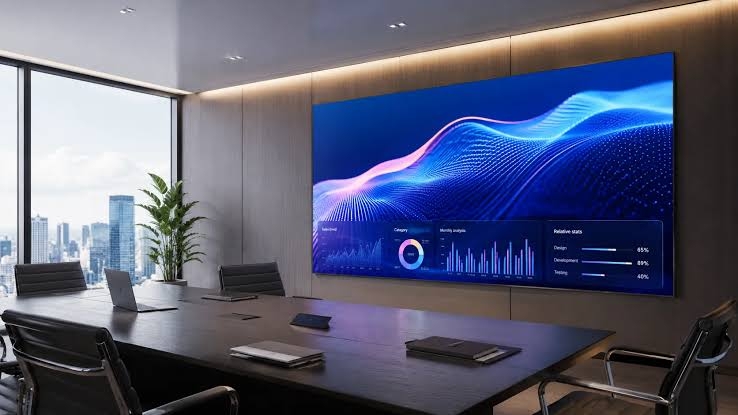
Typical meeting room configurations for reference. Each project is configured to its own room, platform and content workflow.
Conference Room FAQ
What is the difference between a fine-pitch LED display and an LCD video wall?
A fine-pitch LED display is assembled from LED modules and can be built to almost any size or shape without bezels, so the image stays visually seamless — well suited to boardrooms where content is viewed from a few metres. An LCD video wall uses multiple LCD panels with thin bezels; it is often lower in initial cost and panels can be replaced individually, but faint bezel lines remain visible and panel sizes are limited. The better choice depends on viewing distance, expected lifetime, brightness and how the room is used.
Can the LED display work with wireless presentation and video conferencing systems?
Yes — an LED display can work with common wireless presentation and video conferencing platforms when the signal chain is planned around them. The display sits at the end of the chain behind its controller, while a switcher or processor handles sources such as laptops, room PCs, conference cameras and wireless casting devices. Compatibility depends on signal format, resolution and content protection, so the complete path should be tested with the actual platforms and devices used in the room.
Which LED display should I choose for a conference room?
Start with room dimensions, nearest and farthest viewing positions, expected content, wall area, ambient light, and installation access. Fine-pitch options are generally considered when viewers sit close or need to read detailed text. Indoor fixed options may suit larger spaces with longer viewing distances. Confirm cabinet layout, processing requirements, mounting structure, power provision, and service access against the project design and product datasheet.
How do I select pixel pitch?
Pixel pitch should be selected from actual viewing distance and the level of detail users must read. Smaller pitch generally reduces visible pixel structure at close range, but it can affect equipment cost, processing load, power design, and service planning. Review sample content at a representative distance where possible, and confirm the selected model against room dimensions, screen size, and budget.
What screen size and ratio are suitable for a boardroom or auditorium?
Screen dimensions should follow available wall area, seating layout, sightlines, intended content, and the desired image aspect ratio. For document-heavy meetings, sufficient image height is important for readable text. Common choices include 16:9 and wider formats such as 21:9 for video calls and dual-content layouts. Boardrooms require attention to the nearest seat, while auditoriums also require checks from rear and side positions. Allow space for cameras, loudspeakers, ventilation, mounting, and service access. Final dimensions should be coordinated with cabinet layout and source resolution.
What equipment is needed between the source and LED display?
The required signal chain depends on the number and type of sources. A typical system may include a presentation switcher, scaler or processor, LED controller, signal extenders, and a room control interface. Check input and output formats, resolution handling, frame rates, content protection, and cable distance. The complete path should be tested with the actual laptops, conferencing equipment, and presentation software expected in the room.
How should an LED display be planned for hybrid meetings?
Plan how local content, remote participants, camera feeds, and meeting controls will appear during common workflows. Screen placement should support camera framing and clear sightlines without obstructing loudspeakers or room equipment. Coordinate the display with the conferencing platform, audio system, cameras, and control interface. Test content sharing, layout changes, connection recovery, and call start and end procedures before handover to users.
What installation and maintenance access should be considered?
Service access depends on the display design, mounting method, and room construction. Confirm whether modules and internal components are accessed from the front, rear, or both. The installation plan should also cover structural support, ventilation, power isolation, cable routing, and safe working space. Keep suitable spare components where required, and document replacement and recalibration procedures with the integrator before the room enters regular use.