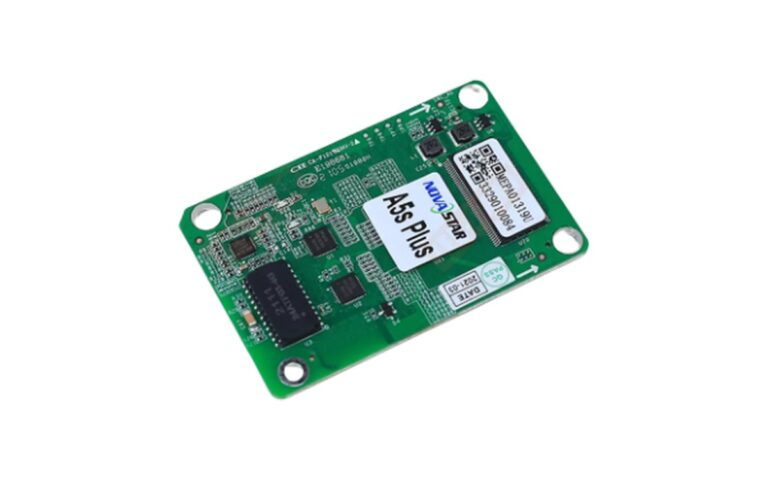



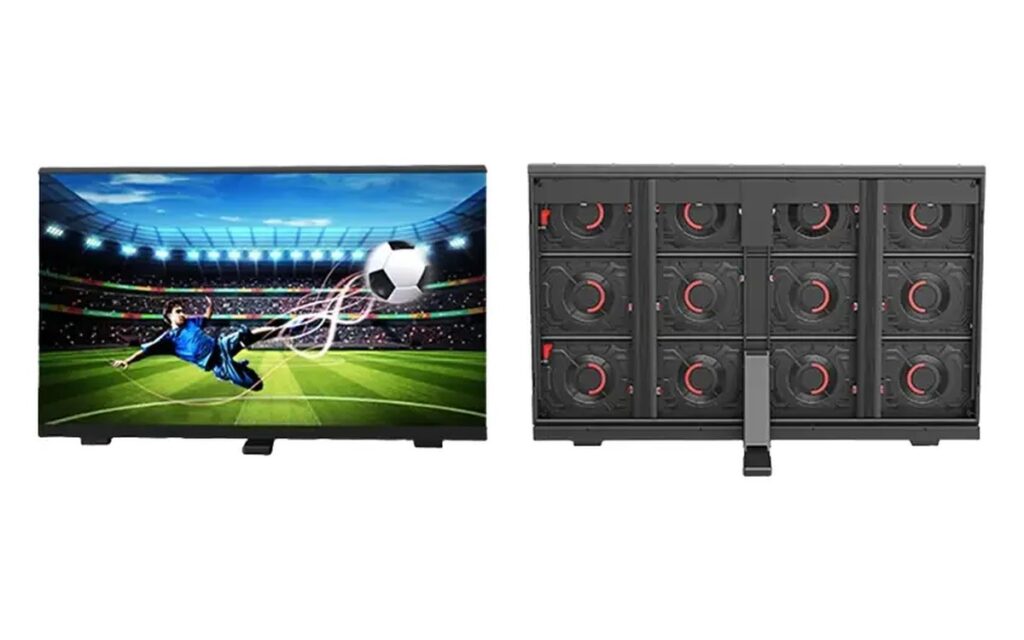
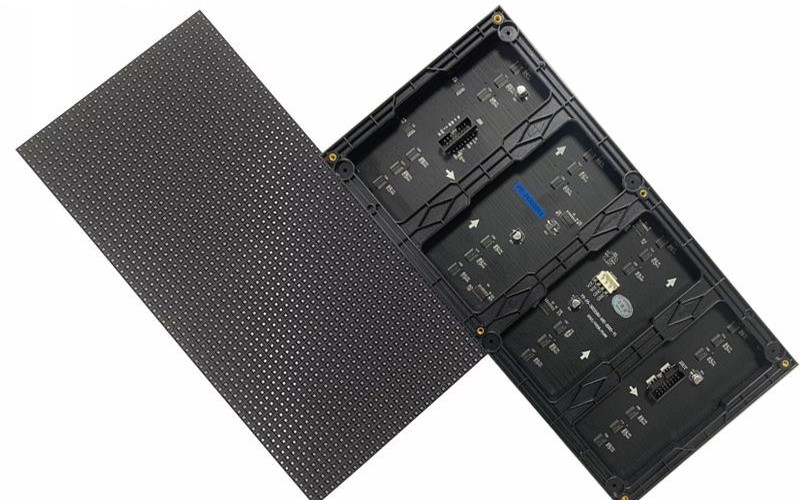
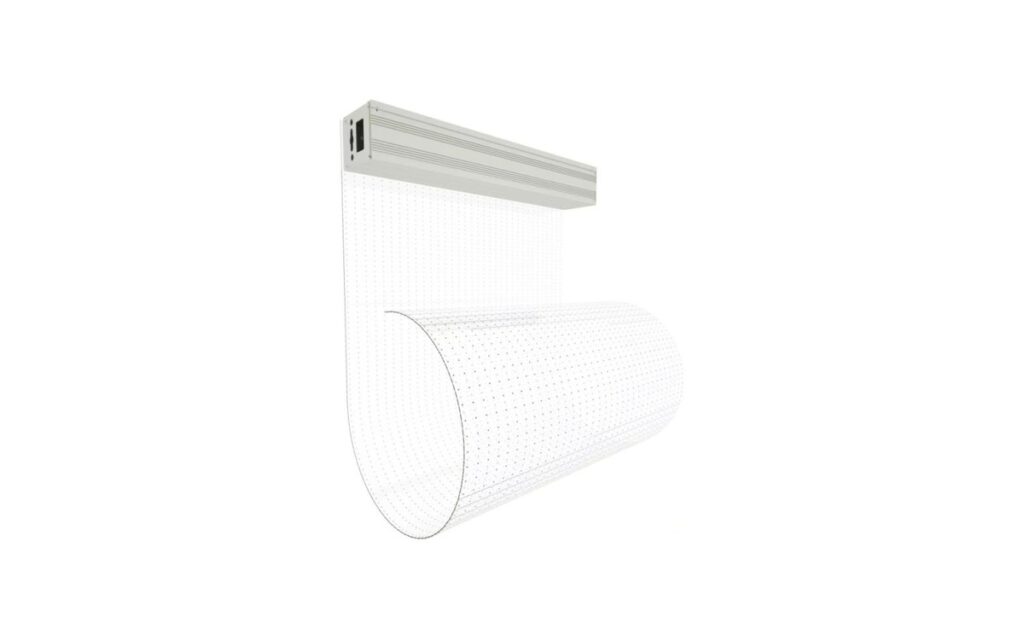
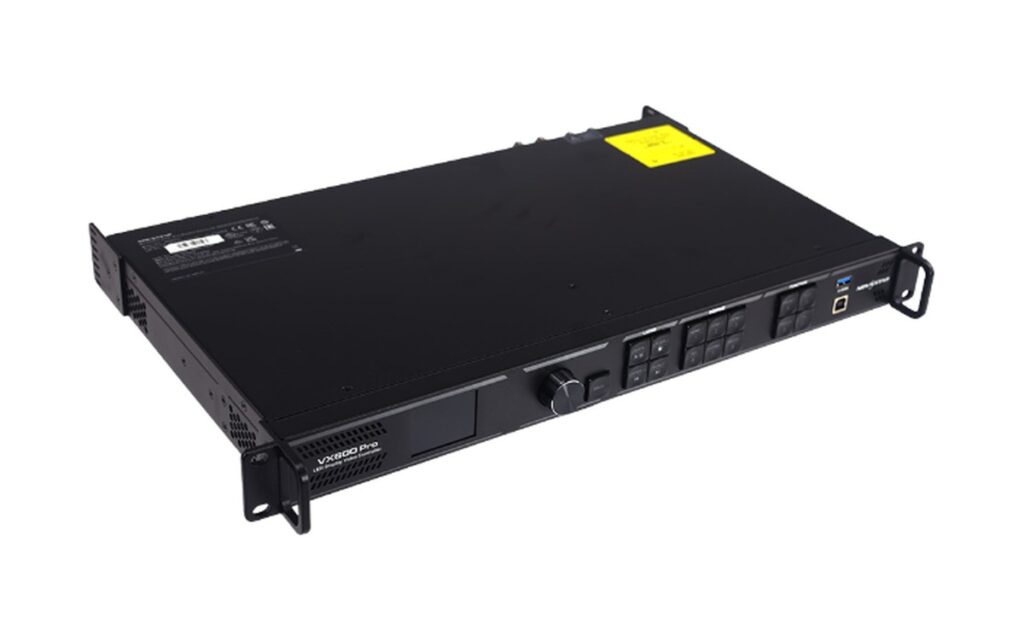
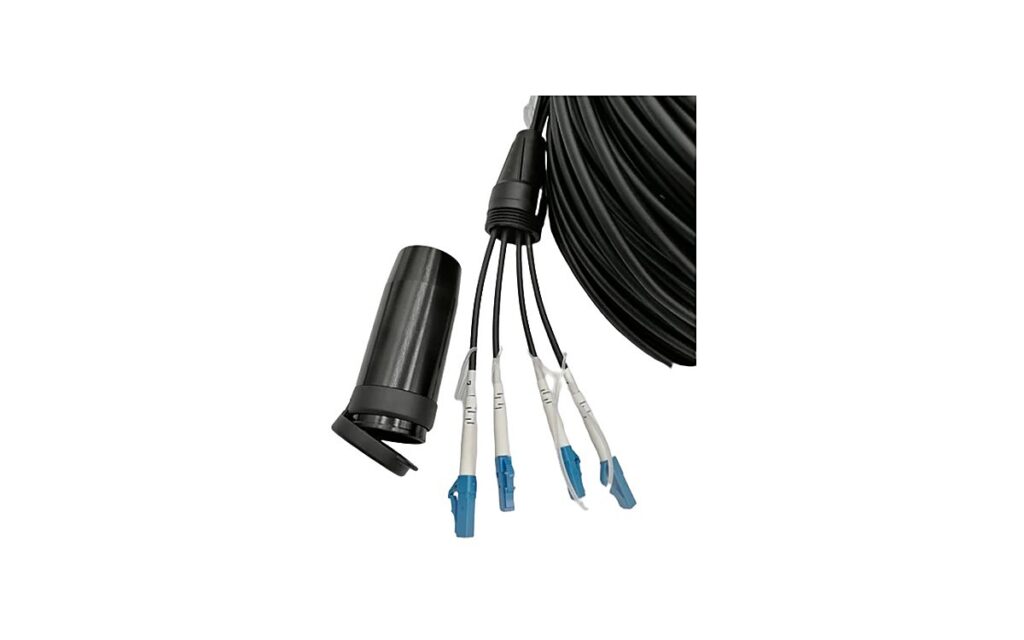
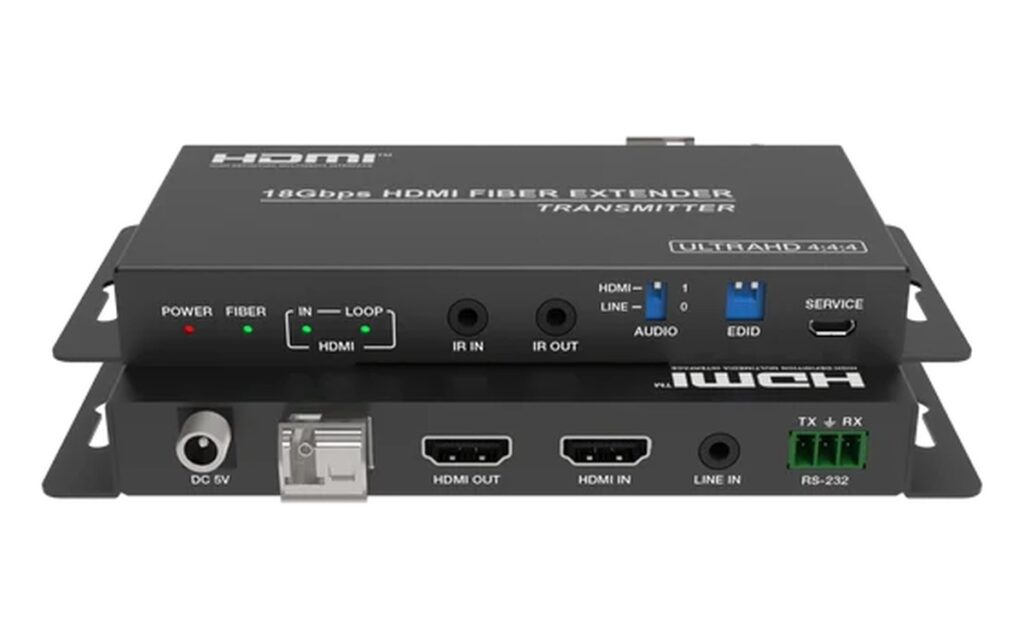
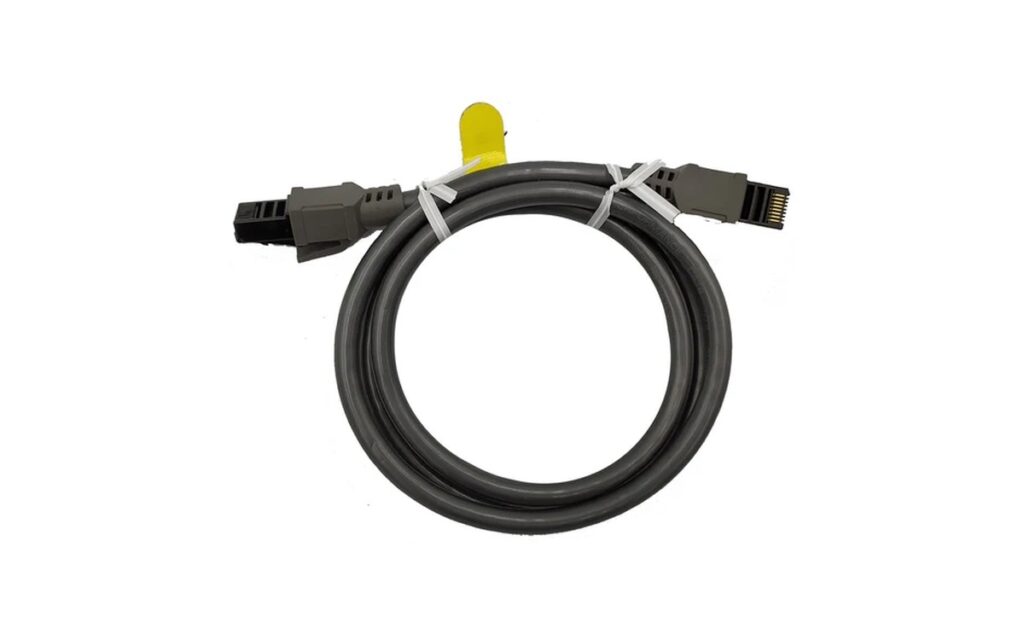
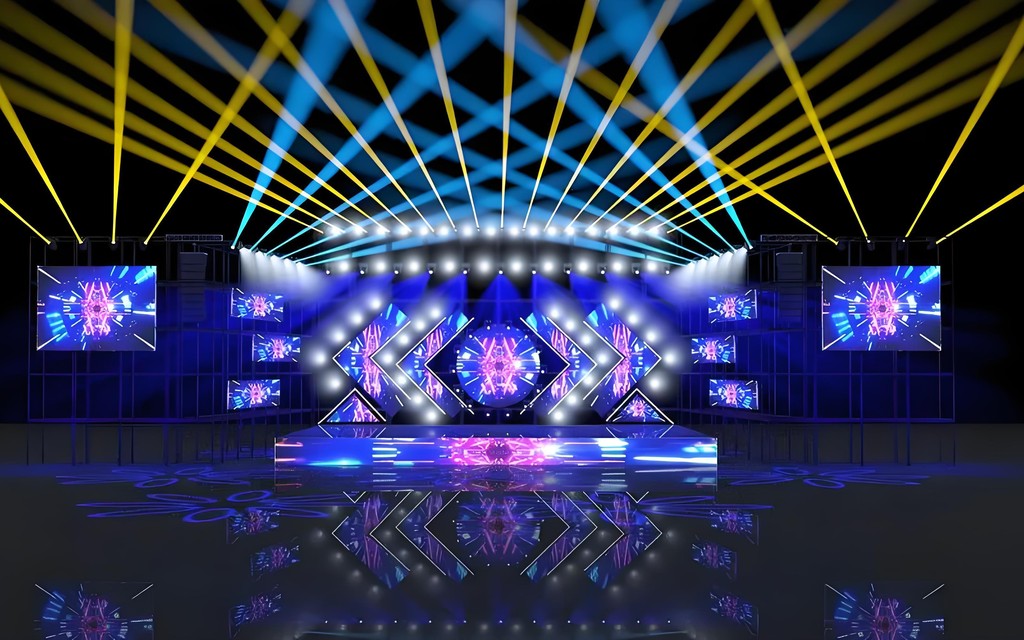
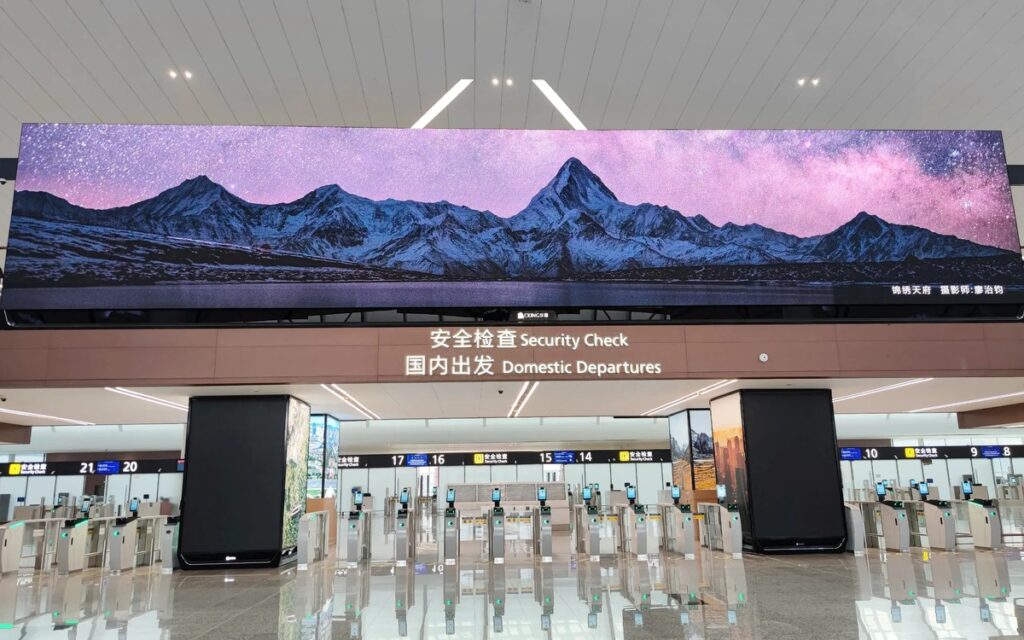
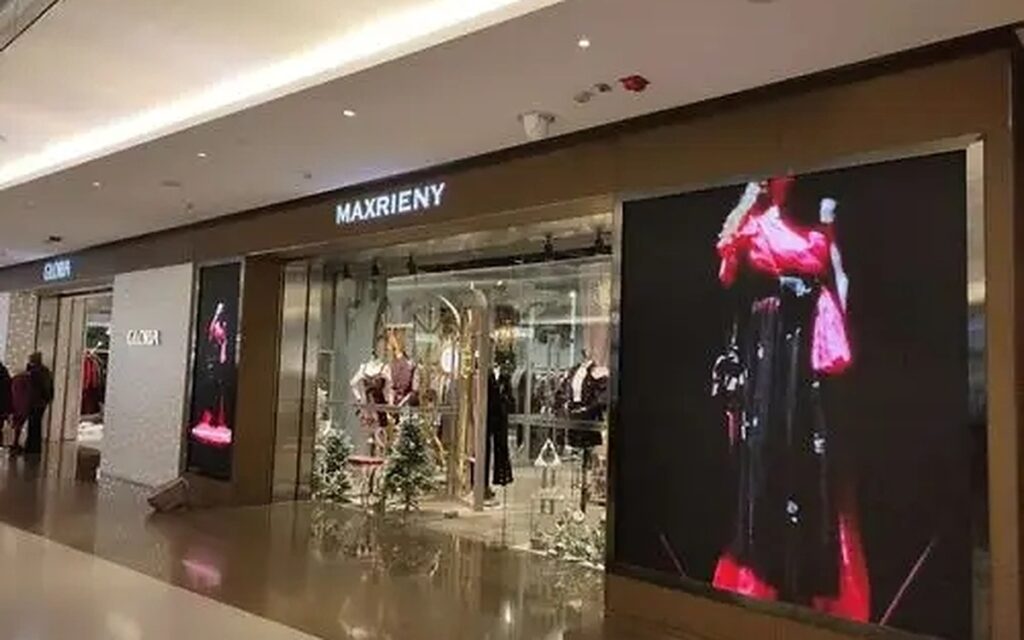

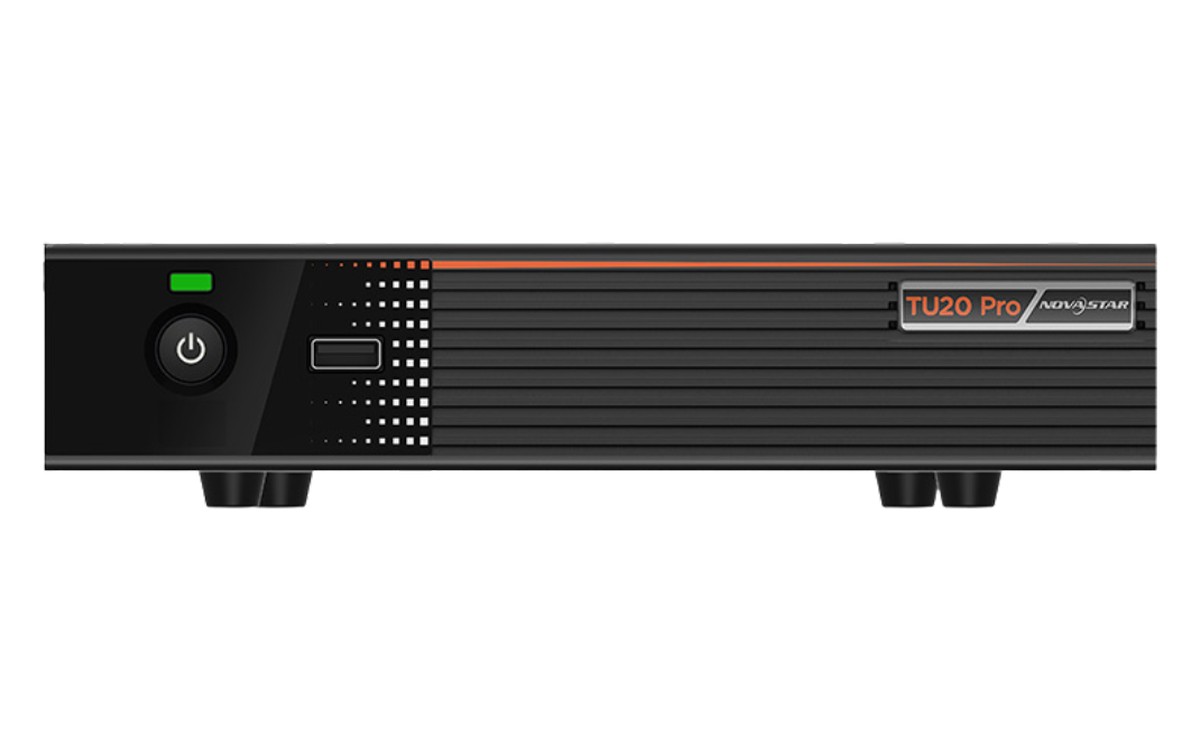
Both systems do the same job: take a source, scale it, map it to the wall canvas, and send it to the receiving cards. The difference is in the ecosystem around them — processors, software, cards and the people who know how to run them.
What each ecosystem covers
| Novastar | Colorlight | |
|---|---|---|
| Processor range | Wide — from compact controllers to modular processors | Narrower, focused on standard walls |
| Mapping / layers | Deeper, more inputs and layers on the high end | Simpler, enough for single-canvas walls |
| Software | NovaLCT, widely known by technicians | Colorlight software, quicker to learn |
| Typical fit | Broadcast, complex stages, multi-screen | Retail, church, standard fixed installs |
How the decision is usually made
In practice the integrator’s existing stock decides. If the team already runs Novastar, adding a Colorlight wall means a second software, a second spare-parts box and a second training curve. The screen does not care which system drives it — the receiving cards are matched at build.
For a first wall, Colorlight is often the faster path: fewer inputs, simpler mapping, lower cost. For a wall that will grow into multi-screen or broadcast work, Novastar leaves more room.
What to confirm before ordering
Three things: the number of inputs and layers the content needs, whether the wall will be mapped as one canvas or several, and who will commission it. A processor that is right for a single 6×3 m wall is not right for a stage with a main screen, two side screens and a backdrop.
Also confirm the receiving card model with the cabinet order. Mixing card generations inside one wall causes more support calls than any processor choice.
Spare parts and support
The processor is the part that fails loudly; the receiving cards are the part that fails quietly. A spare card per 20 cabinets costs little and turns a dead panel into a ten-minute swap instead of a cancelled show. Whichever ecosystem you choose, keep the card generation consistent across the wall.
Support is the other half of the decision. Novastar has a wider pool of technicians who already know NovaLCT, which matters in markets where the integrator changes from project to project. Colorlight is simpler to learn, so a small in-house team can usually be trained on it in a day. If the wall will be serviced by whoever is on site, that difference is worth more than the price gap.
Migrating later
Processors can be replaced; cards cannot without touching cabinets. If there is any chance the wall will grow into a larger system, choose the card generation that the bigger system uses, and buy the processor at the level the first phase needs. That keeps the door open without paying for capacity you do not use yet.
For a wall that starts as a single canvas and later becomes a multi-screen stage, the processor can be swapped and the cabinets stay. That is the cheapest upgrade path and the reason the card decision deserves more attention than the processor decision.
What the processor actually does
Four jobs: take the sources, scale them to the wall canvas, place them in layers, and send the result to the receiving cards at the right timing. The screen only displays what the processor sends, which is why a mismatched processor shows up as the wrong aspect ratio or a missing input rather than as a screen fault.
That is also why the input list matters more than the brand on the box. Count the sources first — laptop, media player, camera, graphics — then count how many have to be on screen at once. A processor with enough inputs but too few layers forces the operator to switch rather than compose.
One more practical difference: firmware updates. Both ecosystems push firmware through their own tools, and a wall that mixes card generations will need two update paths. Keeping one generation across the wall keeps maintenance to a single procedure, which matters more as the fleet grows.
Common questions
Not inside one wall. Cabinets are built with one card type; mixing systems across separate walls is possible but means two software stacks.
Colorlight is usually lower cost for standard walls. The price guide explains how the control system sits inside the total quote.
Novastar, mainly for input count, layers and the processor range above it. The screen still has to meet the refresh requirement.
For a poster or a small wall with a built-in player, no. For anything with multiple sources or a mapped canvas, yes.
The processor can be replaced; the receiving cards cannot be changed without touching the cabinets. Choose the card generation with the wall.
The screen, processor, sending card and cables can be quoted as one bill of materials, with the signal chain checked against your source.
One per 20 cabinets is a common starting point, plus one spare sending card. Adjust by how far the site is from the next replacement shipment.
No. The card and the processor must belong to the same ecosystem; mixing them is the most common commissioning failure.