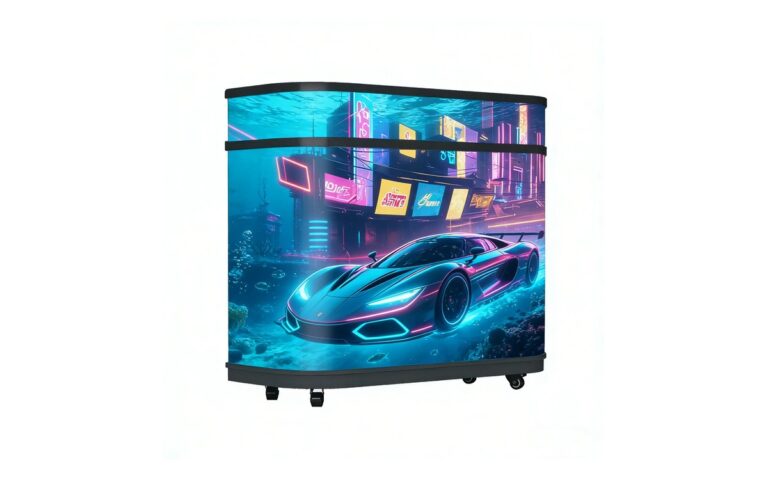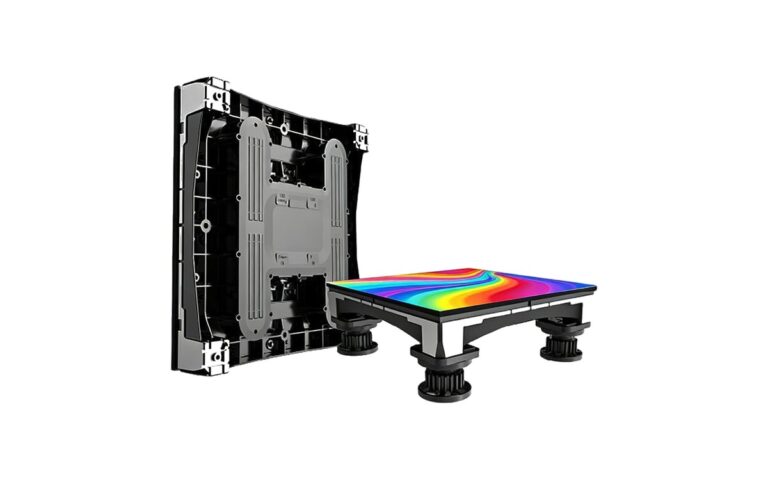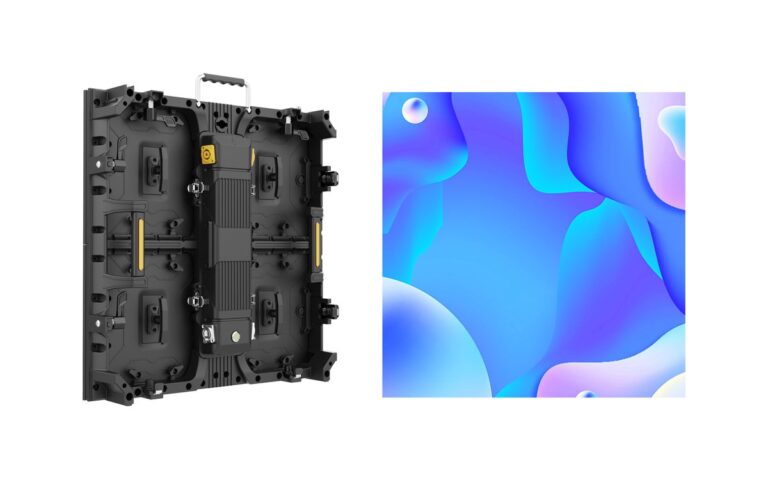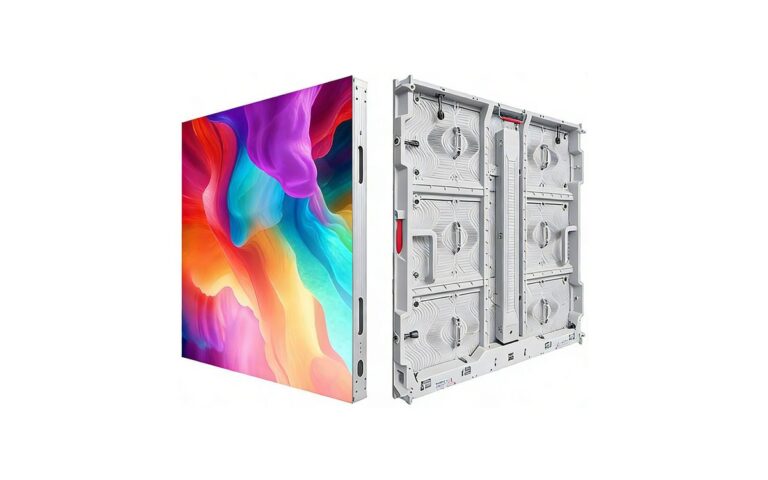
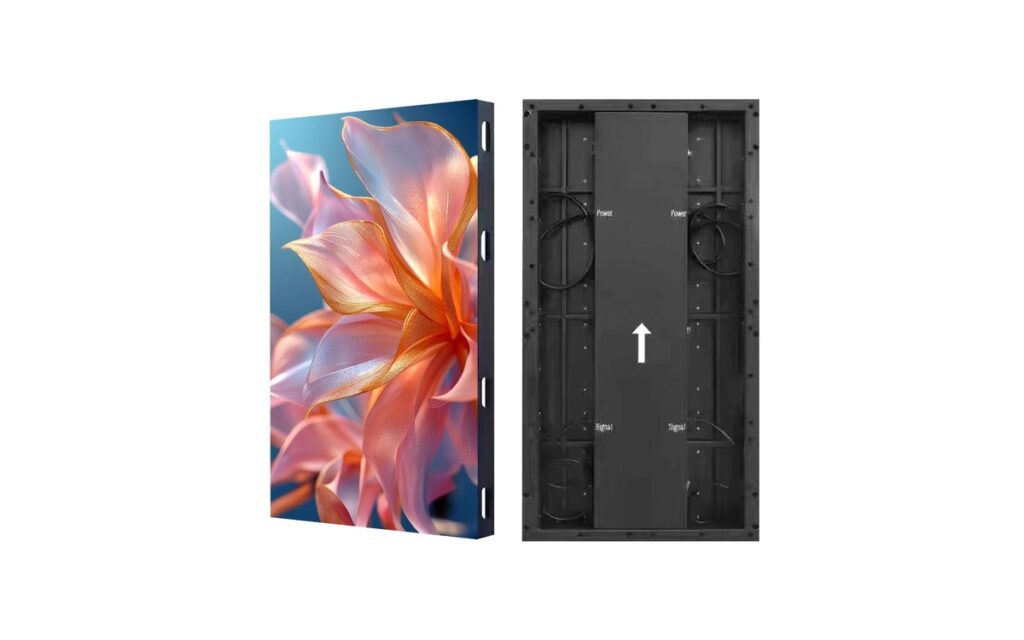
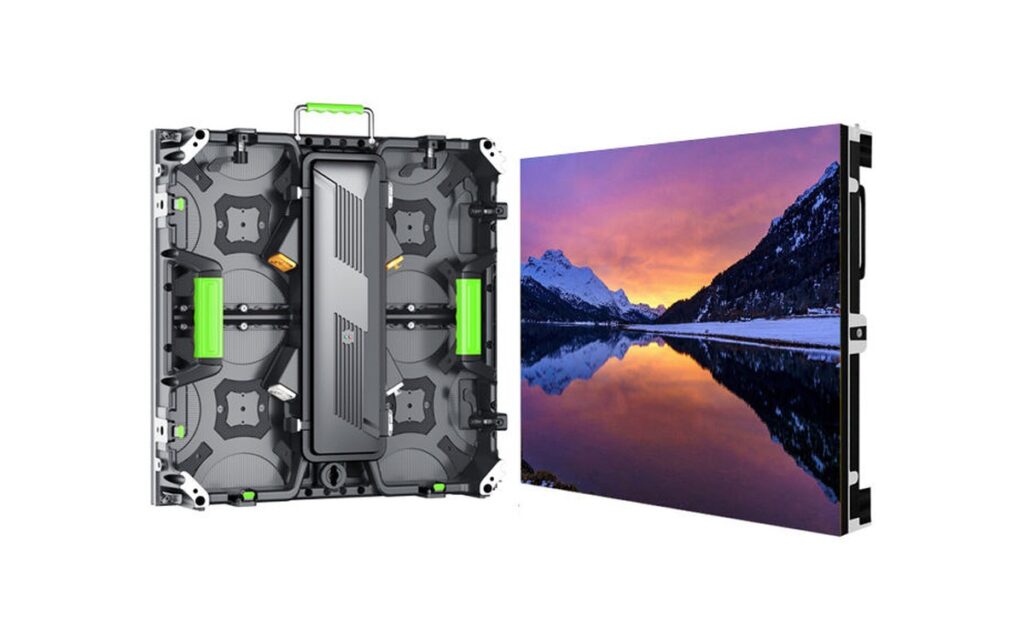
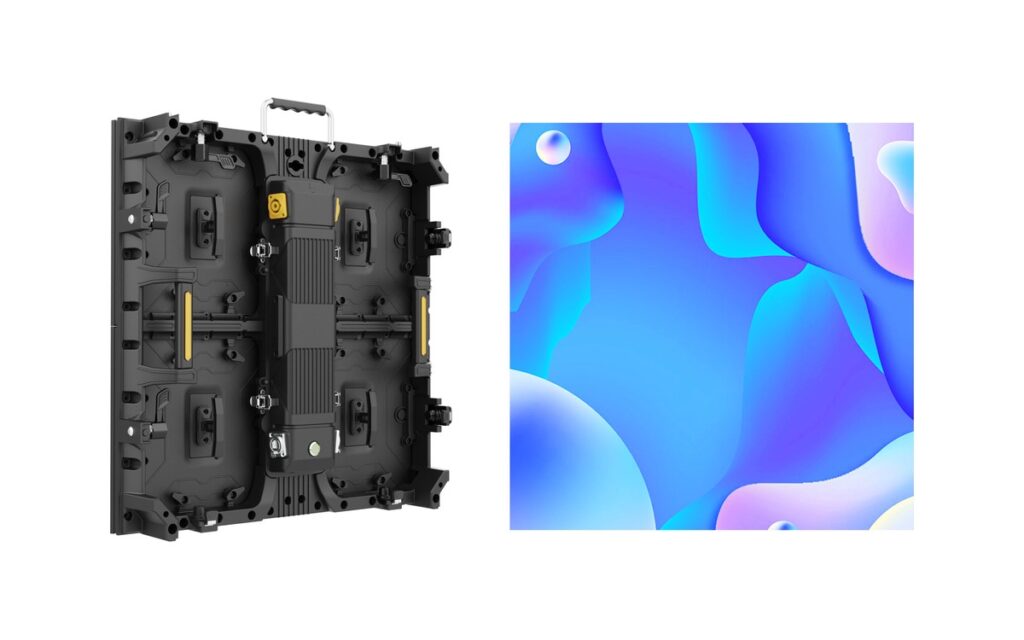
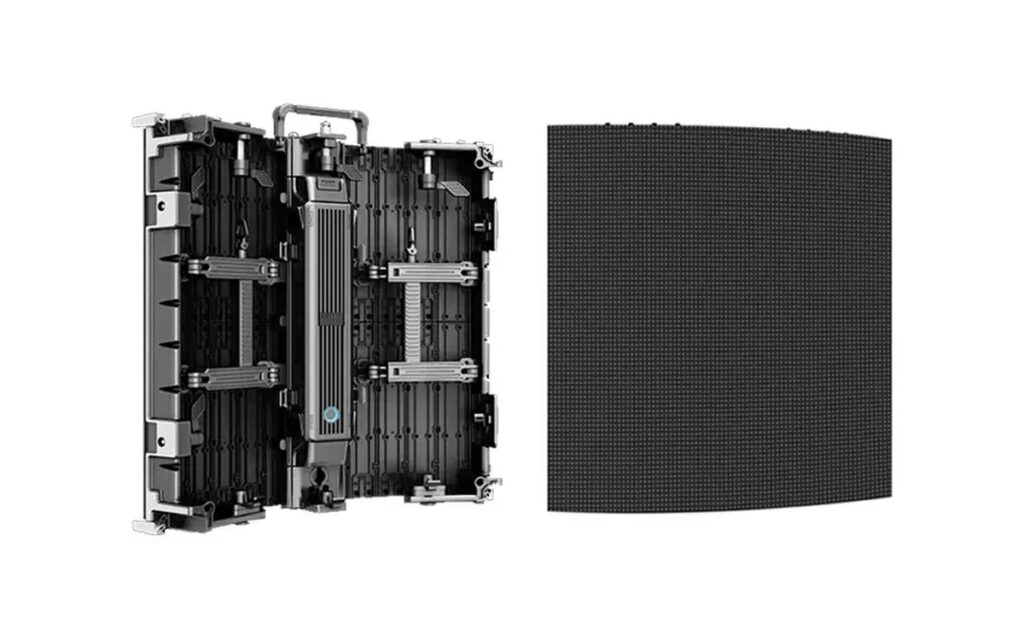
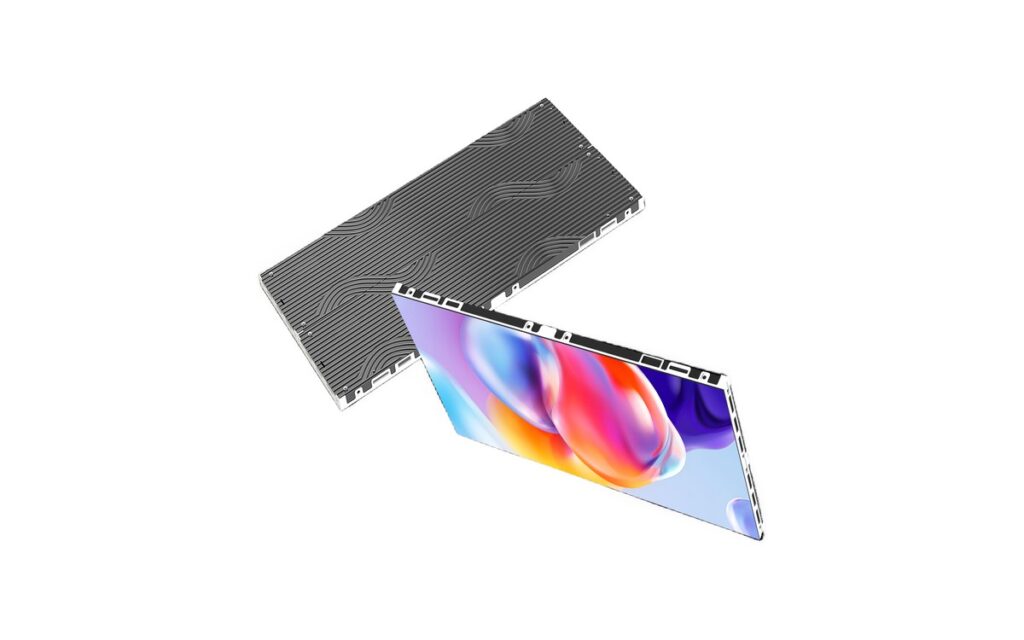
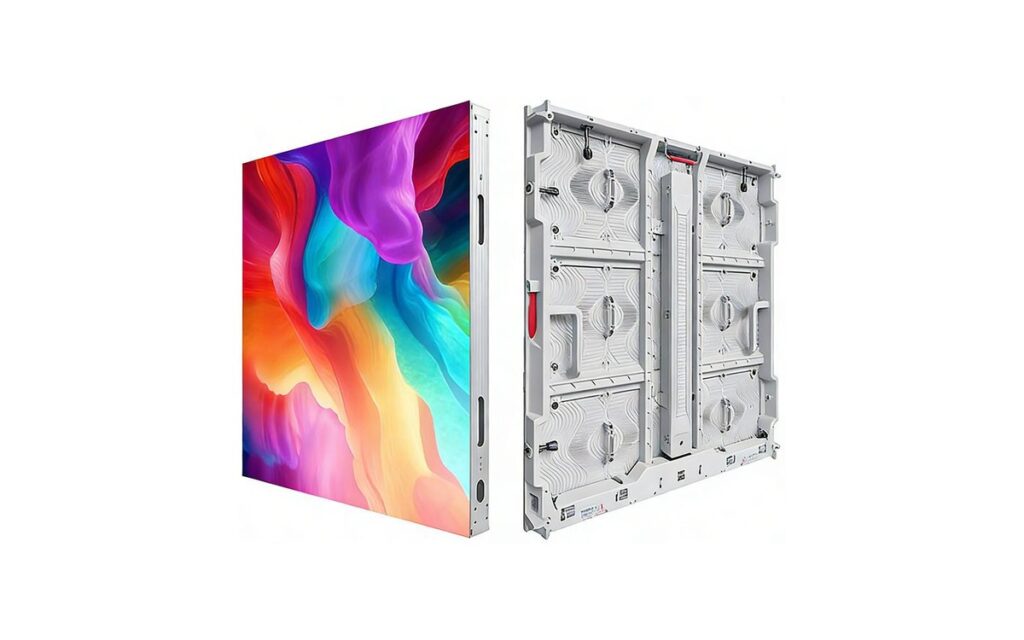
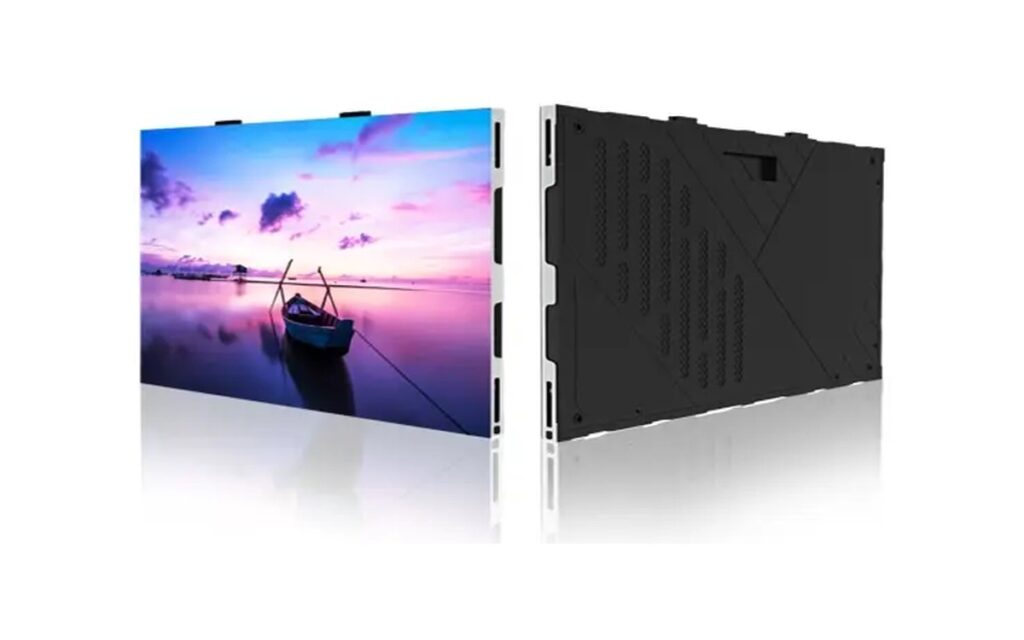
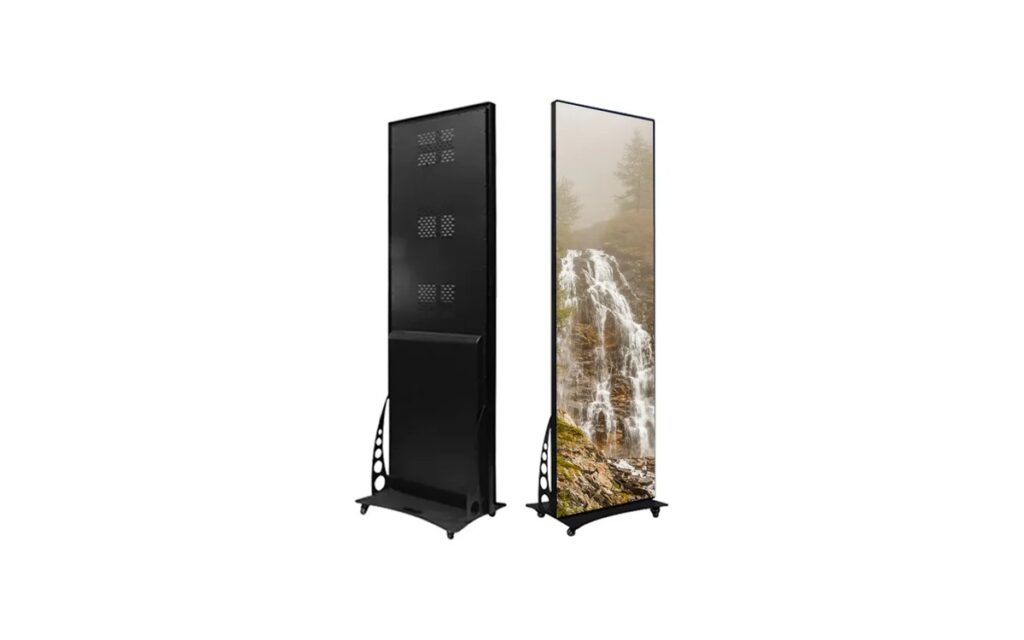
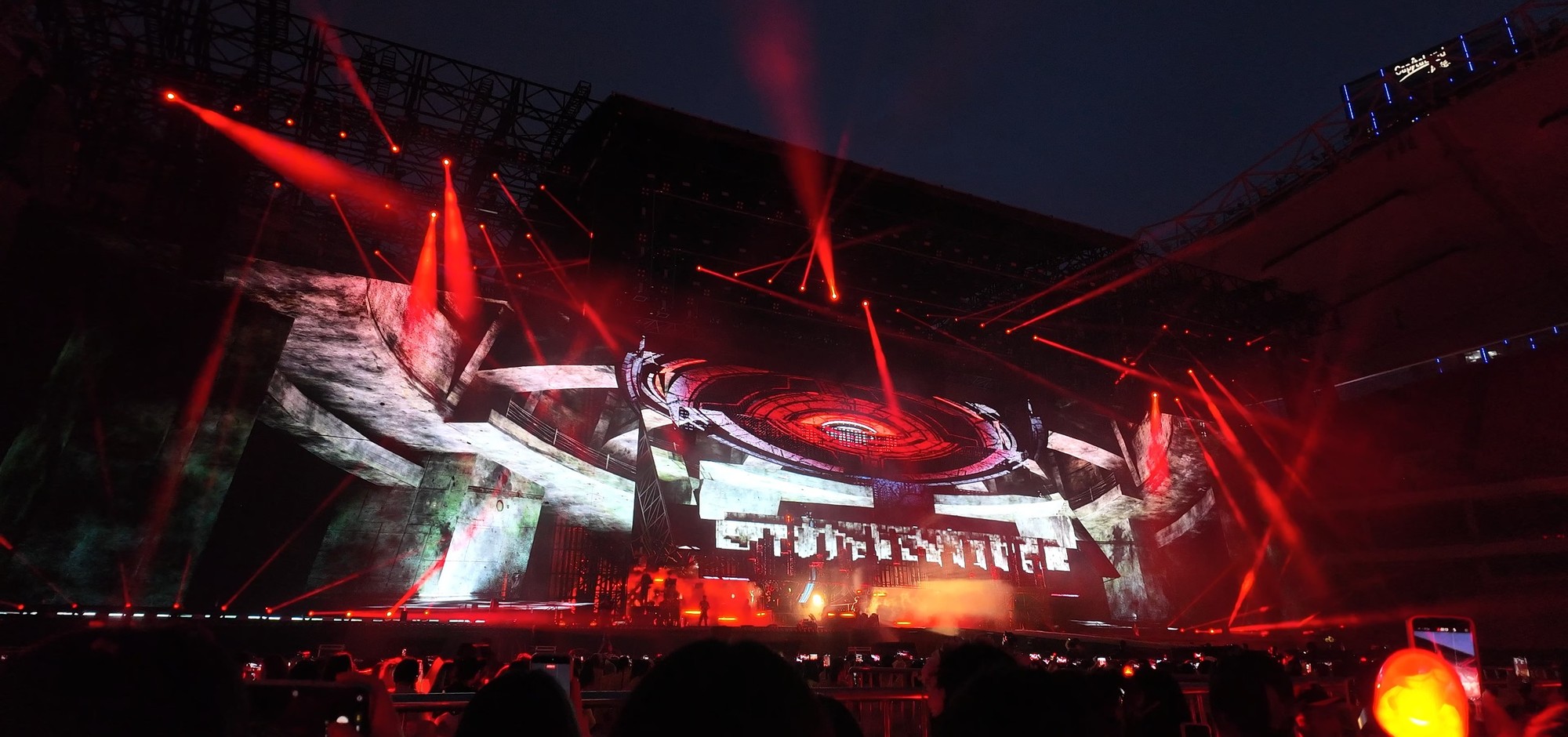
Most rental companies end up with more P3.91 than any other pitch. It sits at the point where the LED structure stops being visible to a seated audience, cameras can shoot it without heavy moiré work, and the cabinet still fits a two-person load-in.
This page explains what P3.91 actually means on a rental cabinet, where it works, and where it stops being the right choice.
What P3.91 means on a 500×500 cabinet
The pitch is the distance between LED centres in millimetres, so 3.91 mm gives about 65,536 pixels per square metre. A 500×500 mm cabinet therefore carries 128×128 pixels. Two cabinets make a 1,000×500 mm block with 256×128 pixels — the number that decides whether 1080p content maps cleanly onto your wall.
A 6 × 3 m wall in P3.91 is 1,536 × 768 pixels. That is below 1080p, so text and fine graphics are scaled; for a 1080p canvas you need roughly 8.4 × 4.7 m of P3.91. This is the calculation buyers skip most often.
Brightness, refresh and camera work
Indoor rental cabinets normally run 800–1,200 nits, which is comfortable under stage lighting and controllable for broadcast. Refresh rate matters more than brightness when cameras are involved: 3,840 Hz avoids most banding in live view, and 7,680 Hz is specified when the screen appears in close-up shots or high-speed recording.
If the event is filmed, ask for a camera test rather than a datasheet figure. Shutter speed, distance and camera model all change what the sensor sees.
Cabinet and rigging practicalities
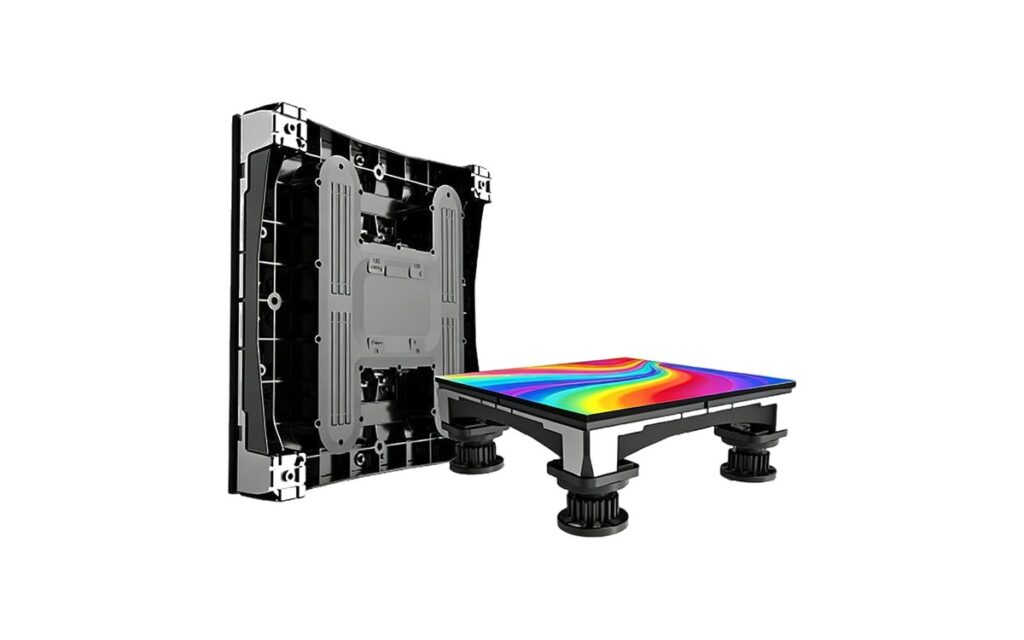
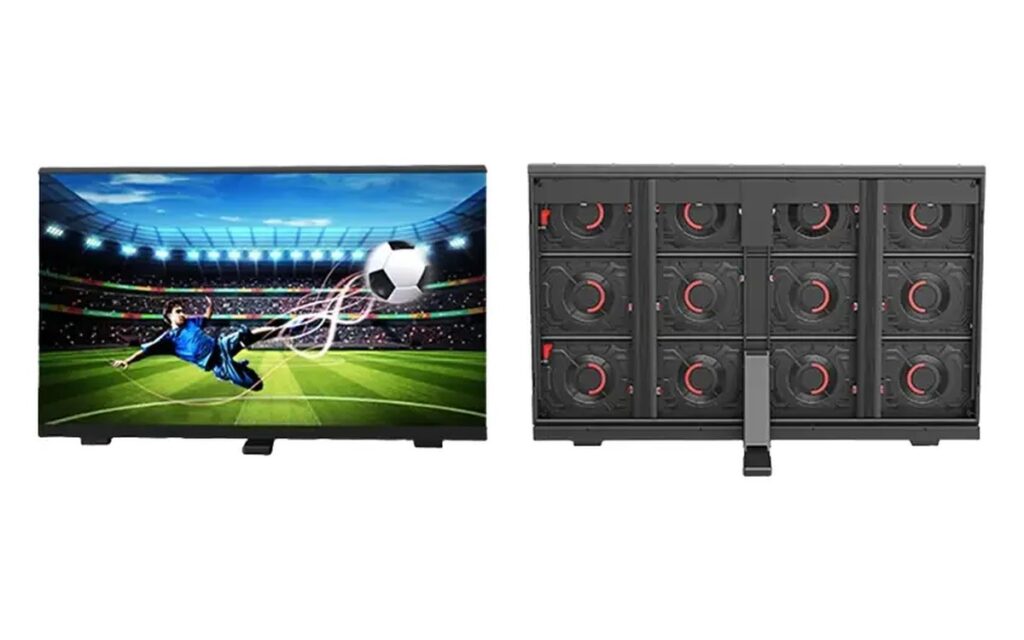
Rental-H 500×500 cabinets weigh 8.5 kg in indoor build and 13 kg in the outdoor version. The outdoor cabinet adds IP65 sealing and higher brightness, which is why the same pitch has two different prices and two different rigging weights. Curved locks and 90° corner pieces are ordered with the batch; they cannot be retrofitted cheaply.
| Use case | P3.91 fit | Watch out for |
|---|---|---|
| Corporate stage 4–8 m viewing | Good default | Check pixel count for 1080p content |
| Concert side screens | Good at 6 m+ | Use 7,680 Hz if broadcast |
| Front rows under 4 m | Marginal | P2.6 gives a cleaner close-up |
| Outdoor stage | Only with outdoor cabinet | IP65, 4,500+ nits, heavier frame |
Where P3.91 stops being the right answer
Two cases: viewers closer than about 4 m, and walls that must hit exact 1080p or 4K canvases at a fixed size. For close viewing, P2.6 or P1.95 costs more but removes the visible grid. For exact resolution, work backwards from the canvas — pitch is the output, not the input.
Power and circuit planning for a P3.91 wall
A P3.91 indoor cabinet draws roughly 500–700 W per square metre at maximum brightness, and about a third of that in average use. For a 6 × 3 m wall that is 9–12 kW at peak, which usually means more than one circuit. Plan the distribution before the venue does: how many circuits are available, whether they are on separate phases, and where the distro board sits relative to the screen.
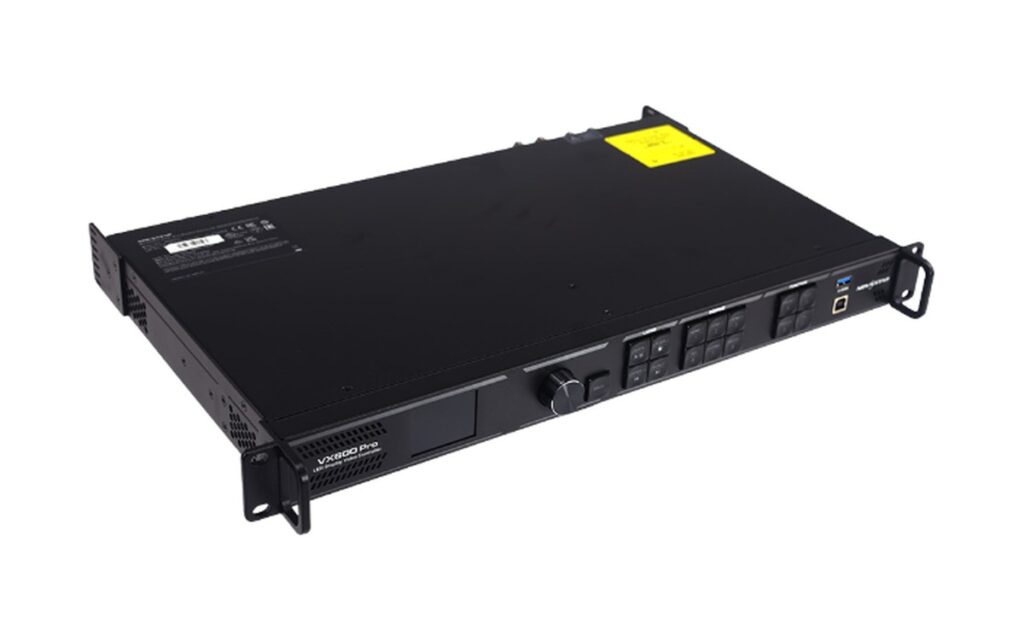
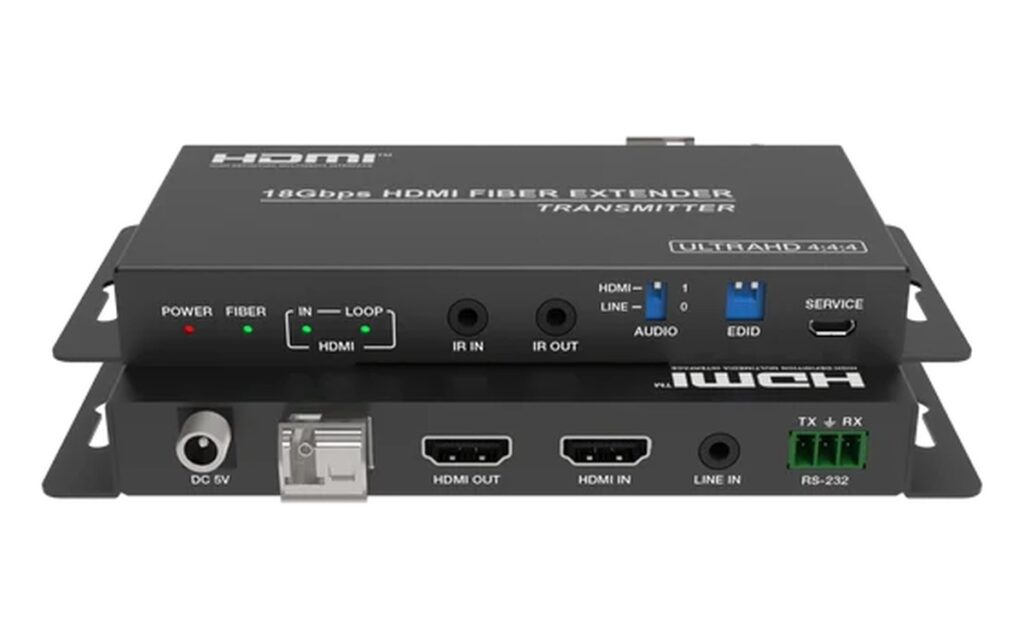
Data planning matters too. Each column of cabinets is normally daisy-chained, and the number of cabinets per data run depends on the receiving card and refresh rate. At 7,680 Hz the run length drops, so a large wall may need more sending cards or a different topology. Ask the supplier for a signal plan with the quote, not after the cabinets arrive.
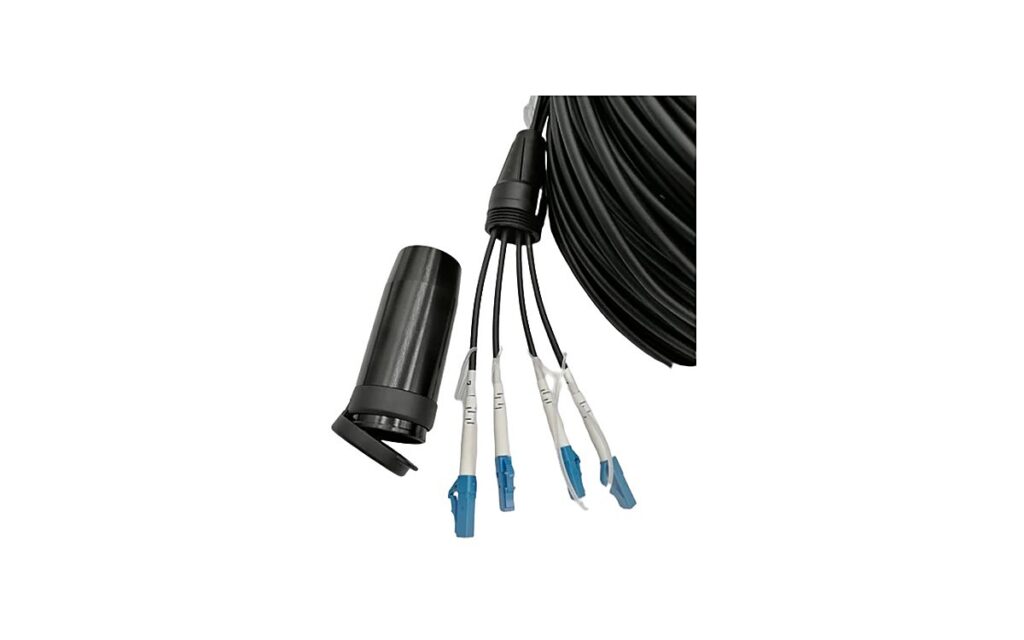
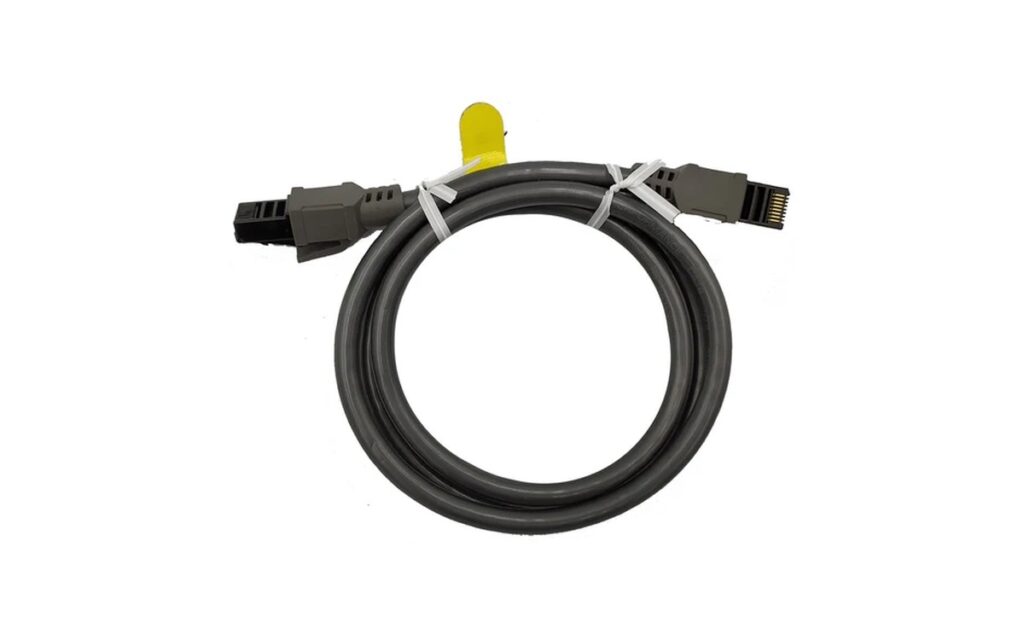
Rental companies should also standardise connectors and cable lengths across the fleet. Mixed cable sets are the most common cause of a slow load-in, and the cost of a spare set is small compared with losing an hour at every event.
Rental fleet checklist before you order P3.91
Five checks separate a good P3.91 purchase from a problem: cabinet weight per unit with modules and power supplies fitted; lock engagement after ten cycles; flatness across four joined cabinets; spare-part availability for modules, cards and power supplies; and a camera test at the planned shutter speed. If a supplier cannot provide a sample or a test video for these points, the price comparison is premature.
Also confirm the batch policy. LEDs are binned by brightness and colour, and a second order six months later may not match the first. Ask how the supplier handles expansion orders and whether they can hold the same bin and batch for a defined period.
Common P3.91 wall sizes and pixel counts
Most rental briefs start with a stage width and a height, not a pixel target. The table below converts common wall sizes into pixel counts so you can check content before the order.
| Wall size | Pixels at P3.91 | Content fit |
|---|---|---|
| 4 × 2.5 m | 1,024 × 640 | 720p close, fine for graphics |
| 6 × 3 m | 1,536 × 768 | Between 720p and 1080p |
| 8 × 4.5 m | 2,048 × 1,152 | Above 1080p, good for camera |
| 10 × 5 m | 2,560 × 1,280 | 2K content, large venue |
Two practical notes. First, content scaling costs sharpness: a 1080p video on a 1,536-wide wall is downscaled and text edges soften. Second, odd cabinet counts change the aspect ratio — a 13-cabinet-wide wall is 1,664 pixels, not 1,536, which matters if the creative is locked to 16:9.
What to check on a P3.91 demo
Ask for a demo at the viewing distance of the worst seat, not the best one. Bring content that exposes problems: a white slide for uniformity, a slow pan for motion blur, fine text for pixel structure, and a camera test at the shutter speed planned for the event. Listen for fan noise if the screen sits near the audience, and check how the cabinet edges look when four units are joined.
FAQ
128×128 pixels, about 65,536 pixels per square metre.
About 4 m for comfortable viewing and 6 m or more for critical content. The 1 mm per metre rule is a starting point, not a standard.
Only in an outdoor-rated cabinet with IP65 sealing and 4,500 nits or more. The pitch itself is fine; the enclosure and brightness are what change.
For broadcast and close-up camera work, yes. For audience-only viewing, 3,840 Hz is normally enough.
Yes, with curved locks or dedicated curved cabinets. The usable angle and locking method must be confirmed per series.
Review the Rental-H 500×500 series, the wider rental range, or send your stage size through the inquiry form for a pixel-count check before ordering.
Per square metre of screen, with cabinets, control system, structure, installation and spare parts scoped separately. The LED wall price guide explains the five cost drivers and why two quotes for the same pitch can differ.