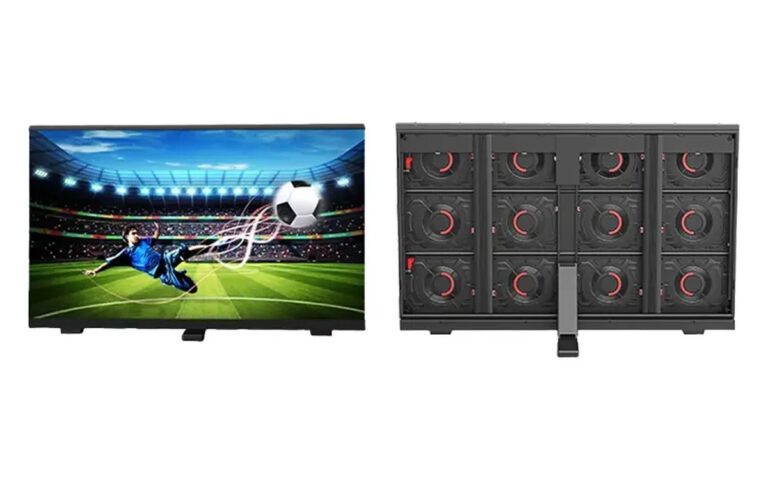

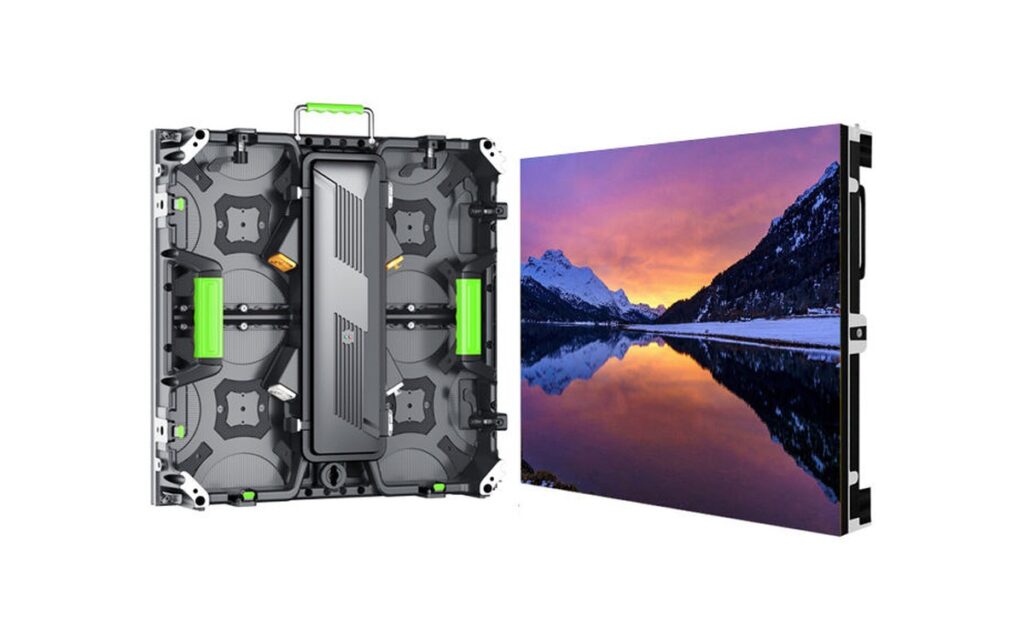
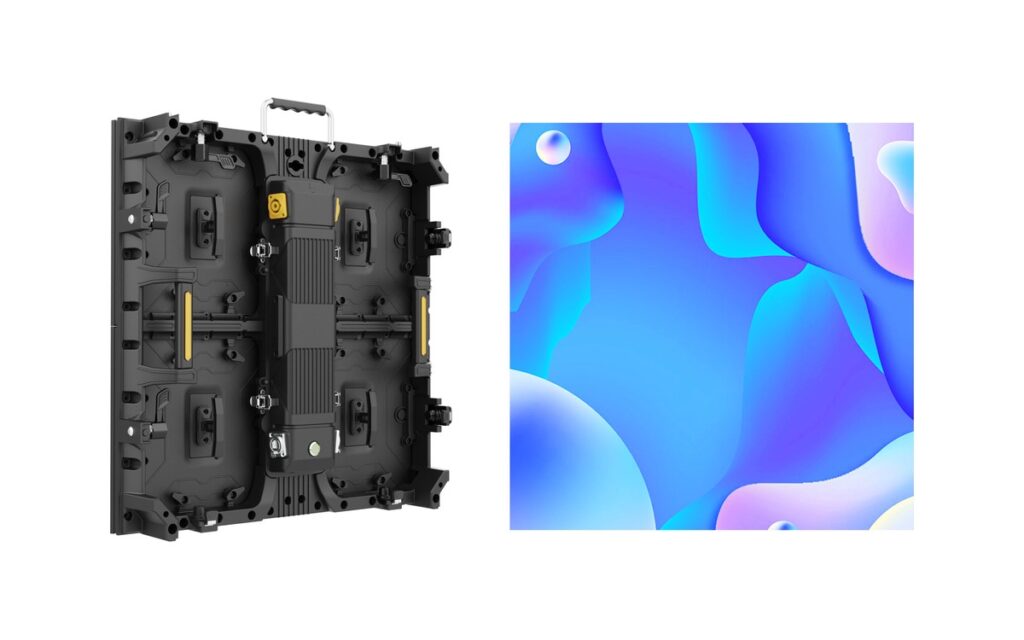
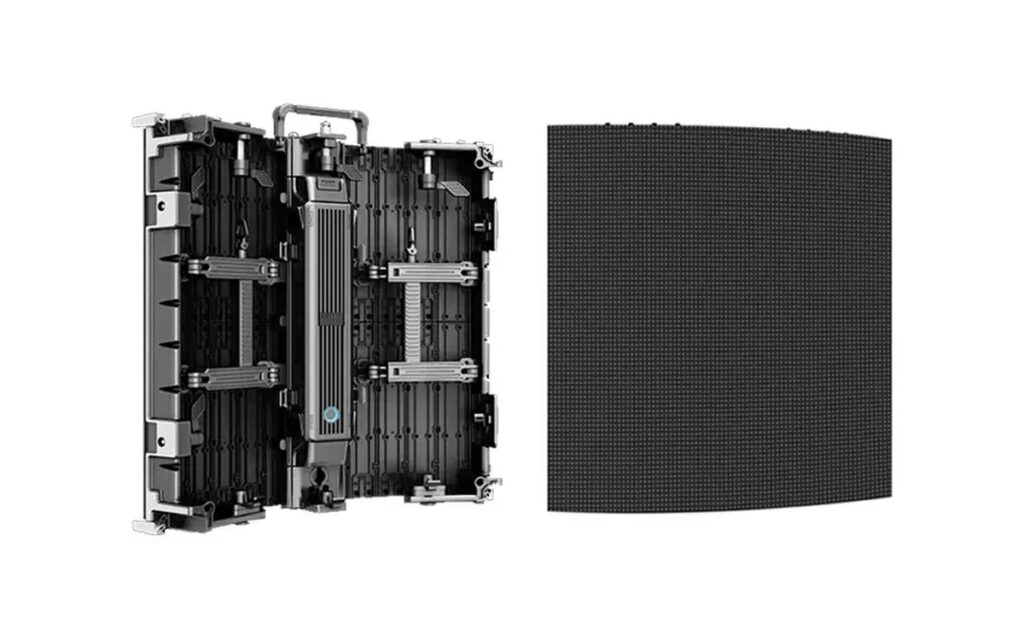
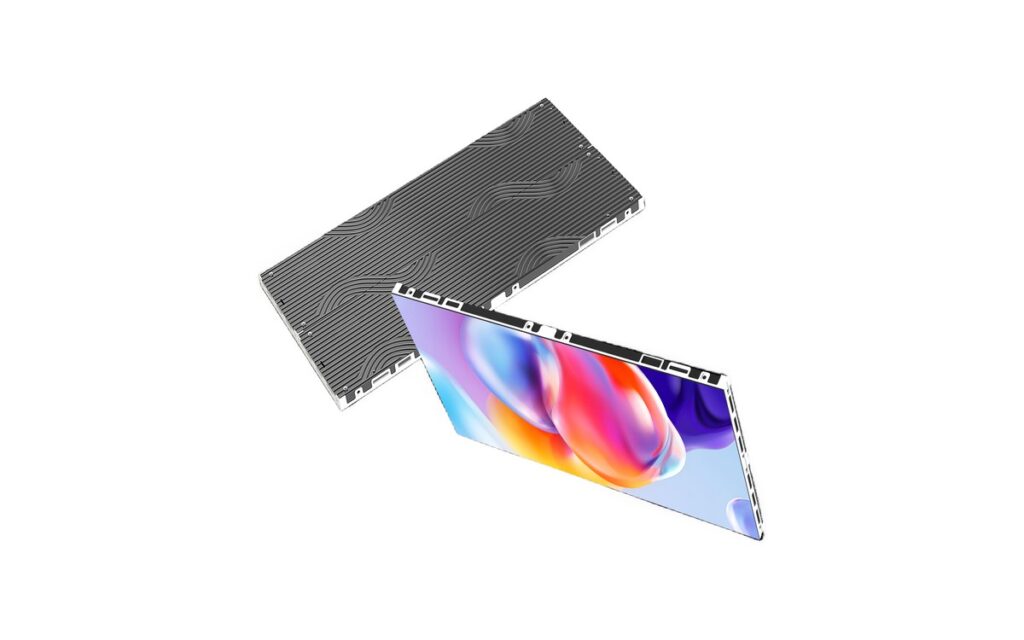
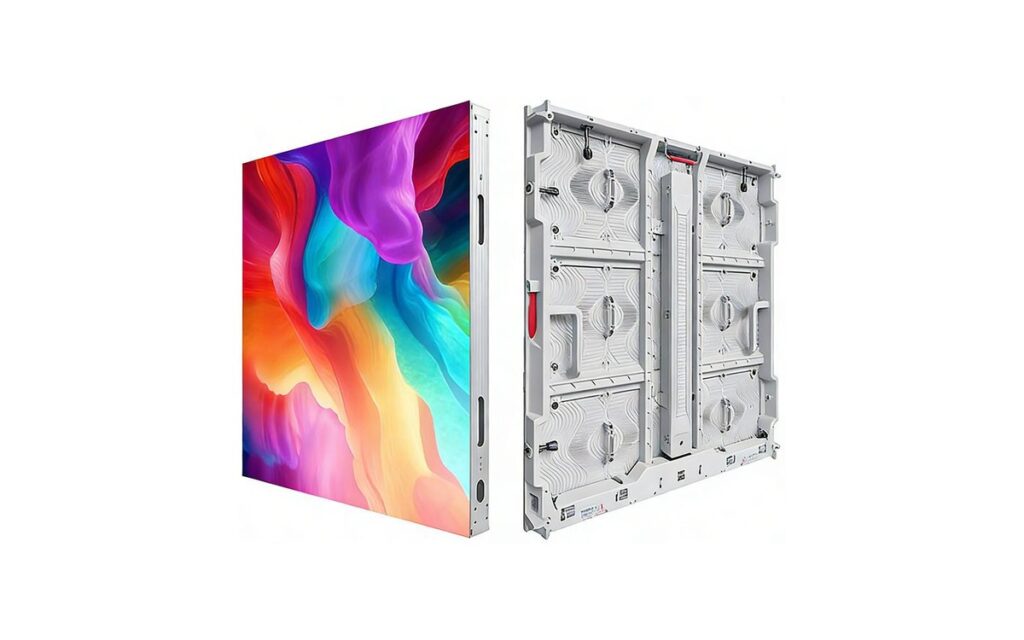
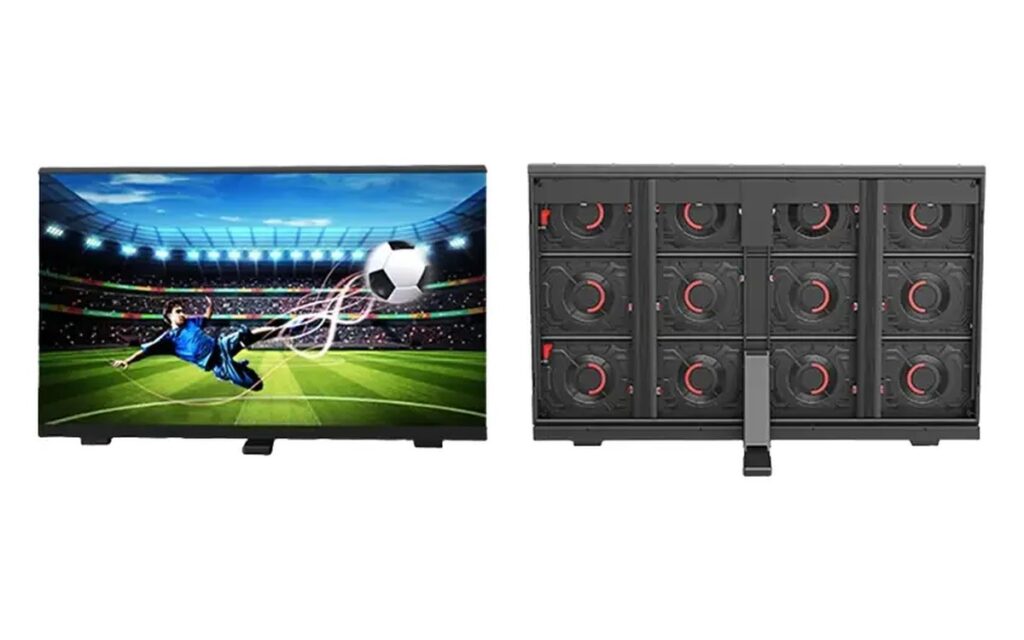
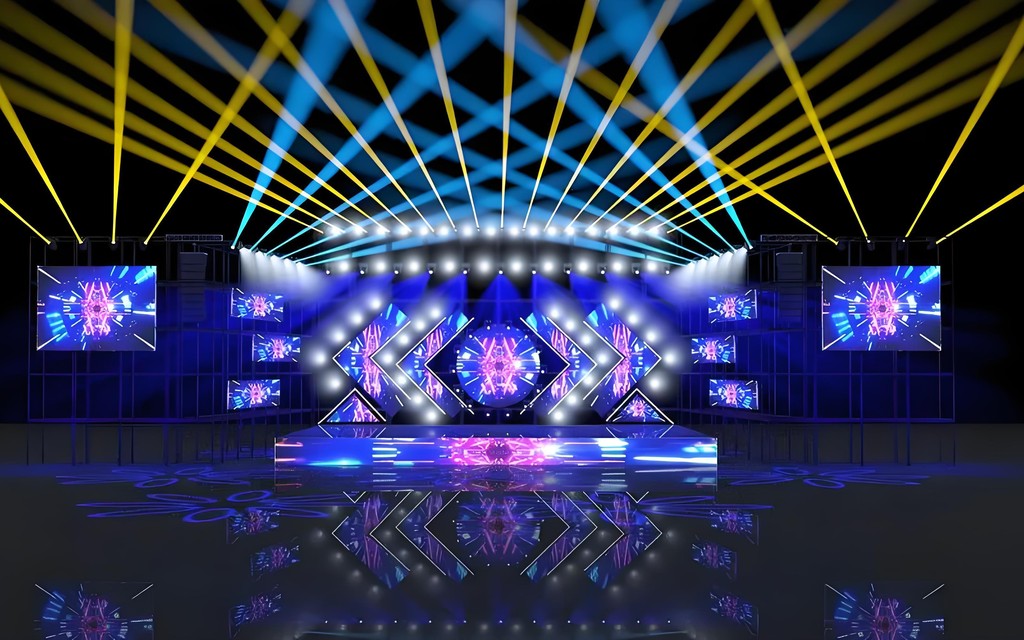
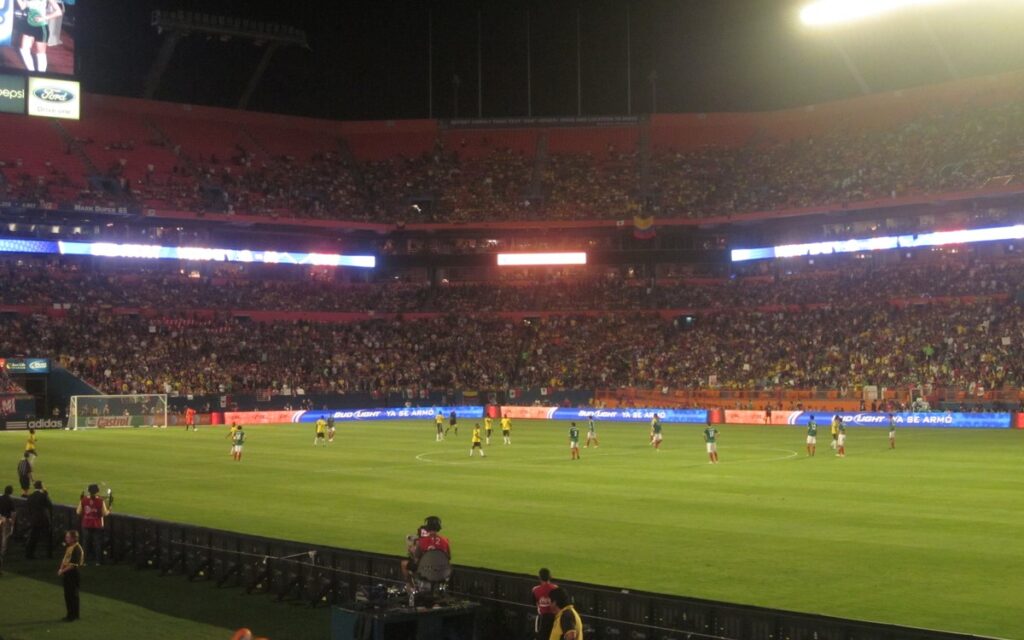
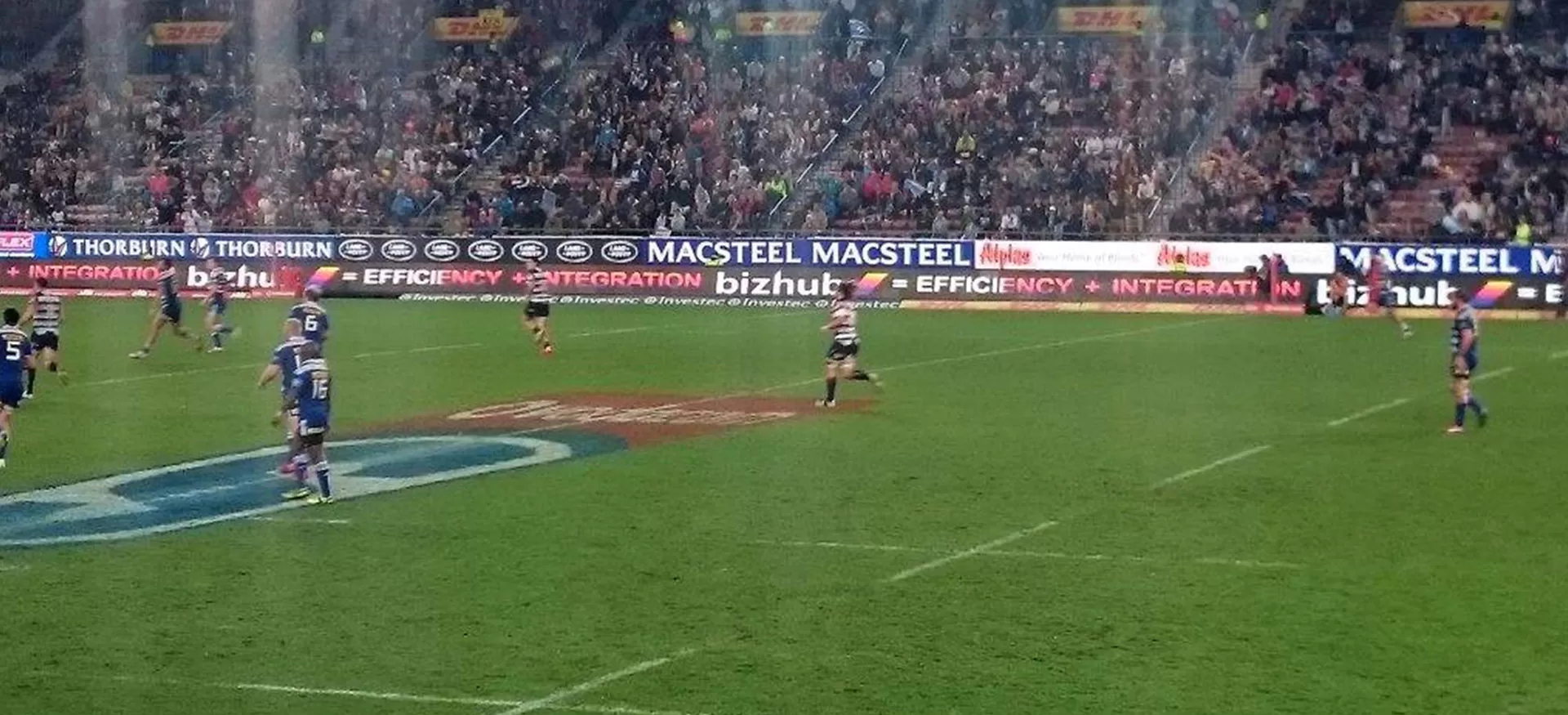
Stadium screens live on television. The audience in the stand sees them at an angle, but the broadcast camera sees them constantly — which is why a perimeter display that looks fine in person can flicker, band or strobe on air.
Refresh rate and camera performance
Broadcast cameras sample the screen at shutter speeds that expose low refresh rates as banding. Perimeter displays are usually specified at 3,840 Hz minimum and often higher, with 16-bit greyscale to keep gradients smooth on camera. Ask for a test recording at the shutter speeds the broadcaster uses, not just a refresh figure on a datasheet.
Brightness and daylight balance
An afternoon match can put 100,000 lux on the pitch. Perimeter screens typically run 6,500–10,000 nits so that white sponsor boards stay readable against sunlit grass. Too much brightness creates glare for players and nearby spectators, so dimming control by time of day is part of the specification, not an optional extra.
Cabinet depth and sightlines
Perimeter cabinets sit at ground level, often in front of the first row. Depth decides whether the screen blocks the view of the touchline: a 101 mm cabinet is typical for this reason. Height and tilt are set by the venue’s sightline study, and the mounting system must allow quick replacement when a cabinet is damaged.
| Requirement | Typical spec | Why |
|---|---|---|
| Broadcast | ≥3,840 Hz, 16-bit grey | Avoid banding on camera |
| Daylight | 6,500–10,000 nits | Readable against sunlit pitch |
| Sightlines | ~101 mm cabinet depth | Keep first-row view clear |
| Weather | IP68 front / IP66 rear | Rain, cleaning and ball impact |
Protection and impact
Perimeter screens take balls, boots and cleaning equipment. Front protection is usually IP68 with a reinforced mask; the rear is IP66 where the cabinet is exposed. Ask how a module is replaced after impact and whether the mask is part of the module or a separate part — it changes the spare-parts list.
Control, content and match-day operation
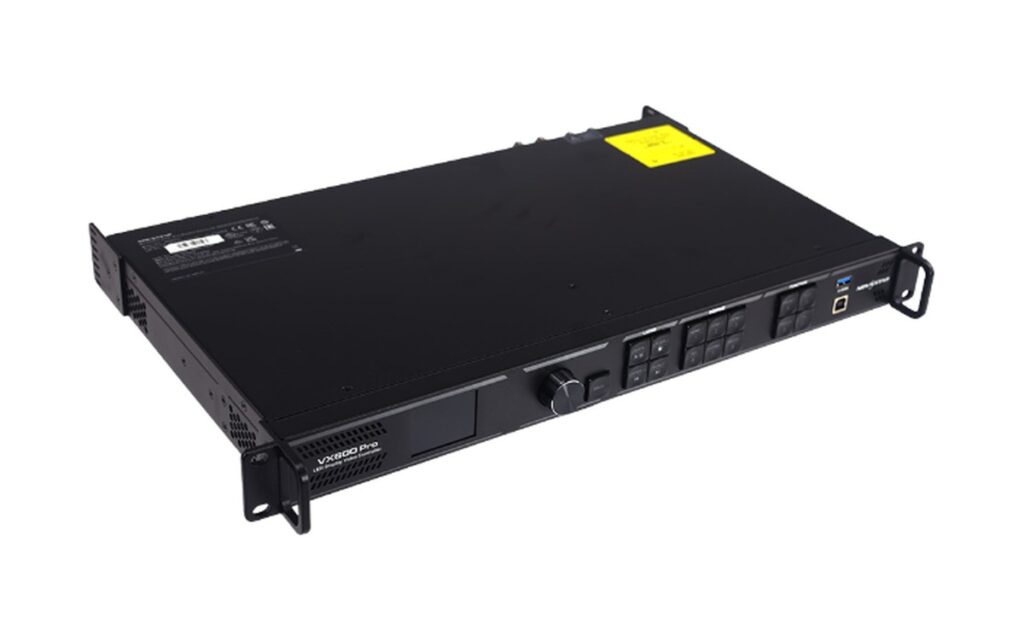
Perimeter content is short-form: sponsor loops, replays, scores and crowd prompts. The control system must switch between live feeds and scheduled loops without dropping frames, and it must be operable by club staff rather than a technician. Ask for a control layout that shows the current source, the next scheduled item and an emergency override — during a match, nobody has time to navigate a menu.
Content should be authored for the physical height of the board, not for a 16:9 monitor. Sponsor logos need a safe margin, and text must be legible at 30–60 m. Many venues run two content sets: a bright daytime version and a dimmed evening version, switched by schedule rather than manually.
Procurement checklist for stadium buyers
Before comparing prices, fix five items in writing: refresh rate and greyscale depth with a camera test; brightness with dimming range; front and rear IP ratings; cabinet depth and mounting method; and the spare-parts list including masks. Add the delivery schedule — stadium installations usually run against a season deadline, and a late screen is worse than a slightly more expensive one.
Finally, confirm who commissions the control system and who trains the operators. The screen is one contract; the match-day workflow is another, and it is the part that determines whether the investment is used properly.
Cabinet count for a pitch-side loop
Perimeter installations are long and shallow. A 1,600×900 mm cabinet covers 1.44 m², so a 100 m loop needs about 70 cabinets, and a 60 m loop about 42. The count drives power distribution, data topology and the spare list more than the pitch does.
| Loop length | 1,600×900 cabinets | Approx. power at 6,500 nits |
|---|---|---|
| 40 m | 25 | 18–25 kW |
| 60 m | 38 | 27–38 kW |
| 100 m | 63 | 45–63 kW |
Power figures are indicative and depend on pitch and content; the electrical design belongs to the venue engineer. What matters at the buying stage is that the screen does not arrive with a power plan that the venue cannot support.
Data runs and control position
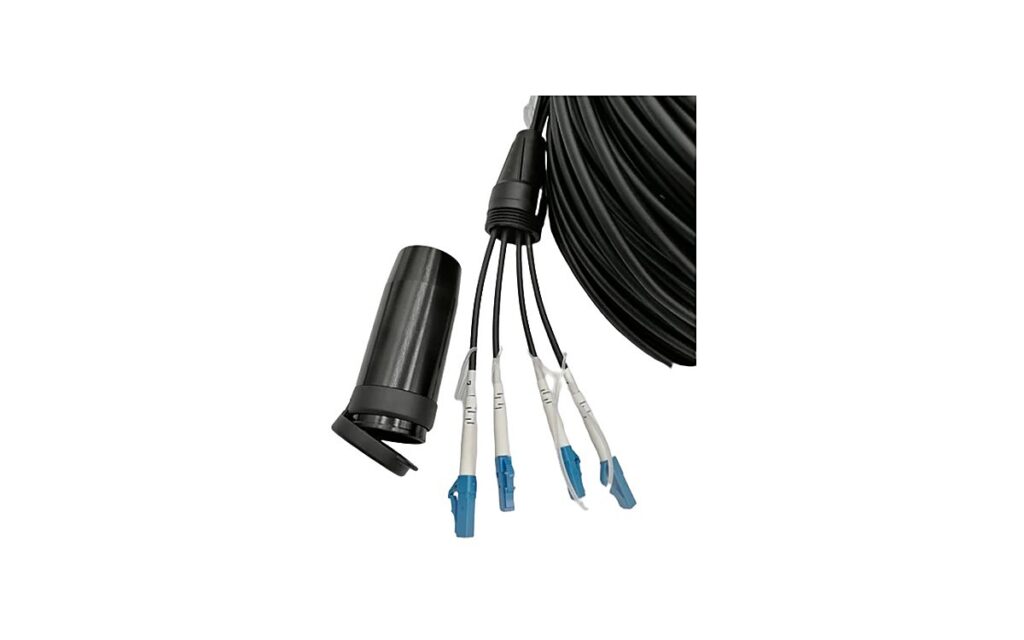
A long perimeter usually needs several data runs and a control position with a clear view of the loop. Copper runs beyond about 100 m become unreliable, so fibre segments are common. Ask how the control system handles a break in one segment: the rest of the loop should keep running, and the failed section should be identifiable without walking the whole pitch.
FAQ
At least 3,840 Hz, with 16-bit greyscale; higher rates help at fast shutter speeds. Always test with the broadcaster’s camera settings.
6,500–10,000 nits for daylight matches, with dimming for evening and glare control.
It affects sightlines from the first rows. Around 101 mm is common for perimeter use.
Front-access designs allow it. Keep spare modules and masks matched to the batch.
For exposed perimeters yes on the front face; the rear rating can be lower if sheltered.
See the Sport-PLUS perimeter series or the sports LED solutions for cabinet and control options.
Per square metre of screen, with cabinets, control system, structure, installation and spare parts scoped separately. The LED wall price guide explains the five cost drivers and why two quotes for the same pitch can differ.