Buyers often treat refresh as a quality score — higher must be better. In practice it is a match between three things: the camera, the shutter, and the viewing distance. A 7,680 Hz screen shot on a phone at 10 m looks the same as 3,840 Hz.
What refresh actually does
Refresh is how many times per second the LED driver redraws the image. When the refresh and the camera shutter are out of step, the camera captures part of one frame and part of the next, which appears as horizontal bands or flicker.
The visible symptom is banding, not blur. Blur comes from pixel pitch and content motion; banding comes from refresh and shutter.
When 3,840 Hz is enough
| Scenario | Refresh | Why |
|---|---|---|
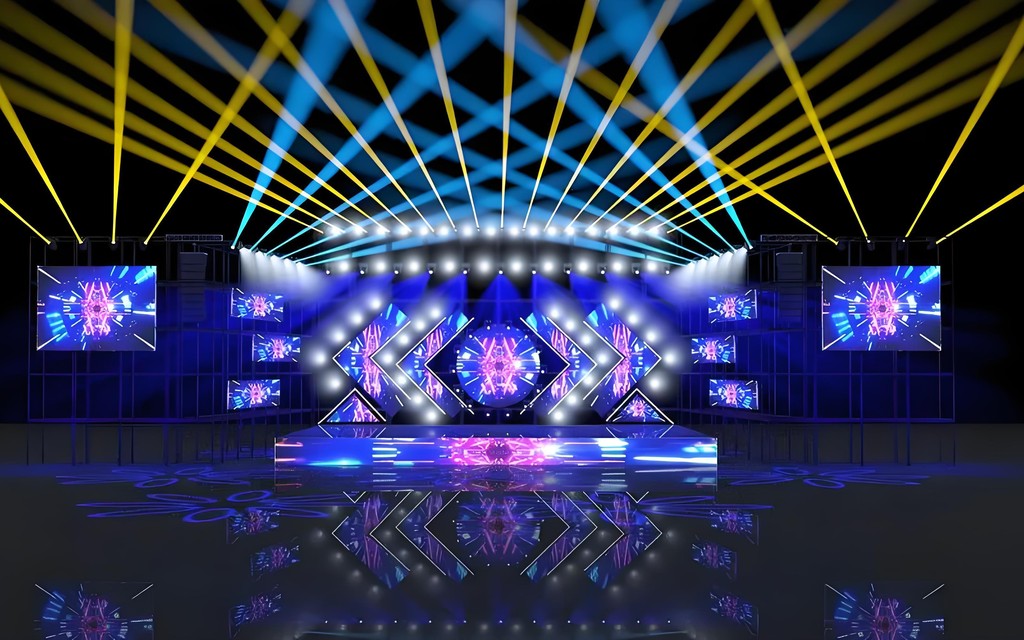
| Audience-only event | 1,920–3,840 Hz | Human eye does not resolve the difference |
| Event filmed for social | 3,840 Hz | Phone and mirrorless shutters usually sync |
| Broadcast / IMAG close-up | 7,680 Hz | Studio cameras at short shutter angles |
| Slow-motion replay | 7,680 Hz | High frame-rate capture exposes banding |
When to pay for 7,680 Hz
The upgrade is worth it when the screen will be on camera at close range, when the broadcaster specifies it, or when the content will be replayed in slow motion. In those cases the cost is small relative to a re-shoot.
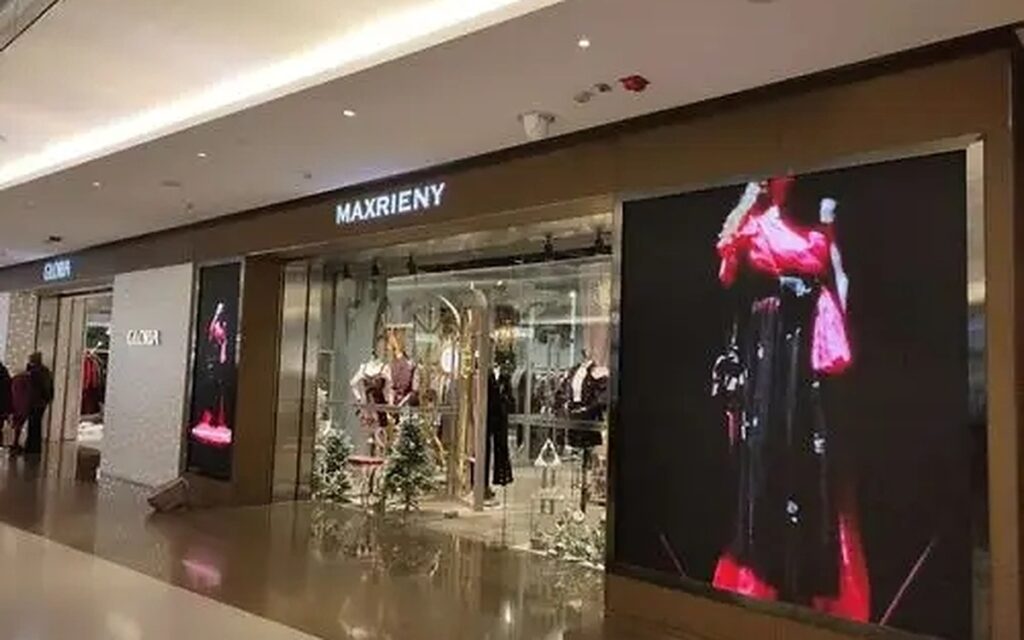
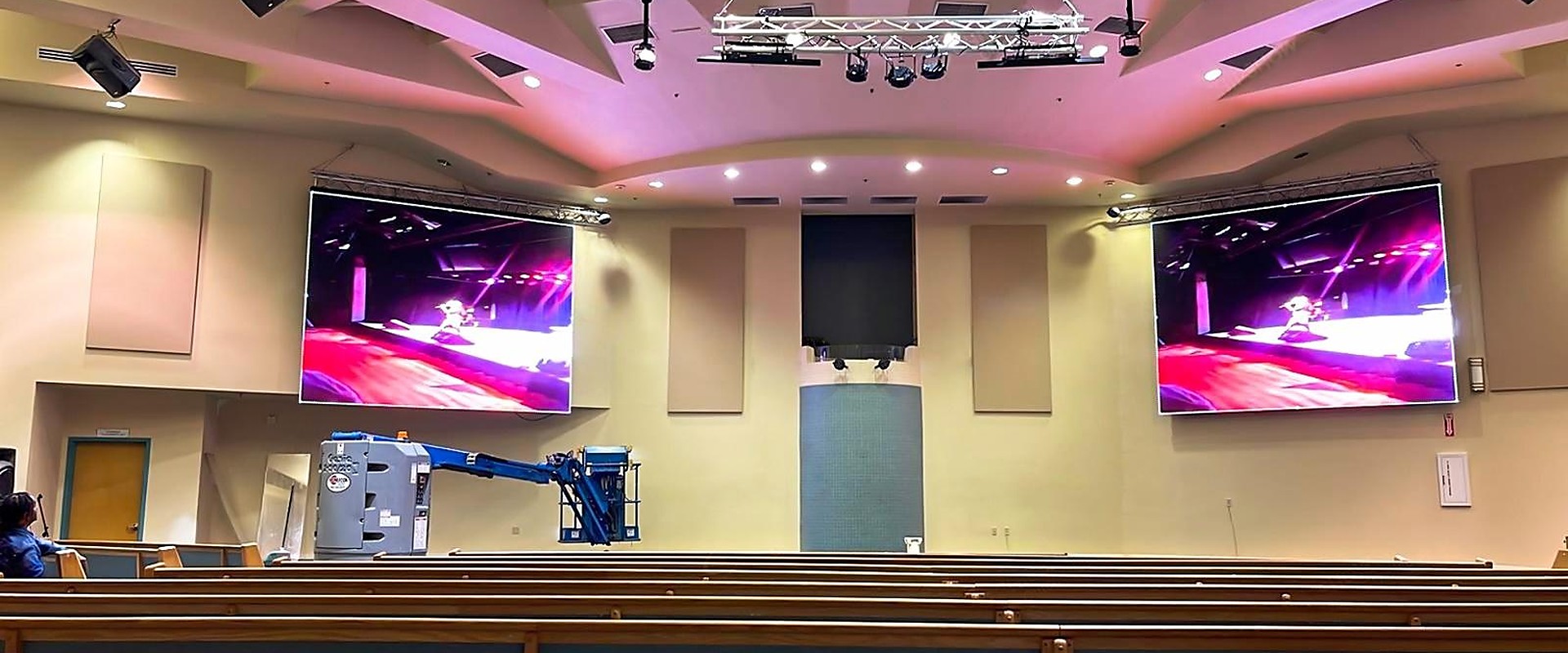
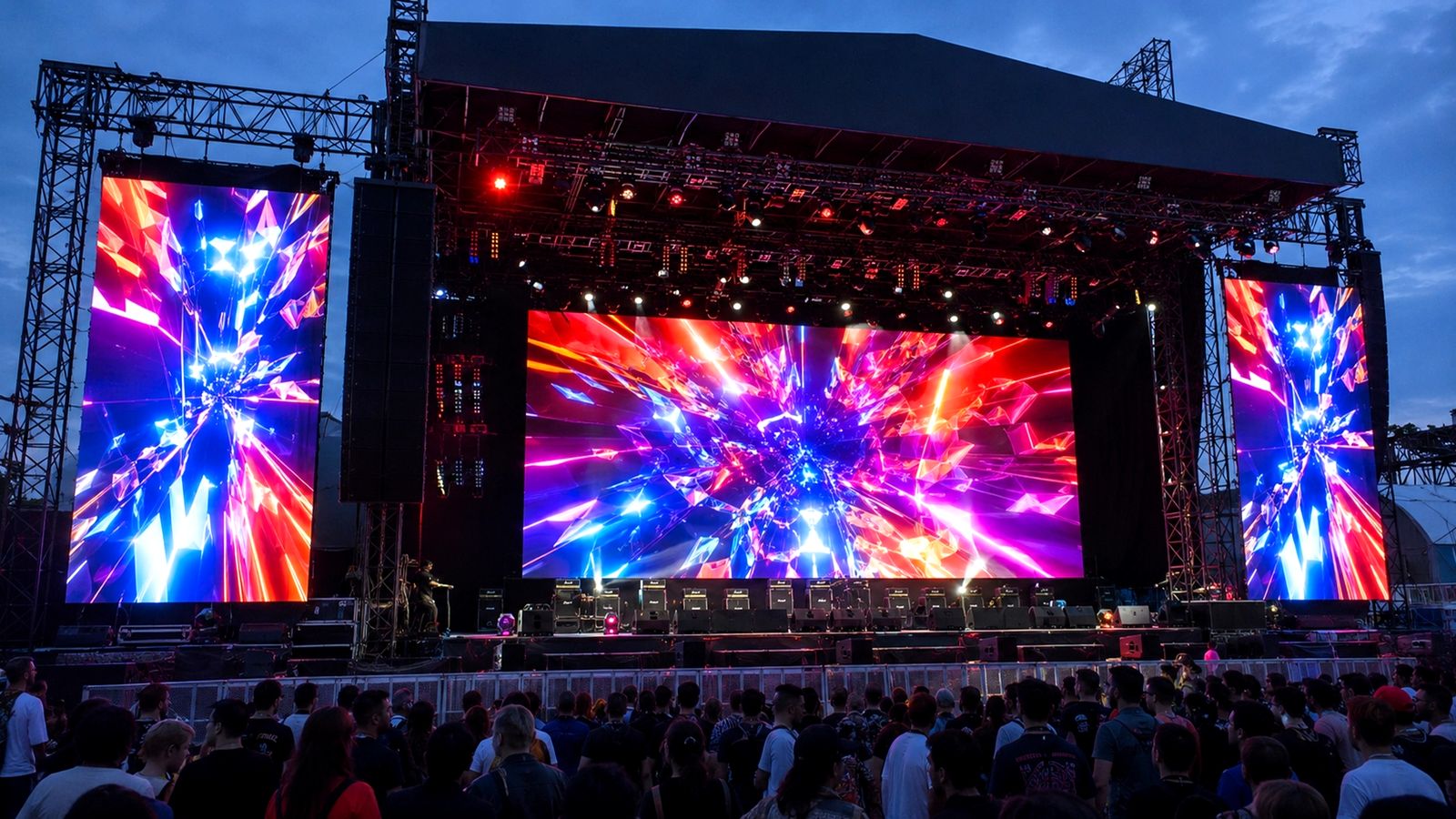
It is not worth it for a church wall filmed from the back of the room, a retail window, or a stage screen the audience watches directly. In those cases the money is better spent on pitch or brightness.
What else affects banding
Shutter angle, camera scan rate and the processor’s output timing all matter. A 7,680 Hz screen can still band if the camera shutter is set wrong, and a 3,840 Hz screen can look clean if the shutter is matched. That is why the camera plan should be confirmed before the screen is specified.
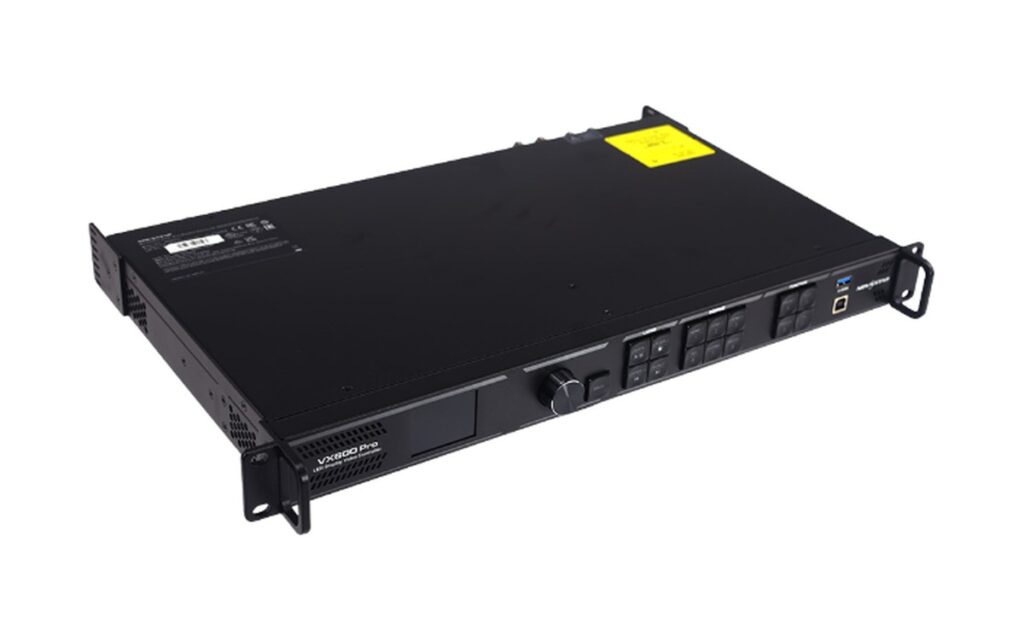
The processor matters too: the same panel driven at a lower output refresh behaves like a lower-refresh screen, so the setting is part of commissioning, not just the purchase order.
Camera settings that cause banding
Refresh is only half of the pair. The shutter is the other half, and it is set by the camera operator, not the screen supplier. A shutter angle near 1/50 s in a 50 Hz country, or 1/60 s in a 60 Hz country, is the usual starting point for LED work; drifting away from it is what produces rolling bands.
Two practical rules help on site: lock the camera to the local mains frequency, and avoid very short shutter angles (sports-style 1/1000 s) when the LED wall is in frame. If the shot needs a short shutter, the screen needs the higher refresh option — that is the trade being made.
How to test before shipping
A banding test is simple: display a mid-grey full-screen image, film it at the shutter angle the production will use, and review the footage at normal speed and at half speed. Mid-grey exposes banding that a colourful demo reel hides. Do this before the screen ships, not on the day of the shoot.
Ask for the test clip with the camera model noted, because the same screen can look clean on one camera and band on another. That clip is also useful evidence if the production later changes camera body.
Refresh is not frame rate
Frame rate is how many images per second the source sends; refresh is how many times the panel redraws each of those images. A 60 Hz source on a 3,840 Hz panel is redrawn 64 times per frame, which is what makes the image stable on camera. Raising the source frame rate does not fix banding if the refresh is low.
This is why the two numbers are specified separately in a quote, and why a screen that looks fine at 60 Hz can still band when the camera shutter is short.
Common questions
No. It costs more and only pays off when the camera or the broadcaster needs it. For audience-only viewing, 3,840 Hz is the sensible choice.
Refresh is a function of the driver ICs and the receiving card, so it is fixed at build. Plan it with the order.
Not directly, but very high refresh at low brightness can reduce grey-scale precision on some drivers. The pairing is checked per configuration.
Most rental series run 3,840–7,680 Hz depending on the driver option; the rental range lists the figure per series.
Yes — the output refresh must be set to match the panel. Novastar and Colorlight processors both expose this setting during commissioning.
Send the camera model, the shutter angle and the viewing distance. The AV control range and the screen spec are then matched together.
Usually less, because phone shutters are slower and processing smooths the result. A clean phone clip does not prove the screen is clean for a broadcast camera.
Partially, with deflicker filters, but it costs sharpness and time. Matching shutter and refresh on set is cheaper than repairing footage.