
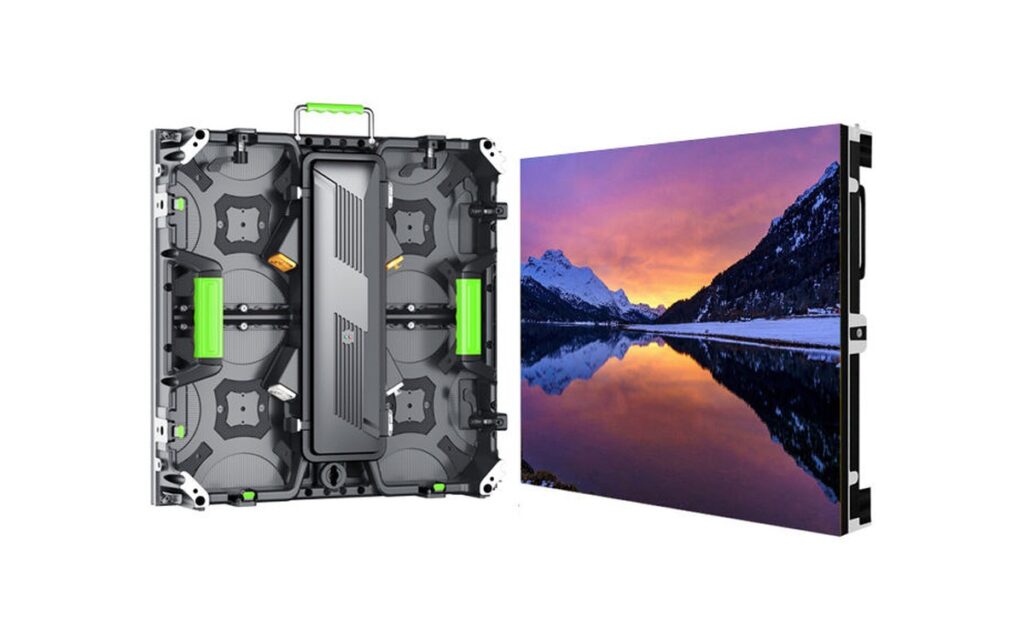
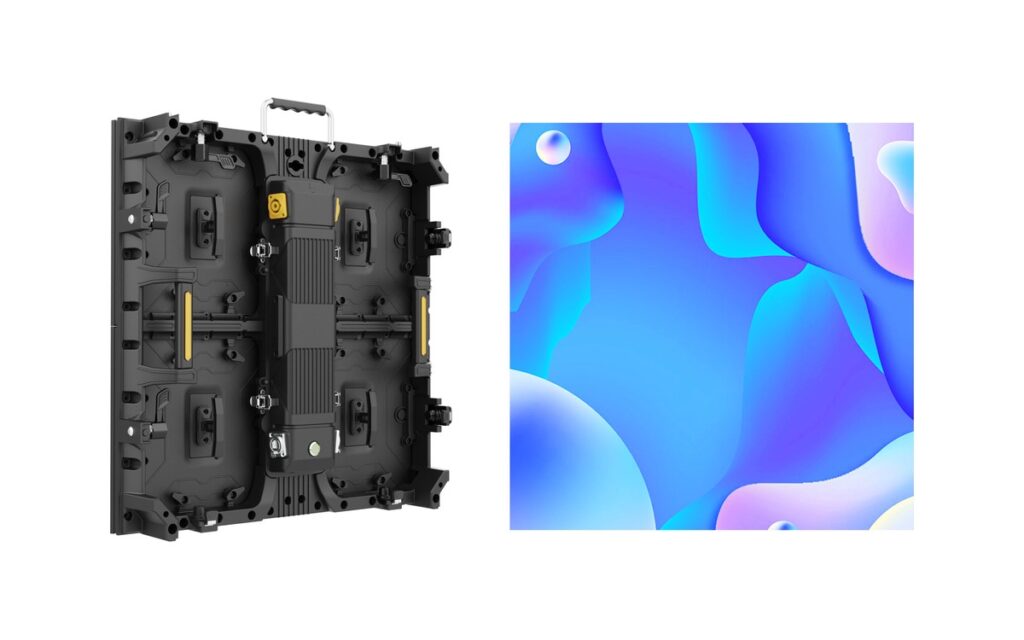
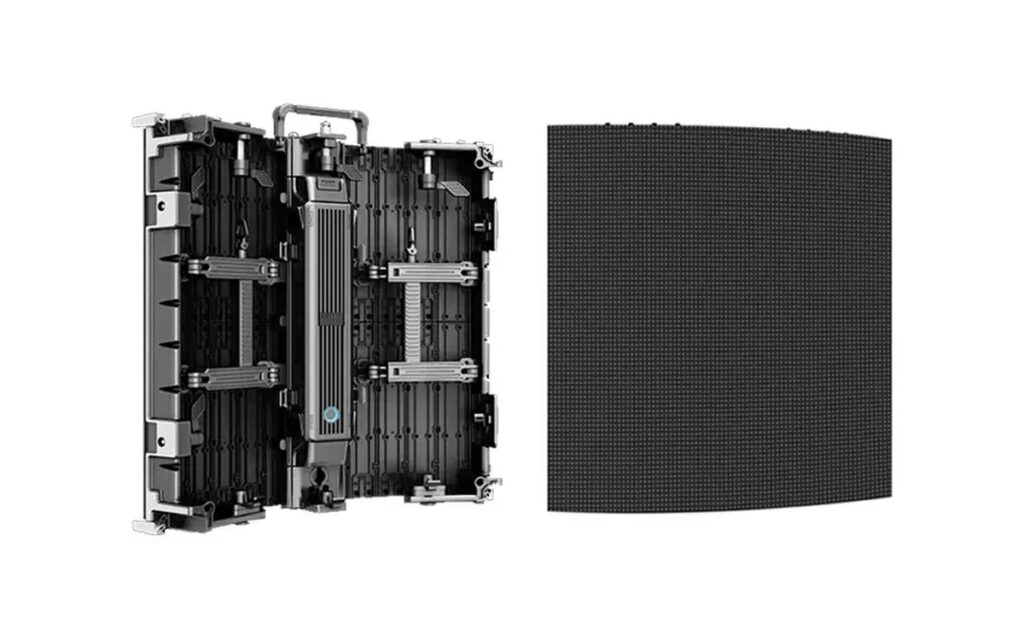
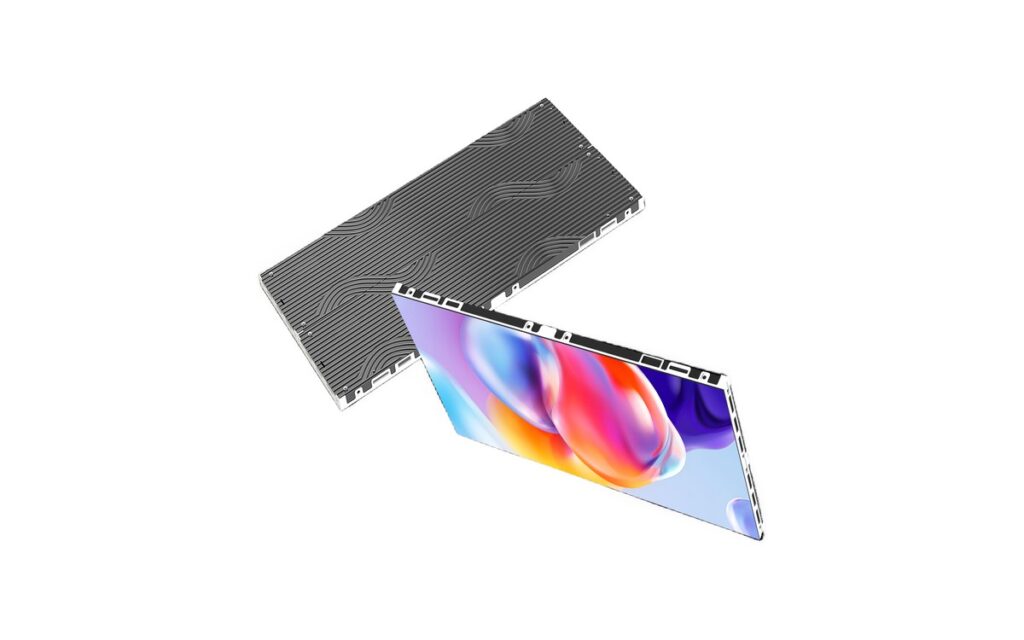
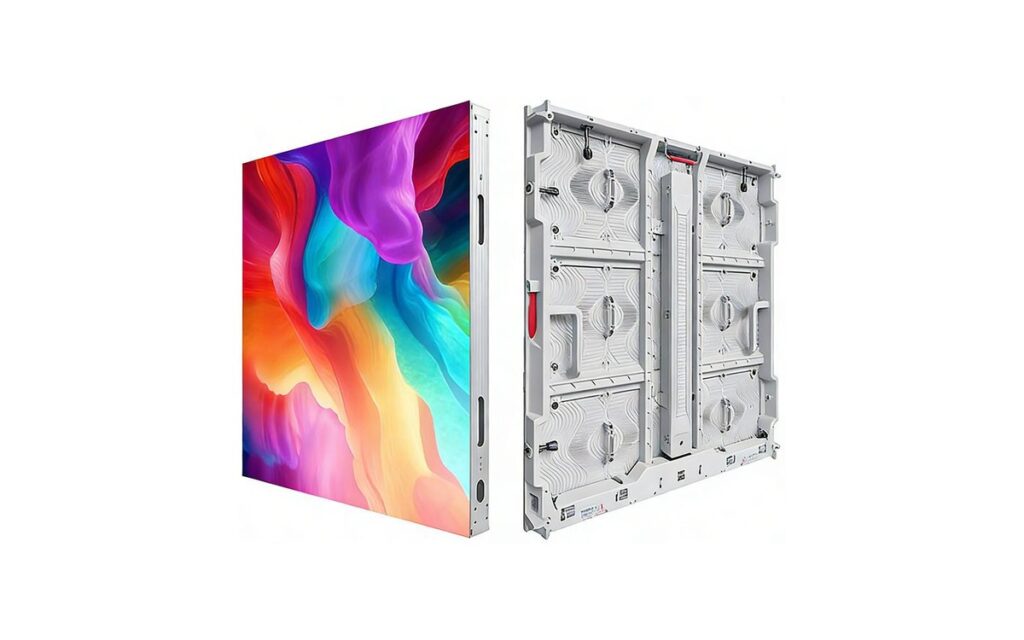
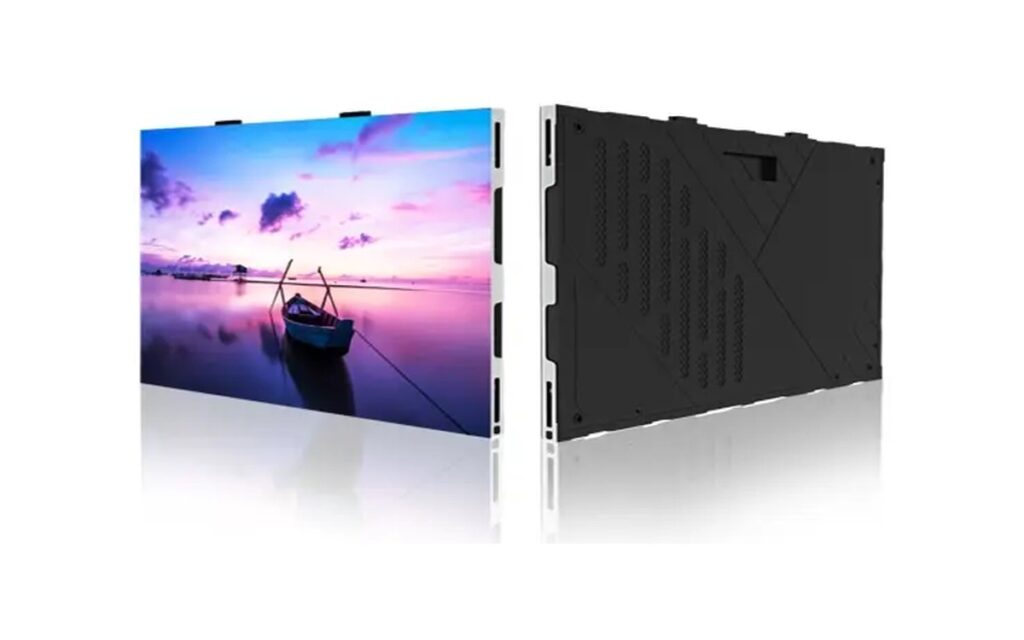
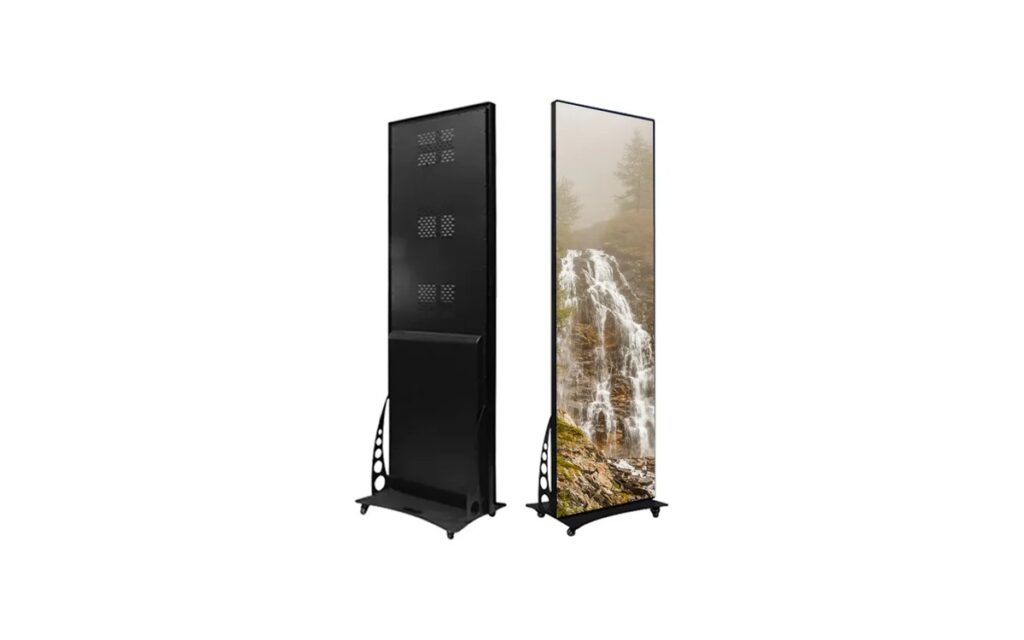
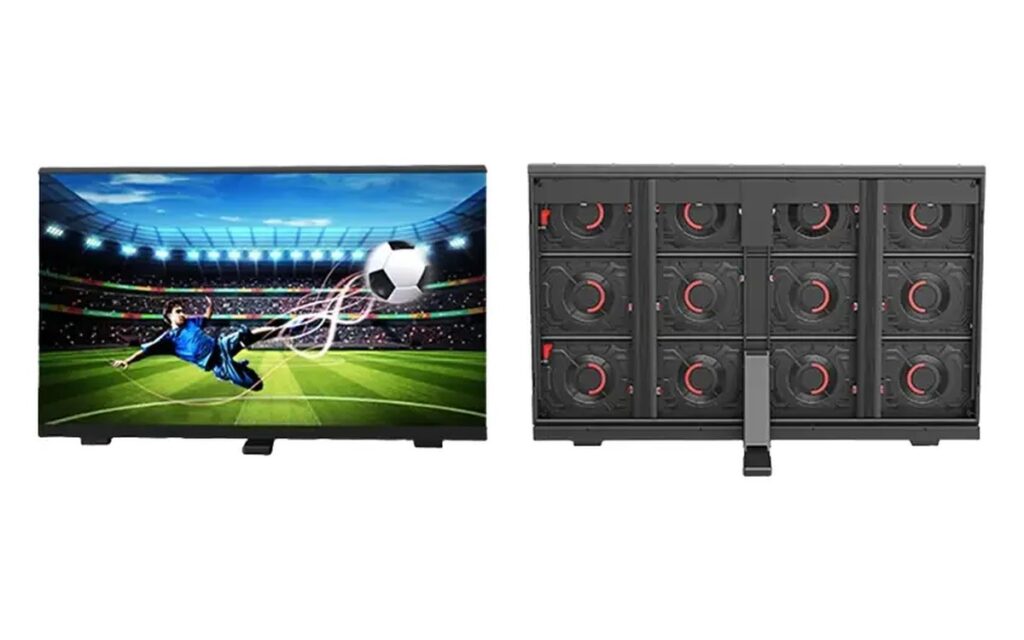
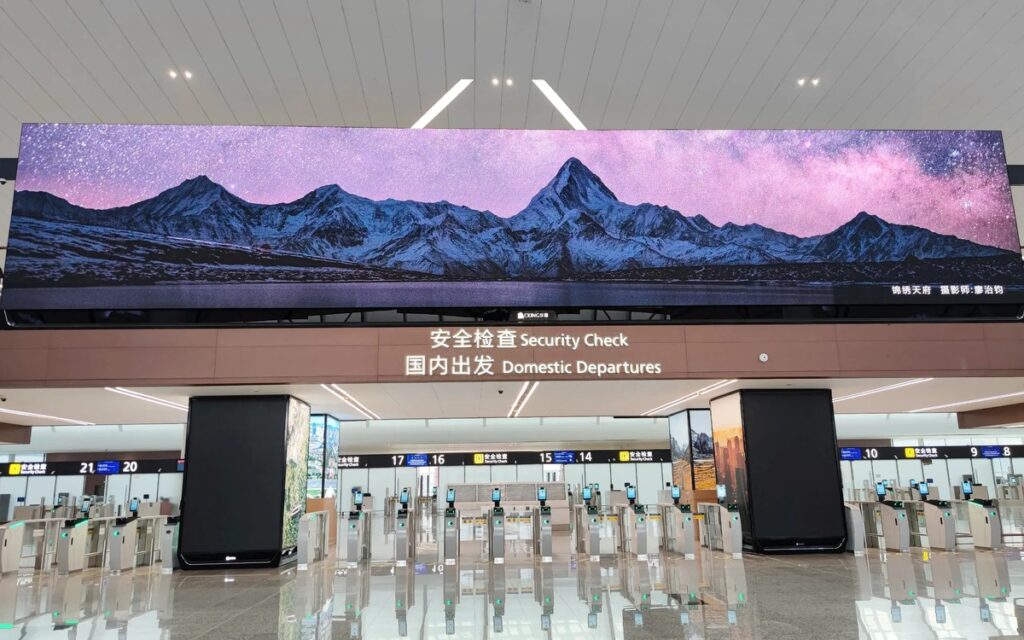
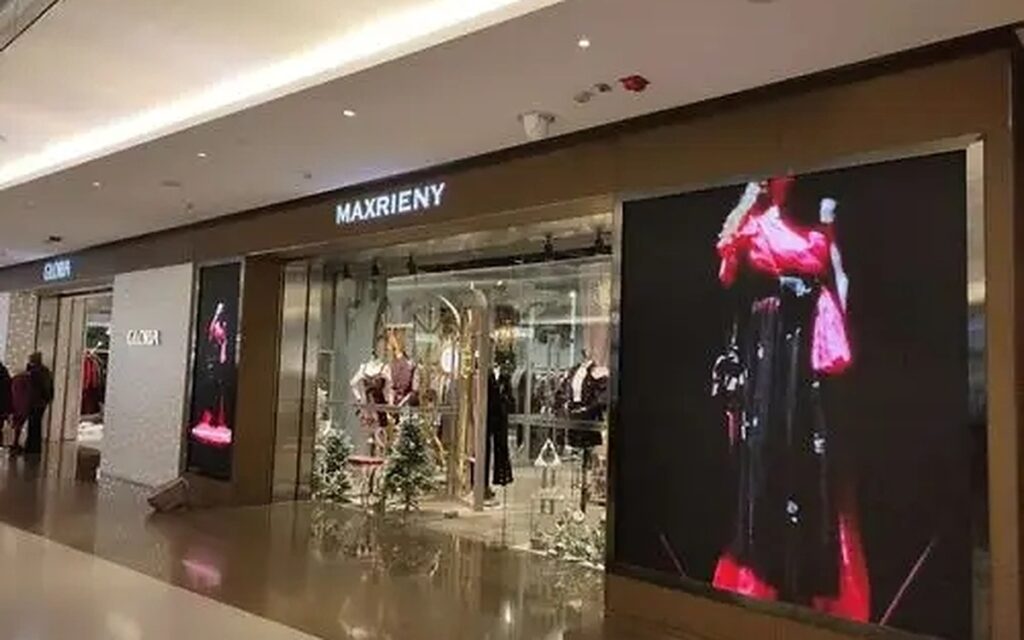
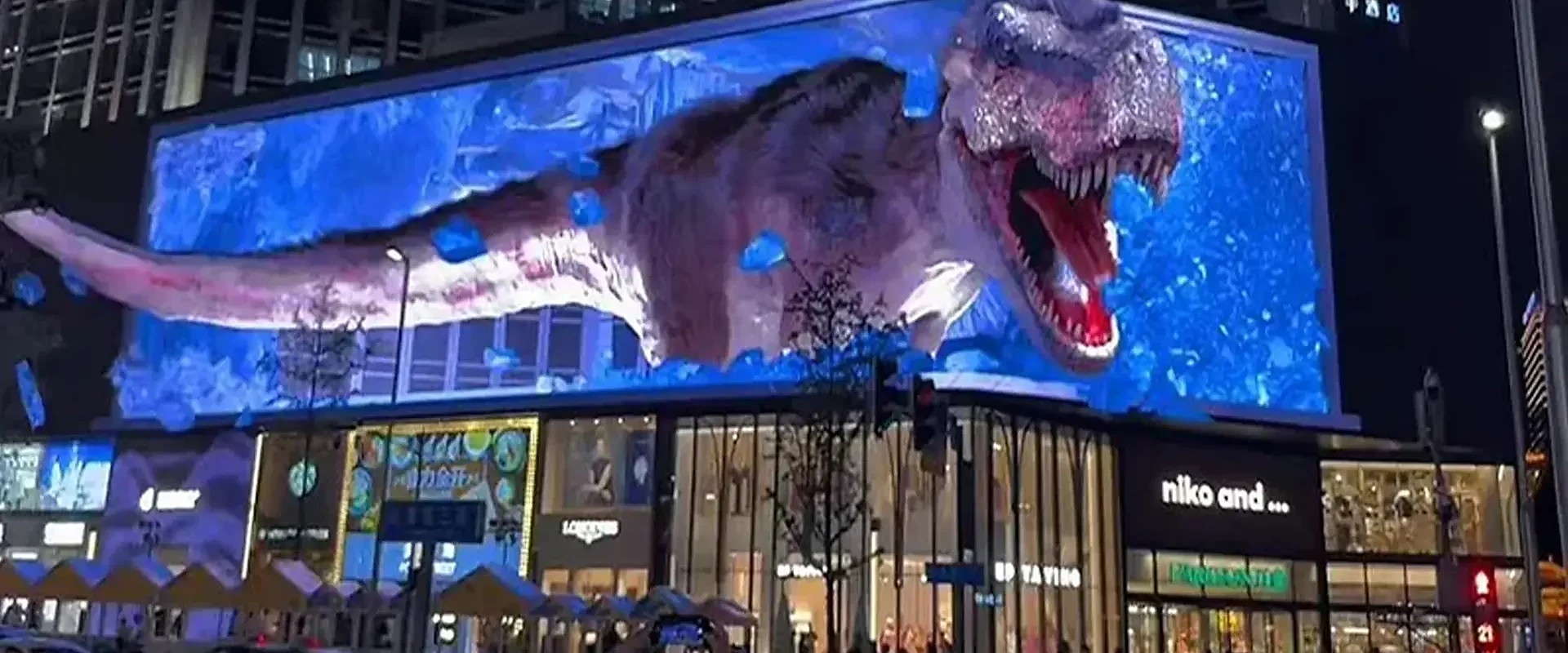
Two quotes arrive for the same indoor wall: both specify P1.2, but one uses COB and the other SMD. The prices and product descriptions differ, and the buyer wants to know whether the choice affects the image, service work or suitability for a busy public space. The pitch alone does not answer that.
Consider a screen along a school corridor or in a retail area, where people may brush against it and cleaning is frequent. A control room display has different demands: viewers sit close, cameras may record the surface, and access for maintenance matters. The display technology changes the practical trade-offs in both settings.
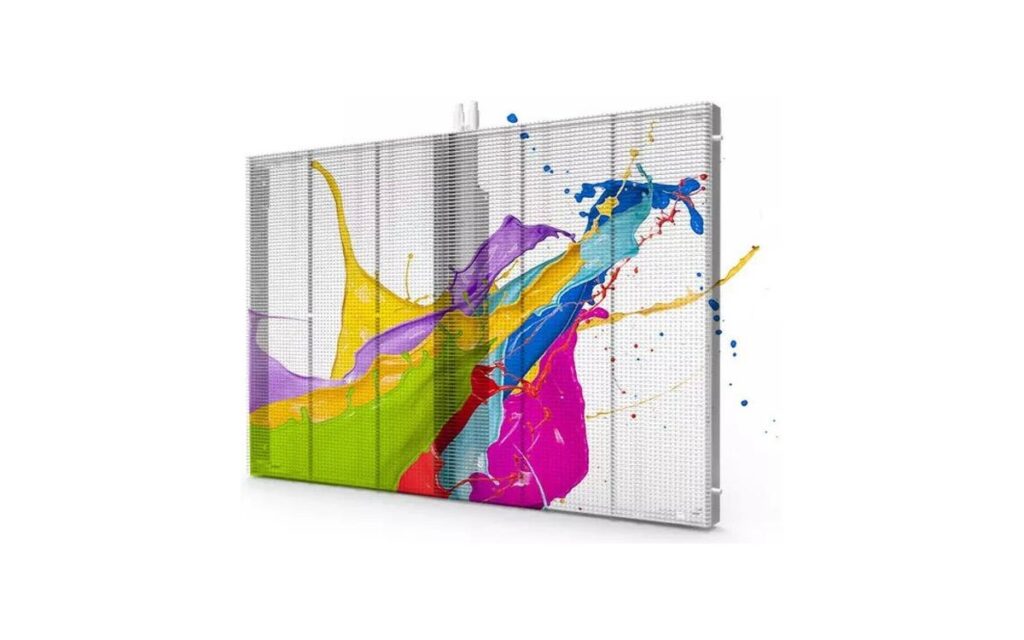
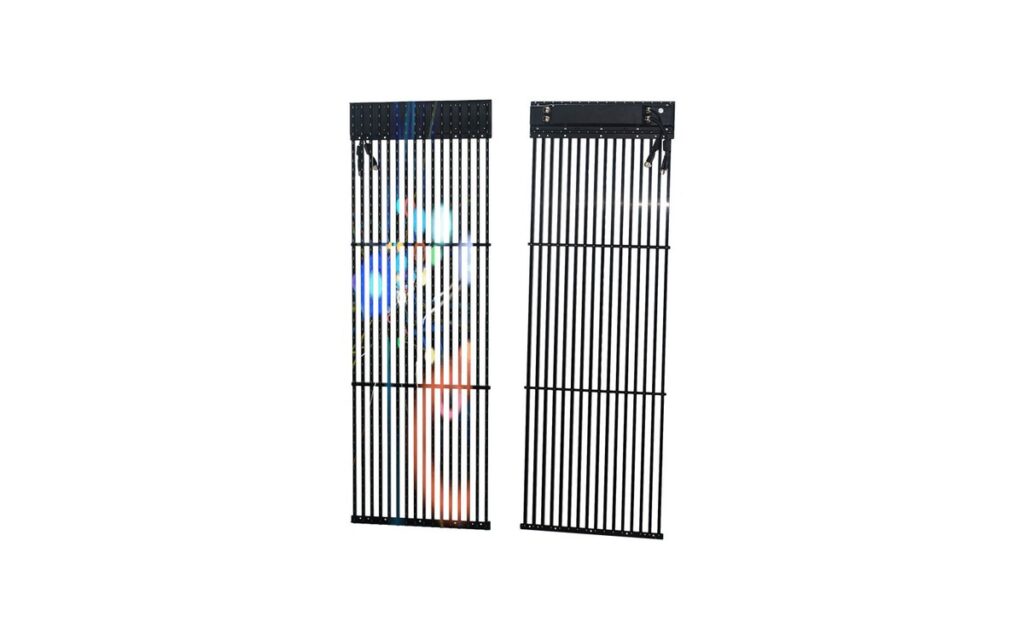
LINEX Tech’s fine-pitch LED display range includes both approaches. Compare the actual series specifications and installation conditions, not just the labels “COB” and “SMD.”
What COB and SMD actually mean
SMD means individual LED packages are surface-mounted onto the module board. At fine pitches, these packages appear as visible beads across the display surface. Each bead is a separately mounted component, which has implications for both the surface and how an individual failed LED can be repaired.
COB means the LED chips are bonded directly onto the board and sealed under a protective layer. The chips are not exposed as individual beads in the same way. This board-level covering changes how the screen handles contact and helps create a smoother surface.
Both are established options for fine-pitch displays. COB-H is offered at pitches from 0.78 to 1.86 mm, with brightness around 600–900 nits. FHD-PRO uses SMD1010, SMD1212 and SMD1515 options, with brightness up to 1000 nits. These figures vary by model and configuration, so confirm against the datasheet. For product-specific details, see the COB-H series and FHD-PRO series.
| Aspect | COB — COB-H series | SMD — FHD-PRO and FHD-CU series |
|---|---|---|
| Chip protection | LEDs sealed at board level | Individual LED packages mounted on the board |
| Surface uniformity | Smoother, more uniform surface | Visible individual beads |
| Repair approach | Board-level service; confirm procedure with supplier | Individual beads can be reworked |
| Pitch range | 0.78–1.86 mm | FHD-CU densities correspond to roughly P0.78–P1.9; confirm configuration |
Where COB has the edge in daily use
The sealed surface is a practical advantage where the screen may be touched or knocked. Busy corridors, retail spaces, education facilities and public areas all bring some risk of contact, whether from passing people, routine cleaning or nearby equipment. COB’s board-level sealing helps protect the LEDs against contact and pressure. It does not make the display immune to damage, but it changes how exposed the emitting components are.
The same covering helps limit the effect of moisture and dust at board level. That can matter in spaces where cleaning is frequent or environmental conditions are less controlled. The installation still needs to suit the site: confirm the product’s environmental limits and maintenance requirements rather than treating the surface as a substitute for enclosure or room planning.
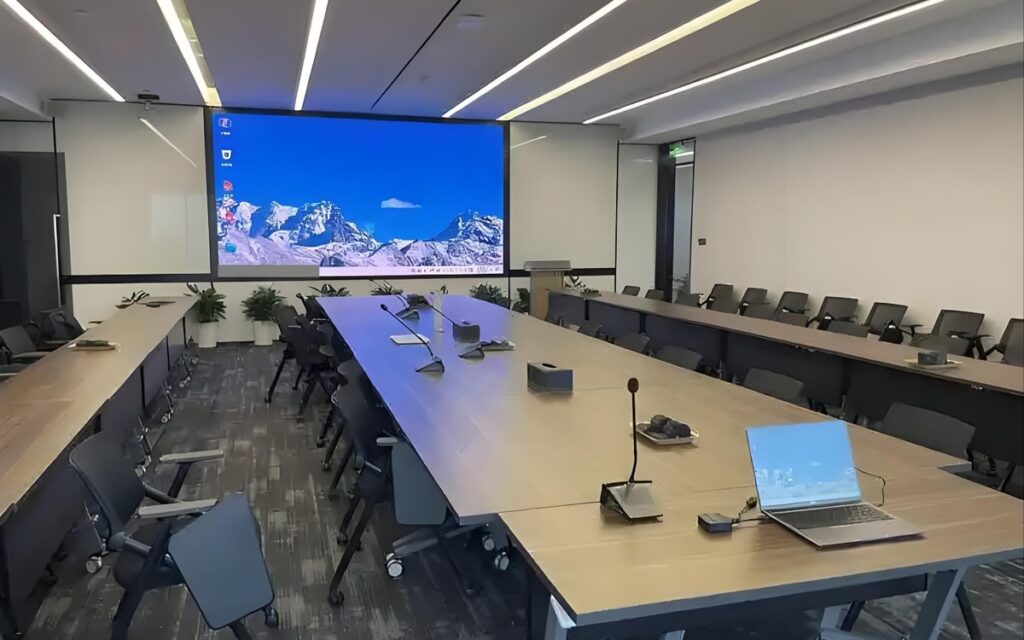
For close viewing, the sealed surface also appears smoother and more uniform than a field of separate beads. That can be useful in meeting rooms, galleries or other settings where viewers stand near the screen. It may also help when cameras capture the display, though the result depends on the content, camera setup and display configuration.
COB-H specifications include refresh rates of at least 3840 Hz and contrast up to 10,000:1. Brightness is around 600–900 nits, and typical viewing distances are roughly 1–5 m depending on pitch. Treat these as model-dependent figures and check the datasheet for the proposed configuration.
What SMD still does better
SMD’s clearest service advantage is bead-level rework: a technician can rework a single failed LED rather than treating the surface as a sealed layer. The repair still requires the right tools and skill, and the practical outcome depends on the fault and service procedure. For teams already familiar with SMD modules, this can fit established maintenance workflows.
SMD products also cover a broad spread of component options and brightness levels. FHD-PRO offers SMD1010, SMD1212 and SMD1515 options, with brightness up to 1000 nits. FHD-CU includes Mini 4-in-1 and SMD options, with densities from around 284,444 to 1,638,400 dots per square meter, corresponding roughly to P1.9 down to P0.78. Exact pitch and brightness depend on the selected configuration, so confirm against the datasheet.
Finally, SMD is familiar to many service teams and integrators. Existing experience with module handling and bead replacement may simplify planning for a buyer with an established SMD maintenance setup. That familiarity is a practical consideration, not a guarantee of lower maintenance cost; access, spare parts and the specific repair process still need to be checked.
Matching pitch to viewing distance and content
Start with the closest person who will regularly use the display, not the average distance across the room. For control rooms, briefing centres and executive displays where viewers may be 1-2 m away, pitches around P0.7-P1.2 are a common starting range. At roughly 2-3 m, meeting rooms, lobbies and luxury retail spaces often suit P1.2-P1.6. For larger commercial walls viewed from 3 m and beyond, P1.5-P2.5 may be appropriate.
Content affects the choice. Small text, data dashboards and camera feeds usually call for finer pitch than general video, particularly when viewers need to read detail for long periods. These ranges are a guide, not a substitute for checking the installation: confirm the final choice against the datasheet and a viewing-distance check from the actual seating or circulation positions. For a meeting room, compare the room layout with a conference room display solution before settling the specification.
Planning the order: cabinets, spares and site checks
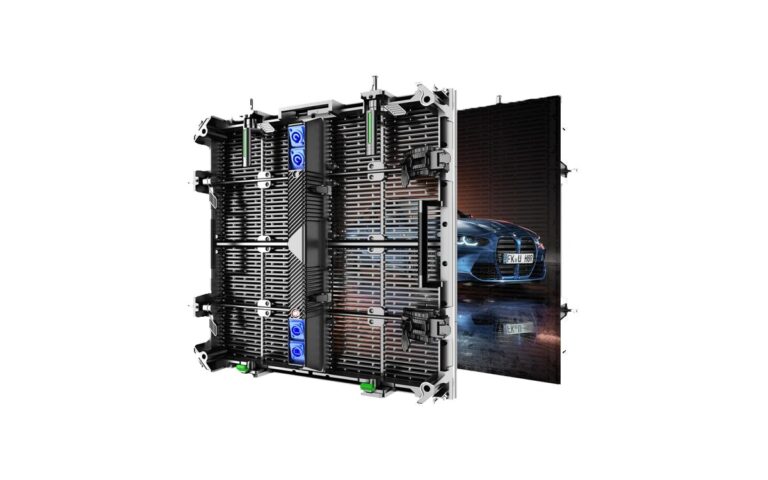
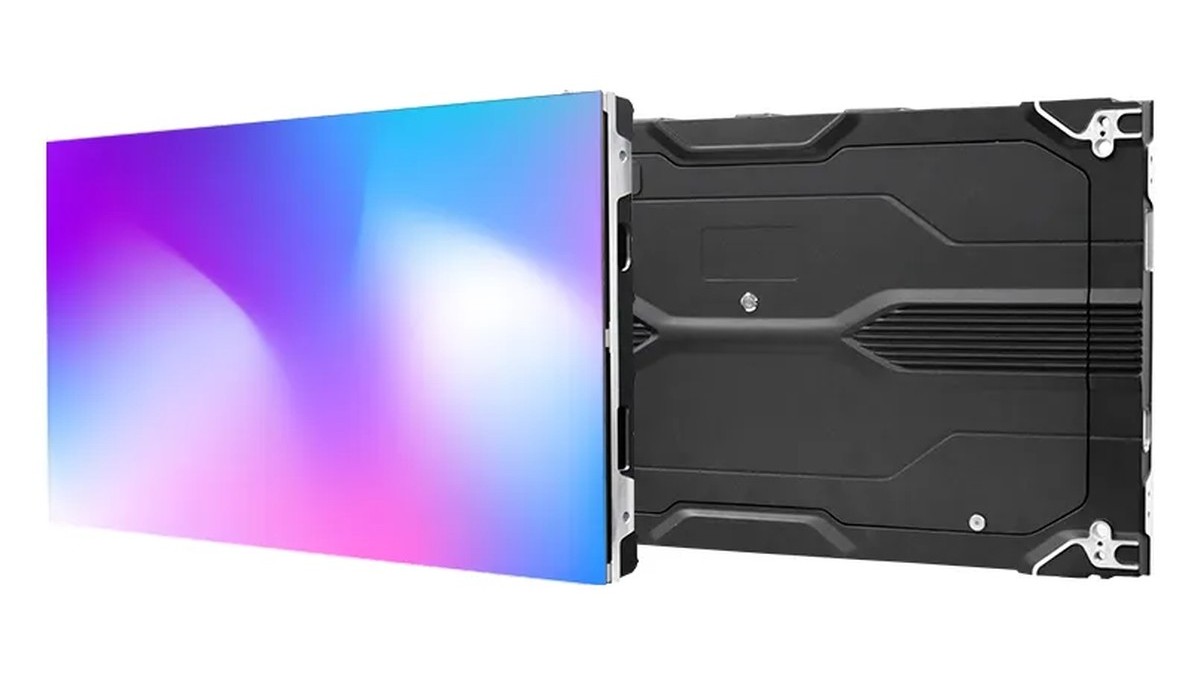
Fine-pitch cabinets are commonly offered in formats such as 600×337.5 mm, with some designs also using 150×337.5 mm cabinets. A cabinet of this size may weigh around 4.5 kg, though the exact figure depends on the product. Check cabinet dimensions, weight, mounting points and access clearances against the wall structure and installation plan before ordering.
Full front access matters where the display sits in a corridor, against a solid wall or in another location with no practical rear access. Confirm whether routine maintenance and module replacement can be completed from the front, and what tools or clearances the service procedure requires. This is especially important when the display is integrated into a finished wall or surrounded by other equipment.
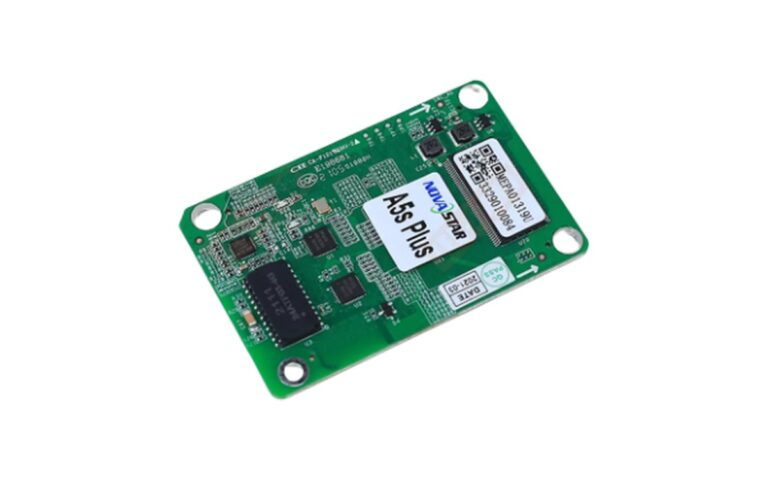
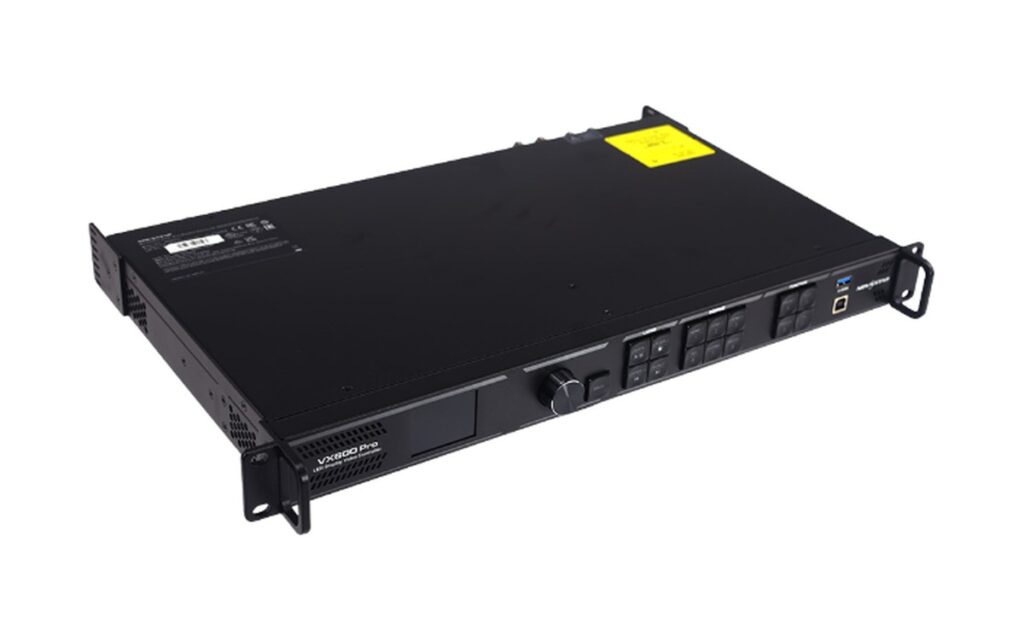
Check processor compatibility as part of the signal plan. NovaStar-class processors are common in LED projects, but confirm the selected processor, receiving cards, input sources and required signal routing against the proposed configuration. For product-specific cabinet and service details, review the FHD-CU series options alongside the project requirements.
Plan spares according to the technology and the supplier’s service method. A module-level spare strategy is typical for COB, while SMD repair may involve bead-level rework by a qualified technician. Before production, approve a representative sample, review aging test records and confirm the packing method for transport and site handling. When assessing a supplier’s documentation and support, use a supplier evaluation checklist to keep procurement questions consistent.
Wall conditions and calibration
Fine-pitch LED walls can make site conditions apparent at close viewing distances. An uneven wall, weak substrate or cabinet alignment forced to follow an irregular surface may create visible lines or shadows. Before finalising the supporting structure, survey the wall and check its flatness. Confirm acceptable tolerances against the display product documentation and account for any required adjustment in the mounting design.
During installation, level and align cabinets progressively, checking each section before continuing. Small positioning errors can accumulate across a long wall, so the first cabinets and the alignment method deserve particular attention. The installation plan should allow the structure to hold the specified alignment without relying on force to pull cabinets into place.
Brightness and color calibration are typically addressed during commissioning. Ask what calibration data or settings are supplied with the order, how they relate to the installed display, and which adjustments the operator can make later. Agree who is responsible for final calibration and what equipment or access is needed on site.
Check brightness control against the room’s intended use. A display may be capable of more brightness than a dim meeting room requires, so confirm its dimming range and how settings can be adjusted as ambient light changes. Also confirm the specified ventilation clearances: a tightly mounted wall can restrict airflow and allow heat to build up behind it. Keep access and service routes practical for the installed layout.
Quick answers
Either can suit a conference room. Start with the closest regular viewing position and the content: small text, presentation detail and camera feeds may favor a finer pitch. COB-H options are around P0.78-P1.86, while FHD-CU includes Mini 4-in-1 and SMD options around P0.78-P1.9. Confirm the exact configuration against the datasheet.
COB’s integrated surface can be a practical consideration where people may come close to the display, but suitability depends on the installation and operating conditions. Confirm the product’s specified protection, cleaning and handling guidance against the datasheet. For public-facing spaces, also consider placement, access control and how the display will be protected during routine use.
Field repair depends on the design and service procedure, rather than the technology name alone. COB maintenance commonly uses a module-level replacement approach, while SMD may allow bead-level rework by a qualified technician. Check what spare parts, tools and service access the supplier requires, and confirm the procedure against the product documentation before placing the order.
No. Cabinet formats, mounting details and weights depend on the product configuration, even when two displays use similar dimensions. Fine-pitch cabinets commonly include 600×337.5 mm formats, with some around 4-5 kg, but confirm the selected model’s datasheet. Check cabinet alignment, fixing points and wall capacity before finalizing the structure.
At around 3 m, P1.2-P1.6 is a useful range to assess; from 3 m and beyond, P1.5-P2.5 may also be suitable. The right choice depends on whether viewers need to read text or data, or mainly watch general video. Confirm the final pitch against the datasheet and a viewing-distance check in the room.
No. Keep one technology per wall. COB and SMD can differ in surface appearance and color, so combining modules may make the image look inconsistent, even if the nominal pitch is similar. Specify a single technology and compatible module type for the full display, and confirm the complete configuration before ordering spares or adding to the wall later.
For camera use, confirm the refresh rate and camera performance with the exact configuration and the intended camera settings. COB-H and FHD-PRO specifications list refresh rates of at least 3840 Hz, but the figure alone does not guarantee a suitable camera image in every setup. Request a camera test where possible and confirm the datasheet details.
Send LINEX the room dimensions, closest regular viewing distance, content type, mounting conditions and signal sources. Include any preferred pitch or cabinet constraints, and note whether front access is required. LINEX can use these project details to prepare a proposed configuration and quotation; confirm product-dependent specifications against the datasheet before approval.
Send LINEX your room dimensions, viewing distances and content details to request a configuration and quote. Include the mounting and signal requirements so the proposal can be checked against the site plan. Contact LINEX Tech to discuss the project.