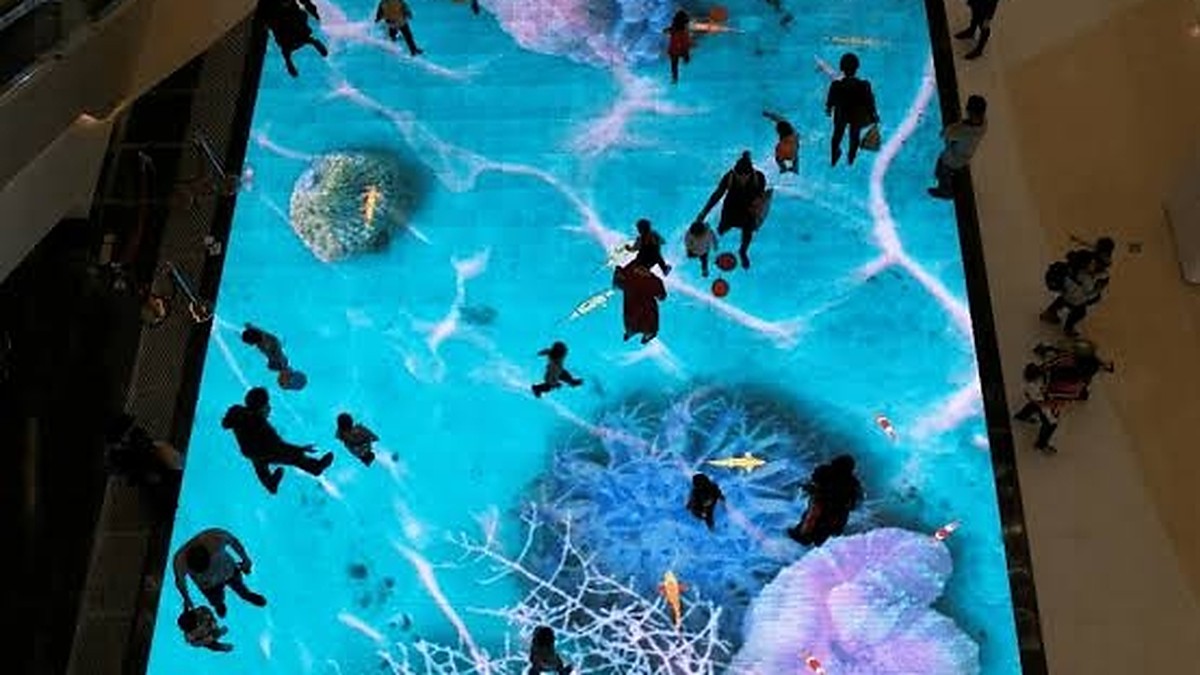
Where interactive floor displays make sense
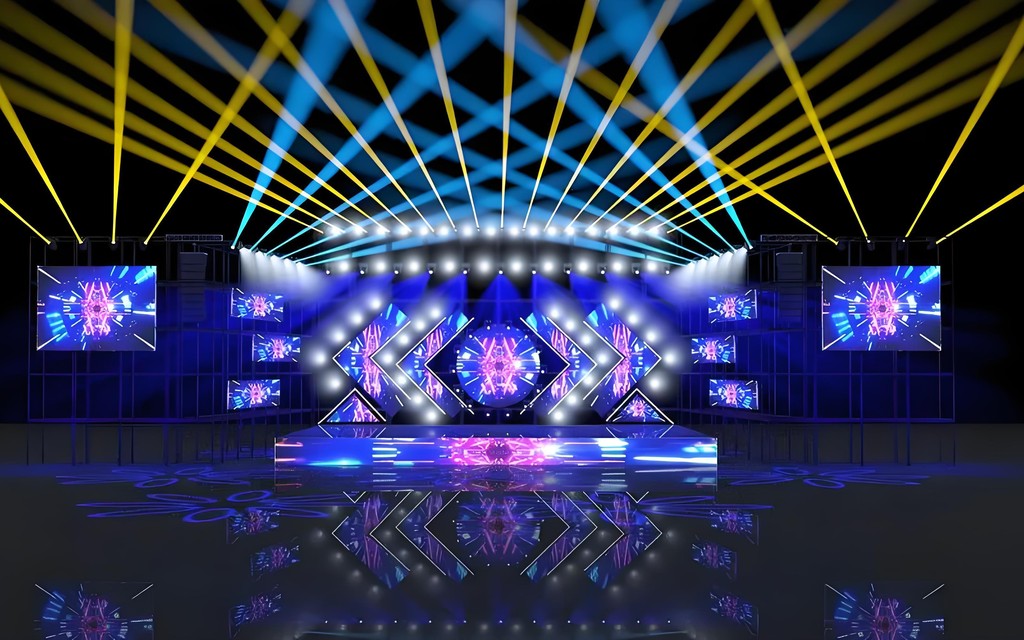
An interactive floor can invite people to participate rather than simply watch. At concerts and live events, it can add responsive visuals to a stage or create a focal point for audience interaction. Exhibition stands and showrooms can use the surface to guide visitors, present product stories or support a hands-on demonstration.
Retail experience zones and museums may use floor visuals to encourage exploration, communicate information or give visitors a reason to pause. The best application is one where people can understand how to interact and where the surface fits naturally into the visitor journey. For event production companies, a responsive floor can also serve as part of a larger visual design rather than a standalone feature.
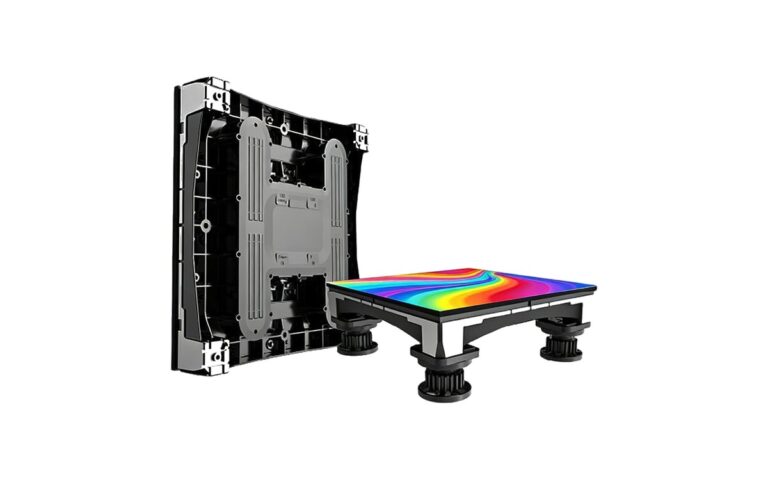
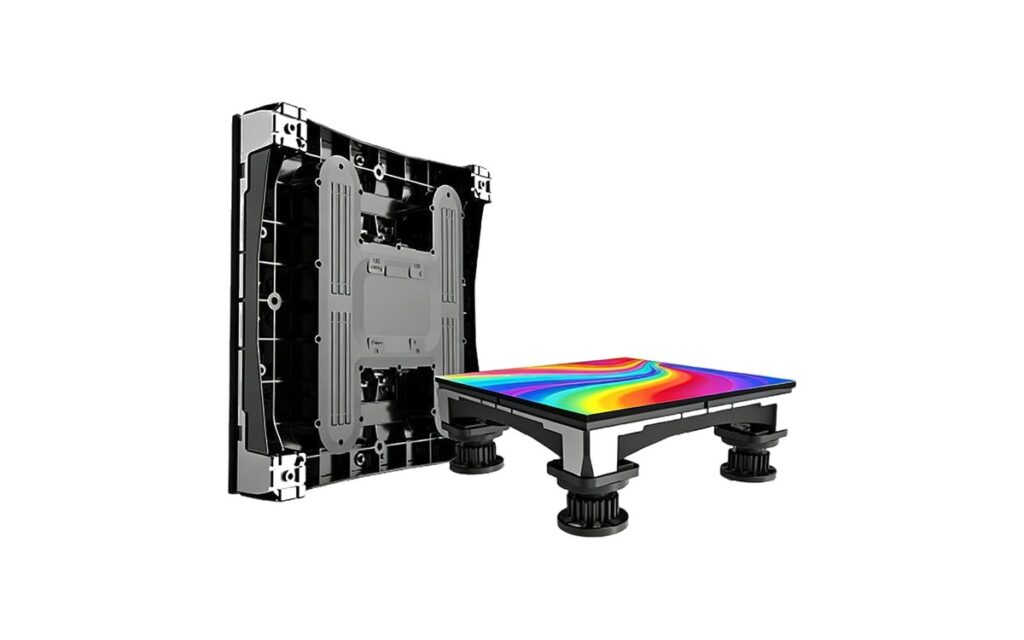
Use the LED floor display range to review the available category, then compare interactive LED floor displays with general LED floor displays. Interactive systems are intended for responsive experiences; a general floor may suit a visual application where sensing is not required.
How interaction works
Interactive floor systems use built-in motion sensing to detect movement and connect that input to the visual content. When a person steps or moves across a sensing area, the system can trigger a game, a visual trail or another programmed effect. Sensor response is in the millisecond range in typical solutions, but the full experience also depends on the display, control setup and media software.
Before ordering, test the interaction with content that resembles the intended use. A simple effect that follows a visitor may behave differently from a group game or a sequence with several visual elements. Confirm how the system handles movement at the planned pace, how clearly it responds under the venue lighting, and whether the content can be adapted by your team or requires a particular workflow.
Ask what is included in the proposed control and software arrangement, and how media files are prepared and deployed. Request a demonstration using representative content where possible. This lets buyers assess the visible response and practical operation together, instead of treating sensor response as the only measure of performance.
Load capacity explained
Floor load ratings are commonly stated in kilograms per square meter. Industry-typical ratings start around 1,000 kg/m², and some constructions reach about 2,500 kg/m². These are broad reference points, not a guarantee that a particular floor is suitable for every use. Confirm the rating for the exact proposed system in its datasheet and installation conditions.
Distributed load describes weight spread over an area, while point load concentrates weight on a small contact area. A person walking across a floor, a stage structure resting on supports and a display positioned on feet can create different loading conditions. Movement and impact may also matter for active events, so describe the actual use rather than relying on a general venue estimate.
The supporting substrate, leveling and installation method affect how the load is carried. A suitable panel rating cannot compensate for an uneven or unsuitable base. Before confirming an order, provide details of the surface beneath the floor, the expected traffic, any stage equipment and any display or structure that will stand on it. Ask the supplier to confirm that the complete setup is appropriate for those conditions.
Pixel pitch, brightness and camera use
Interactive floor pixel pitches commonly range from about 2.5 mm to 6.25 mm. A closer viewing position can make finer pixel pitch important, while the right choice also depends on content, layout and viewing distance. Review sample material at a realistic distance and consider whether visitors will look down while moving or view the floor from nearby seating and walkways.
Brightness should suit the venue’s ambient light and the visual balance of the wider production. A floor that appears vivid in a dark demonstration space may look different under bright event lighting or near daylight. Ask to review the image in conditions that resemble the planned venue, and consider how glare, reflections and color balance affect the viewing experience.
For events filmed or streamed with cameras, refresh rate can affect the captured image. Test the proposed setup with the cameras and filming conditions expected for the production, looking for visible flicker or banding. Do not rely only on a visual check by someone standing in the venue; camera performance should be evaluated through the intended recording setup.
Surface, safety and maintenance
The top surface needs to support both image quality and regular use. Ask about anti-slip and wear-resistant properties, how the finish responds to foot traffic, and how it should be cleaned. Confirm suitable cleaning methods with the supplier rather than assuming that a familiar cleaning product or process is appropriate.
Edge finishing matters because visitors and crew may approach the floor from several directions. Review how edges meet the surrounding surface, how changes in floor level are managed and whether the design allows practical access for setup and service. These details should be considered in the layout, not left until the installation is underway.
Plan for service needs before the system goes into operation. Ask how damaged or malfunctioning tiles are accessed and replaced, which spare tiles and receiving cards should be held, and how replacement parts are matched to the installed configuration. For rental use, include handling, transport and inspection in the service plan. As a supplier and project supply partner, LINEX TECH can discuss the intended application and support requirements; not every configuration follows the same service approach.
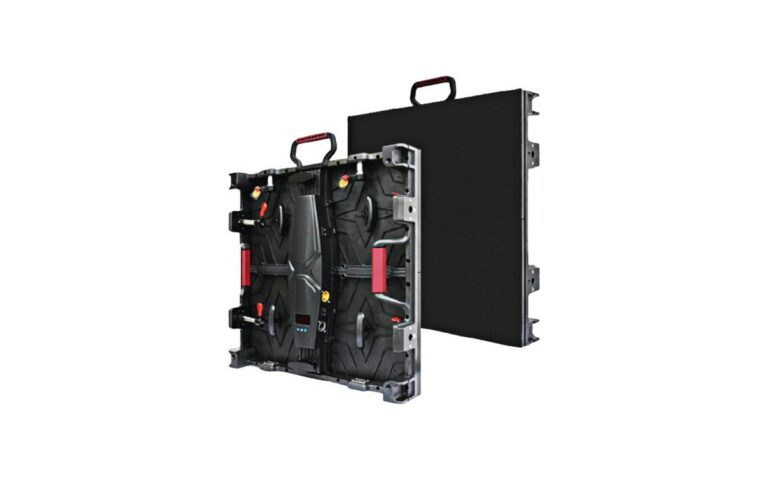
Review the Floor-R Series and Floor-T Series pages as part of product research, then request current technical information for the option under consideration. Buyers planning a rental project may also find the rental LED display selection guide useful when organizing broader project requirements.
Planning checklist before requesting a quotation
A useful quotation request describes the job clearly enough for the supplier to assess the application and propose a suitable configuration. Share the following details where available:
- Tile size, total floor area, layout shape and how the floor will meet the surrounding surface.
- Expected use, including foot traffic, any stage equipment, and items that will stand on the display.
- Interaction type, such as trails, games or other visual effects, with examples of the content you want to run.
- Venue conditions, including ambient light, viewing positions, surface beneath the floor and any camera use.
- Power and data routing plans, including where connections can enter and how cables will be managed.
- Access needed for installation, inspection, tile replacement and ongoing service.
- Spare parts expectations, including whether spare tiles and receiving cards should be included in the supply plan.
Ask for the proposed layout, relevant datasheets and confirmation of the load rating for the intended conditions. If the application combines public access, stage activity and camera use, state each requirement so that the supplier can review the complete use case. For help preparing a project brief, contact LINEX TECH with your application details and quotation requirements.
It can be considered for rental use when the floor, transport plan, setup conditions and service approach suit the event. Share the expected traffic and content with the supplier and confirm the proposed configuration against its datasheet.
There is no single rating for every project. Describe whether the floor will carry foot traffic, stage equipment or other displays, and confirm the proposed system’s rating and installation requirements for that actual use.
Test representative games, trails or effects on the intended floor setup. Check that the response feels appropriate, that visuals remain clear in venue lighting and that camera footage is acceptable if filming is planned.
A strong purchase decision connects the display specification to the venue, content, loading conditions and service plan. Share those requirements early, review the relevant datasheets and confirm the complete proposed setup before placing an order.