


Church & Worship LED Display Solutions
Support worship, preaching and streaming with sanctuary displays, confidence screens and complete camera-to-screen signal paths.
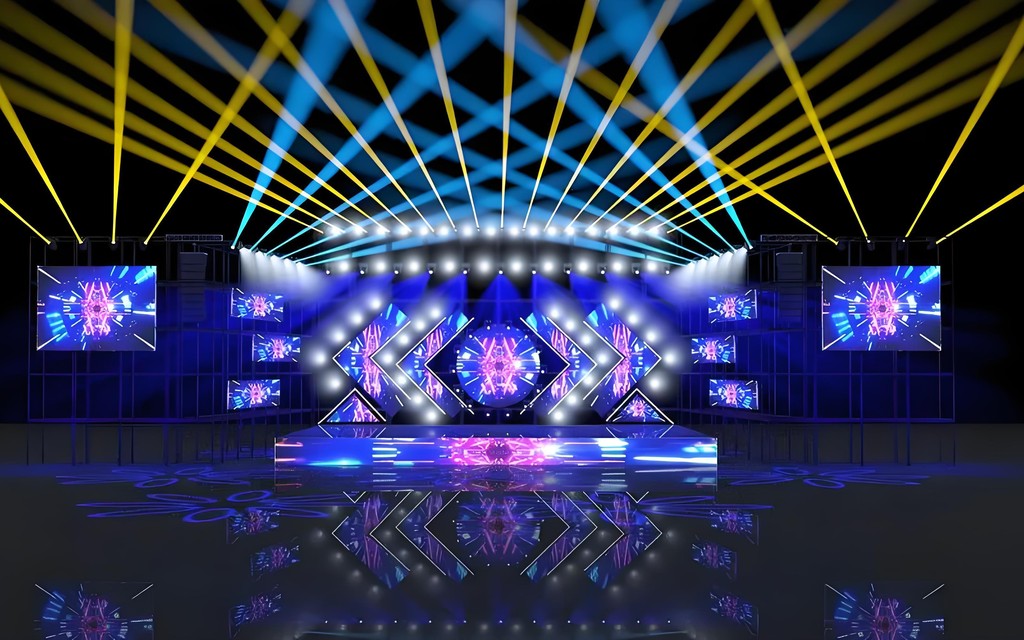
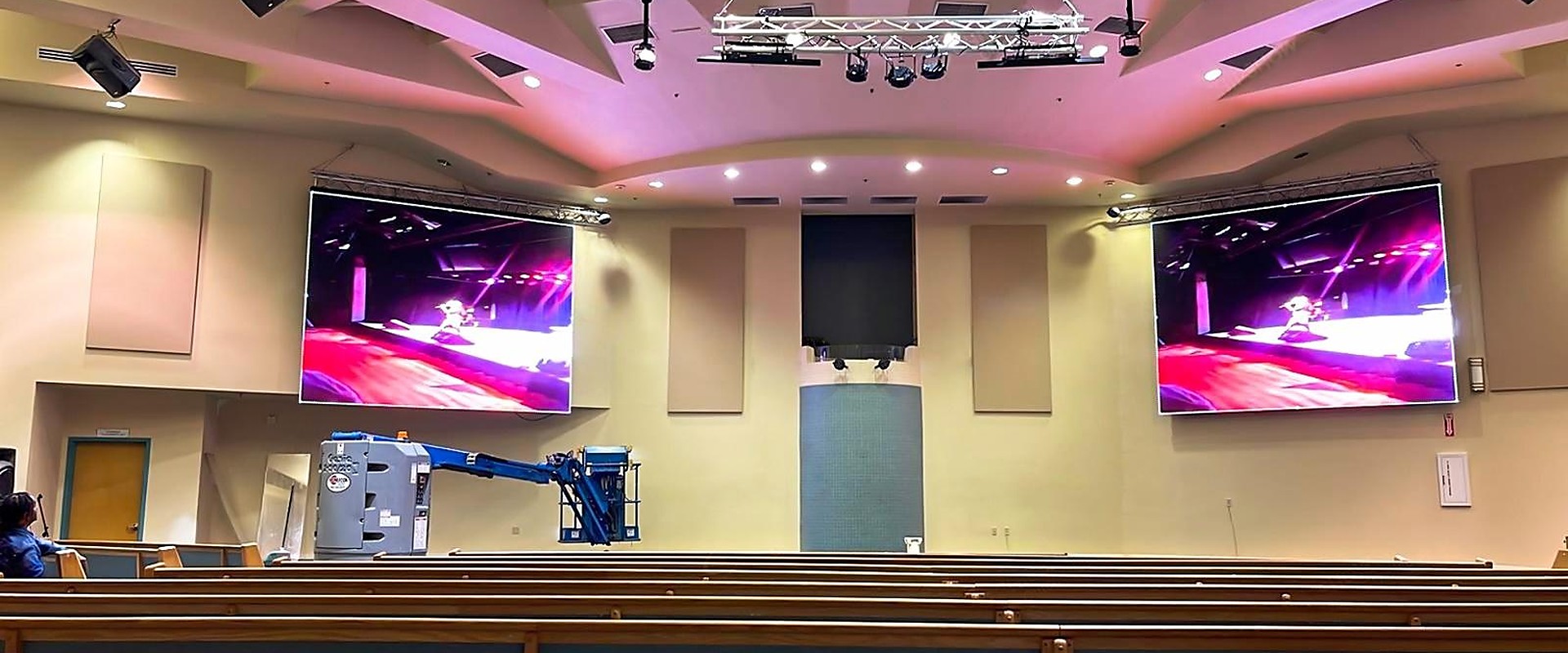
- Sanctuary video walls & stage backdrops
- Side confidence & lyric screens
- Camera, broadcast & streaming signal paths
- Display + signal chain supplied together
Typical Worship Display Challenges
These are the key technical factors to confirm before selecting a worship LED display:
- Readable lyrics and text from every seat, including balconies
- Fitting the display into the architecture without dominating it
- Supporting worship leaders with confidence screens and lyrics
- Camera, streaming and in-room content working from one signal path
Choose the Right Worship Display
Sanctuary walls, stage backdrops and close-view screens for worship spaces.
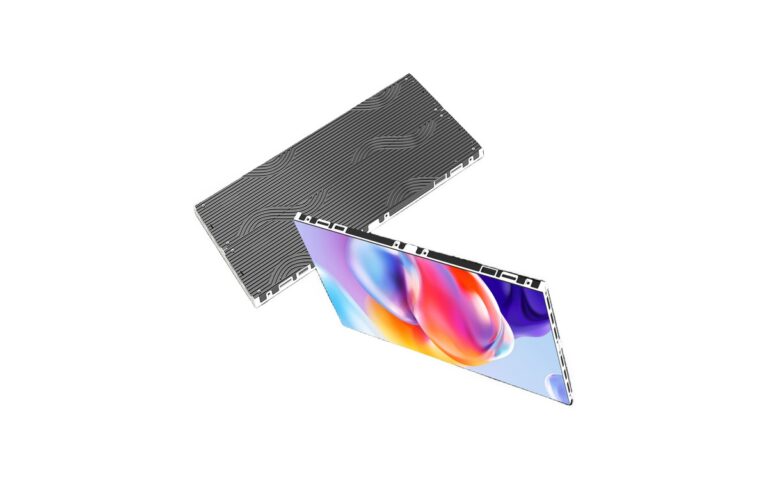
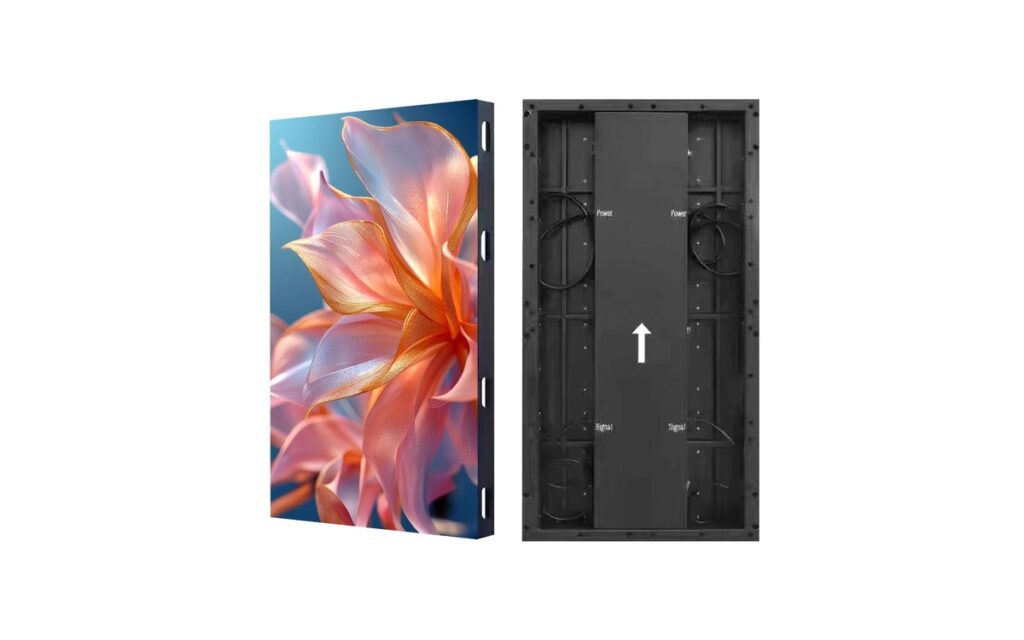
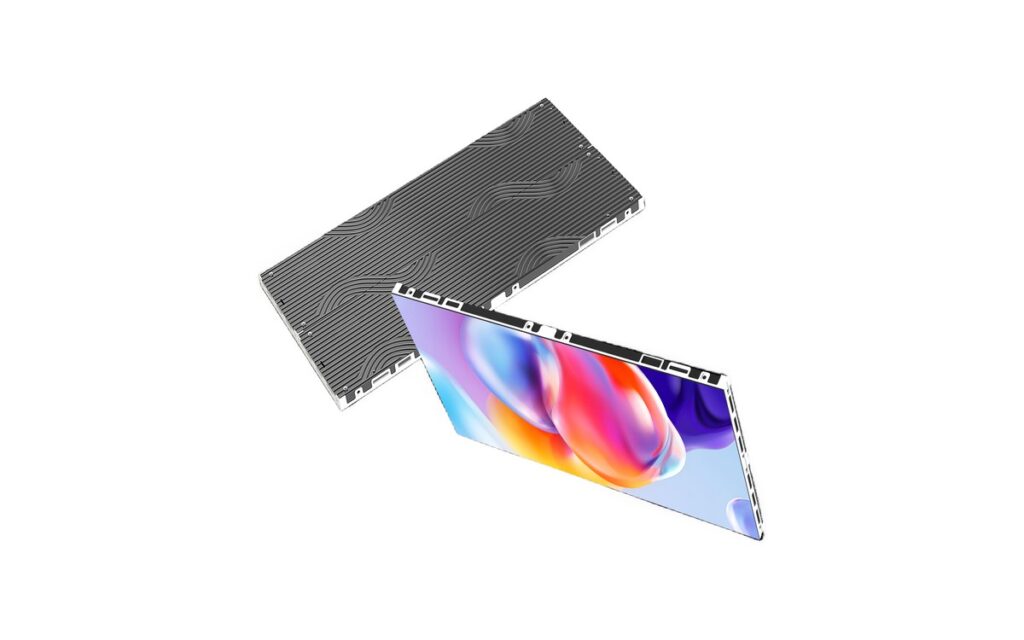
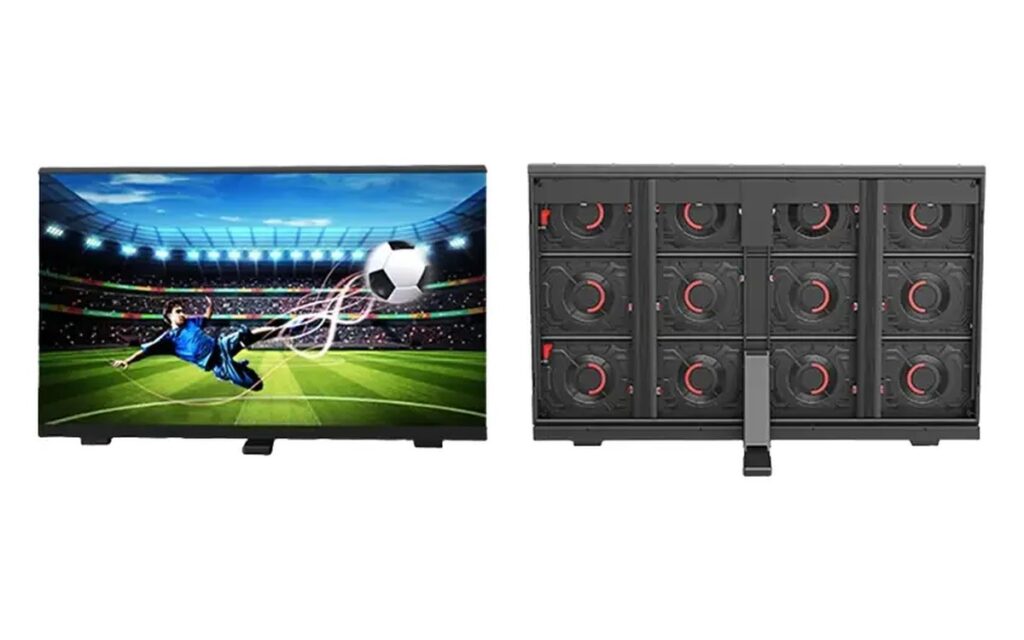
Indoor-Slim Series
Main sanctuary displays, side screens, stage backdrops and architectural installations where a slim indoor structure is preferred.
View details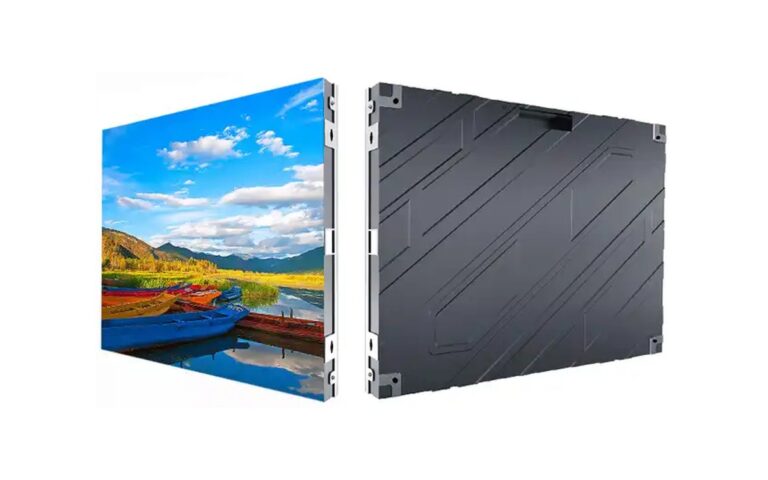
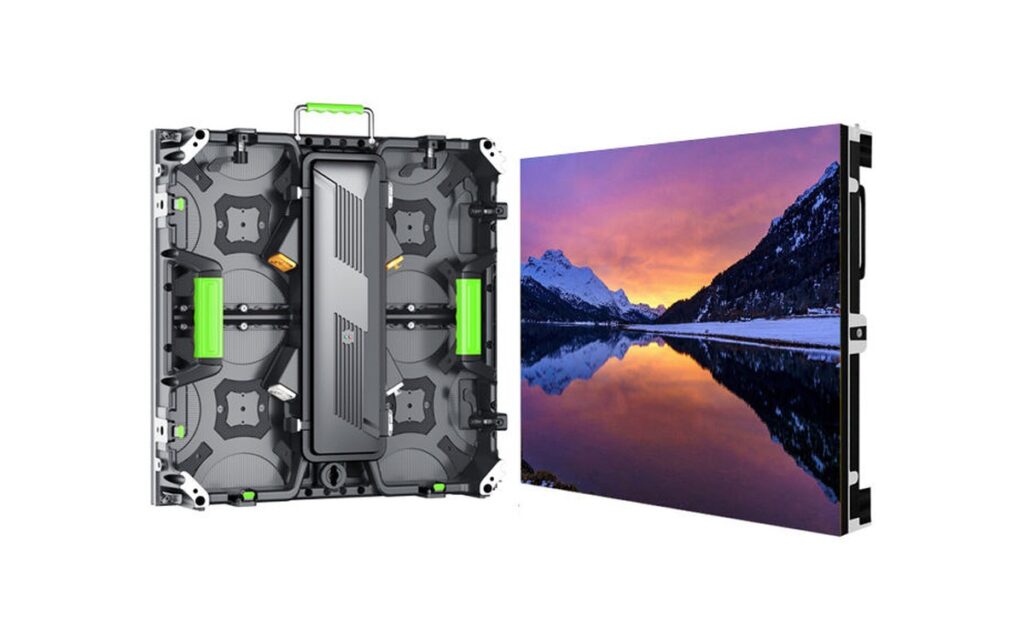
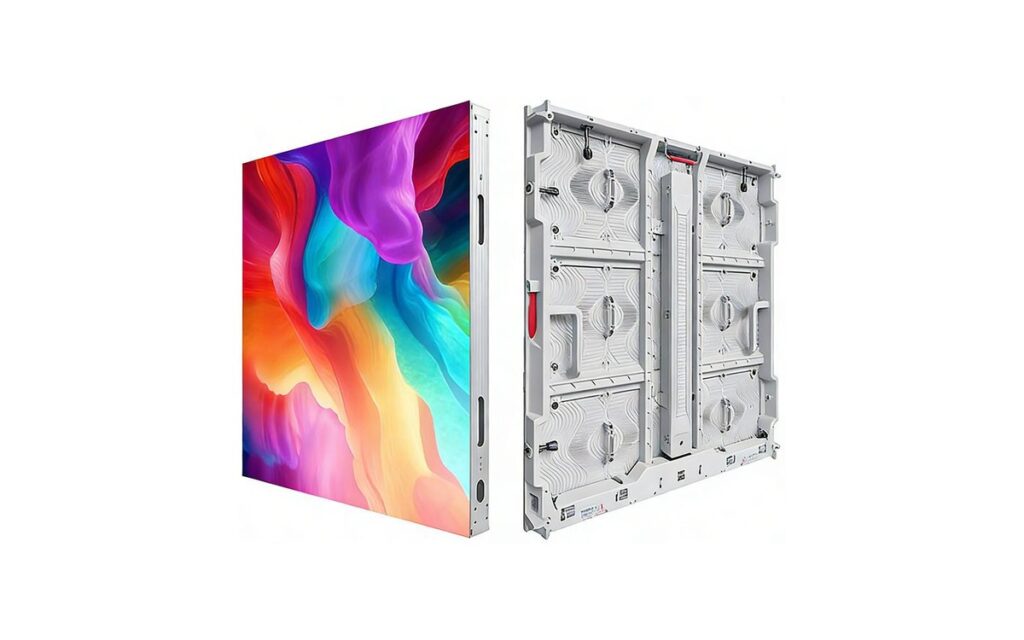
Indoor-BM Series
Sanctuary walls, lyric screens, fellowship halls and multipurpose worship rooms requiring a practical fixed-display configuration.
View details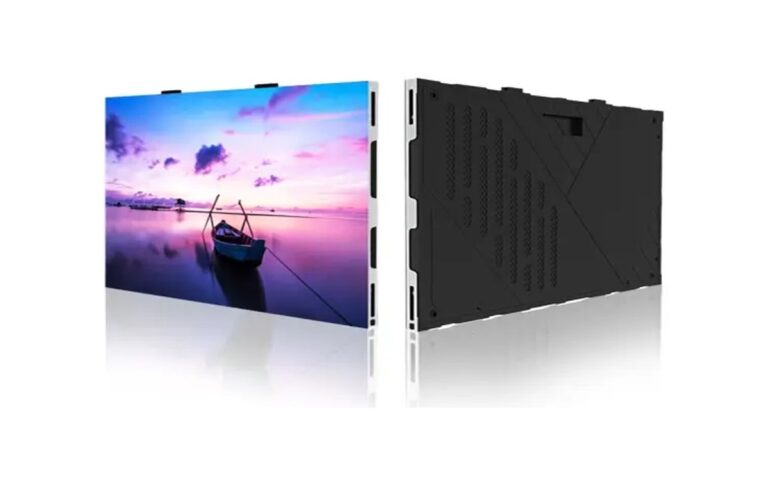
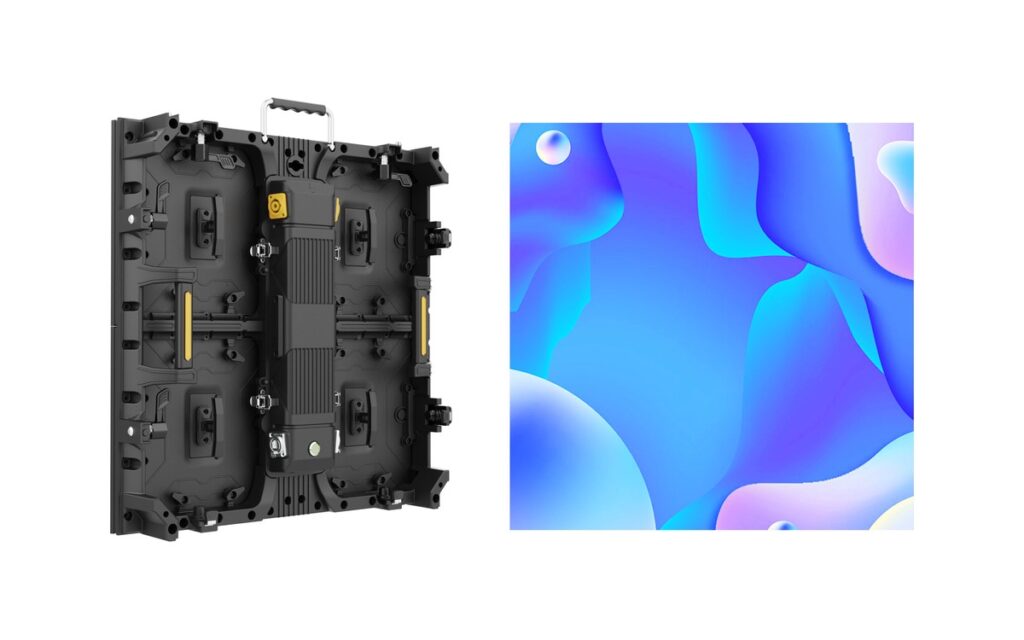
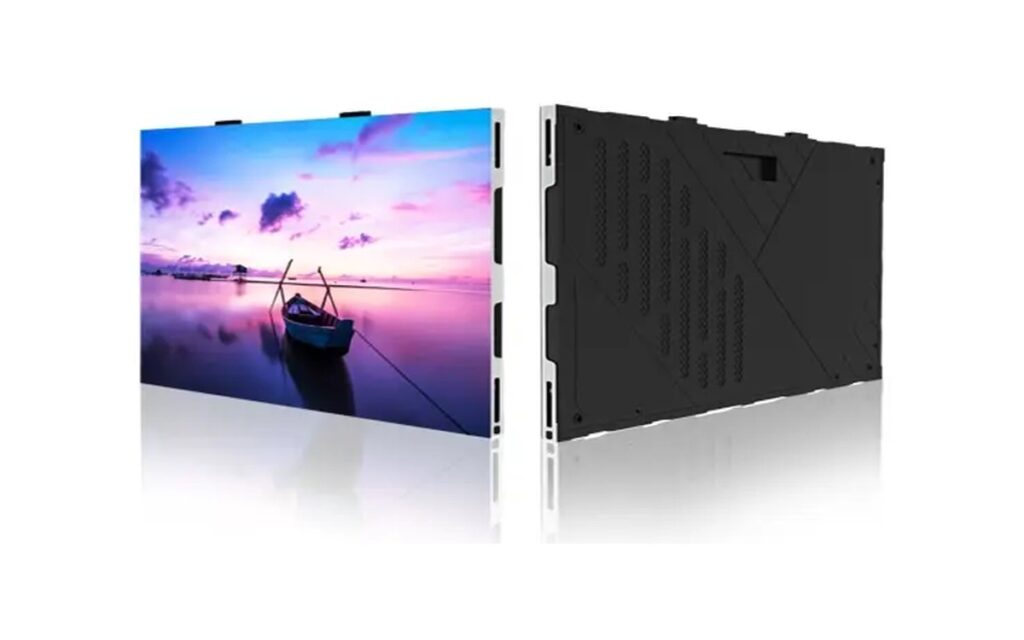
FHD-PRO Series
Front sanctuary screens, confidence displays and camera-facing stage installations where detailed content is viewed from shorter distances.
View detailsQuick comparison
| Series | Best For | Key Consideration |
|---|---|---|
| Indoor-Slim | Main sanctuary displays and side screens | Formats and brightness for worship spaces |
| Indoor-BM | Sanctuary walls and fellowship halls | Standard fixed builds for daily operation |
| FHD-PRO | Front screens and camera-facing displays | Fine pitch for text, lyrics and camera use |
Which LED Screen Works for a Worship Space?
Sanctuary walls and stage backdrops carry the main worship content, while side and confidence screens support worship leaders and musicians. Fine-pitch displays are used where text clarity and camera-facing content matter. The final configuration depends on room geometry, viewing positions, content workflow and the existing AV systems.
What size LED screen does a church need?
Size follows seating depth, not wall width. For a 300-seat room the back row sits about 15 m from the stage; a 4–5 m wide screen at P3.9 keeps lyrics readable. At 500 seats the throw grows to 18–22 m and 5–6 m wide is typical. If the service is streamed, keep refresh at 3,840 Hz or higher so cameras do not pick up scan lines. Most LED screens for churches are specified in the 4–6 m range, with a spare cabinet kept on site.
| Seats | Screen width | Suggested pitch | Notes |
|---|---|---|---|
| 150–300 | 3–4 m | P3.9–P4.81 | Lyrics and sermon graphics |
| 300–500 | 4–6 m | P3.9 | Most common sanctuary size |
| 500–800 | 6–8 m | P2.6–P3.9 | Balcony sightlines, camera work |
| 800+ | 8 m+ | P2.6 or finer | Multi-screen with confidence monitors |
Worship Display Planning Checklist
-
Map every viewing position in the room
Start with every regular viewing position, including balcony seats, side aisles, choir areas and overflow spaces. Check whether architecture, railings, lighting fixtures or people on stage interrupt sightlines.
-
Plan screen roles and placement
A main sanctuary wall can serve the congregation, while stage-side or confidence screens can support worship leaders, speakers and musicians. Screen dimensions and mounting height should be based on room geometry, viewing distance and the type of content shown. The installation should sit quietly within the sanctuary rather than dominate architectural features.
-
Fit the installation into the architecture
Consider wall finishes, trim, cable routes, ventilation, service access and how the display appears when not in use. Allow for future growth by reserving signal capacity, power distribution space, mounting options and control-system inputs, subject to the building and project plan.
-
Define the content workflow
Define the content workflow before selecting display and signal equipment. Presentation computers may provide lyrics, scripture, announcements and sermon graphics, while cameras supply live images for in-room screens, recording and streaming. Identify which sources must appear on each screen and whether confidence displays need different content from the main sanctuary display.
-
Plan the signal path and volunteer-friendly operation
Map the complete signal path from each source through switching, processing, distribution, display and streaming equipment. Confirm signal formats, cable distances, output requirements and backup procedures against the selected devices. For volunteer teams, keep routine operation limited to clear presets and documented steps. A labeled rack, consistent source naming and a simple start-up and shutdown checklist can reduce mistakes during services, rehearsals and special events.
Recommended System Configurations
Typical worship setups we configure and supply as complete systems — displays together with playback, camera and streaming signal.
Sanctuary Wall & Stage Backdrop
Indoor-Slim Series + playback + stage-friendly mounting
View Related ProductsLyric & Confidence Screens
Indoor-BM Series + preset content control
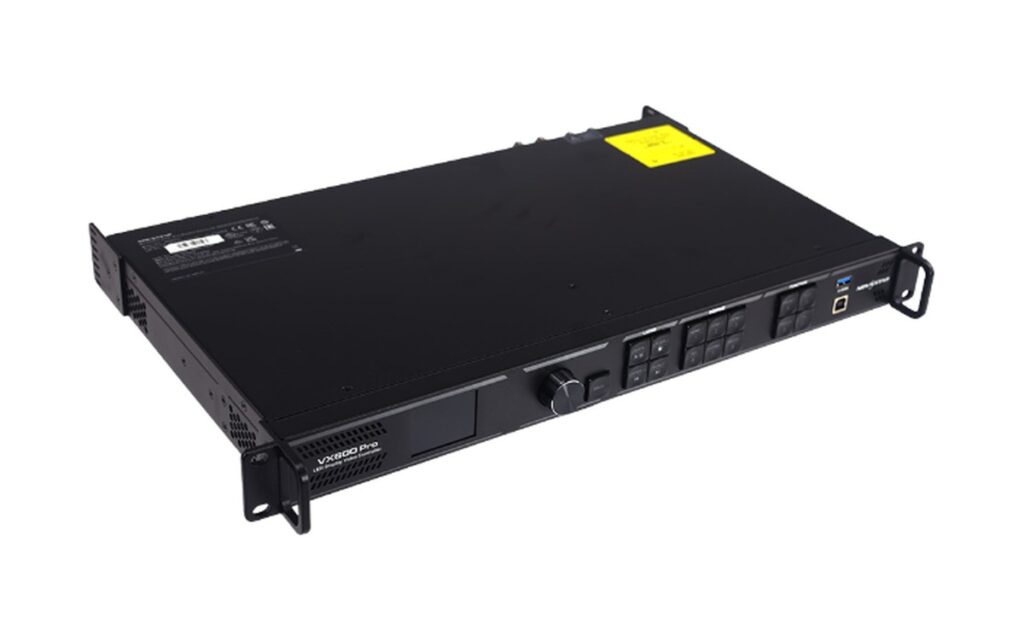
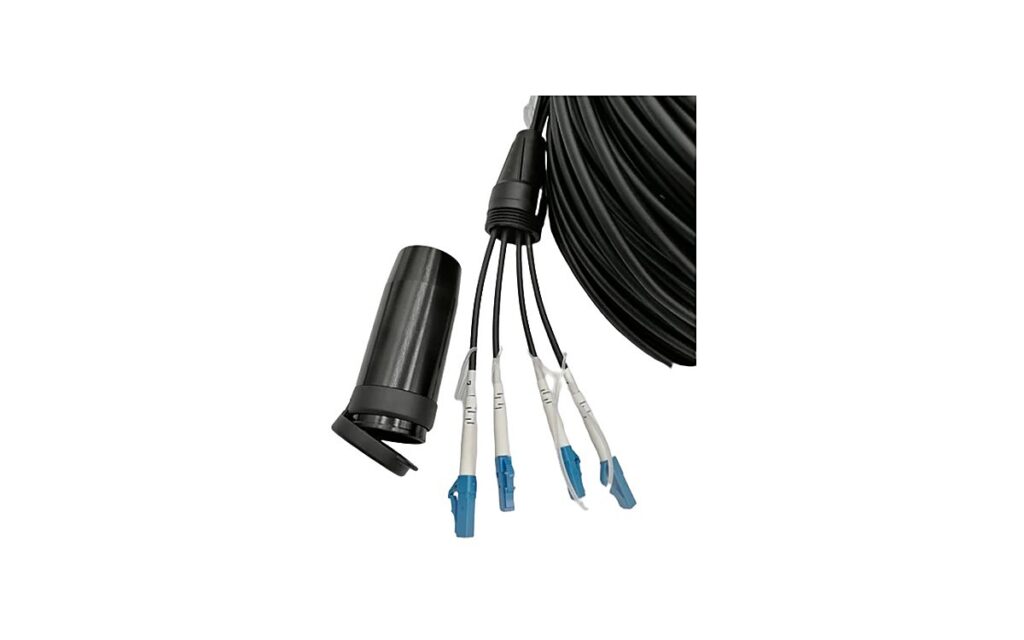
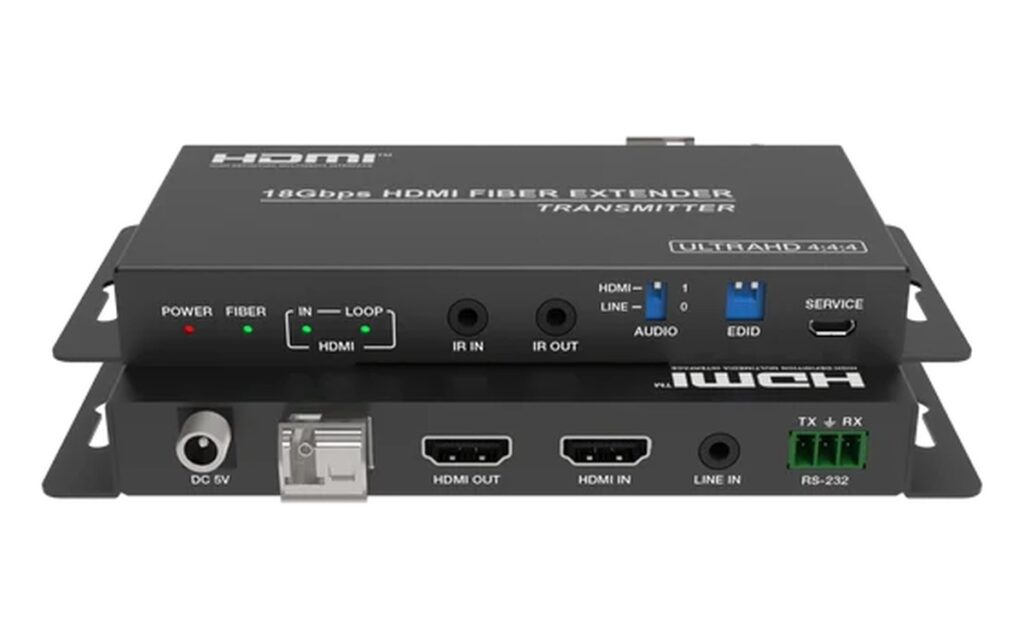
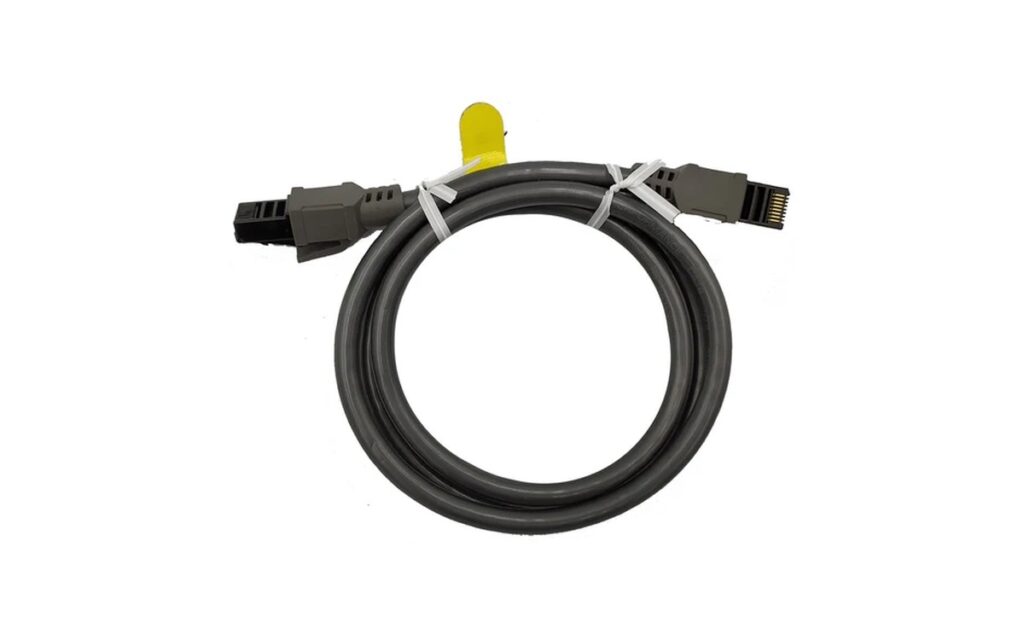
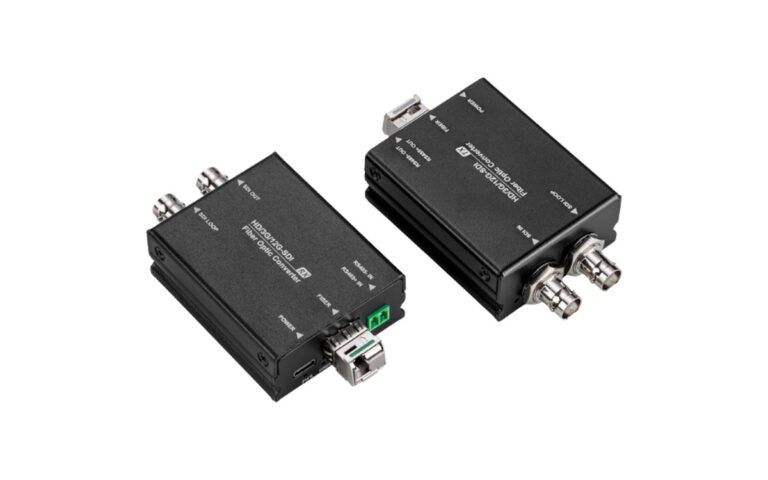
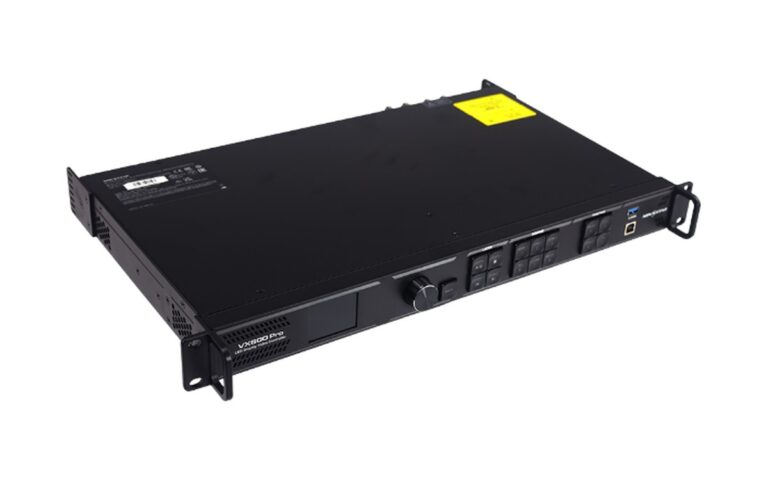
View Related ProductsCamera, Broadcast & Streaming Signal
FHD-PRO Series + camera and streaming signal integration
View Related Products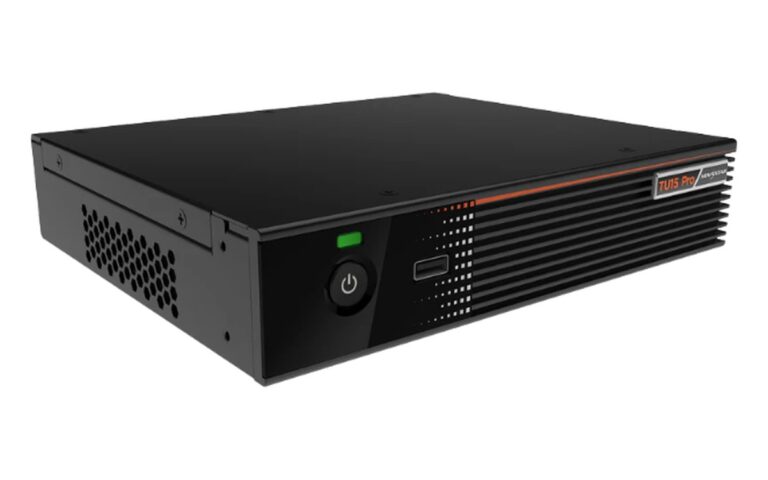
How to Select Your Worship Display Configuration
Configuration follows the room, the sightlines and the way the service is produced.
| Project Factor | What We Consider |
|---|---|
| Viewing positions | Sanctuary, balcony, side aisles and overflow spaces |
| Screen roles | Main display, side screens or confidence monitors |
| Room architecture | Wall space, finishes, mounting height and sightlines |
| Content sources | Lyrics, scripture, live camera and streaming |
| Operation by volunteers | Simple presets and clearly documented steps |
| Service and access | Maintenance routes that do not disturb services |
Typical recommendations are a starting point only. The final configuration is confirmed against room drawings, sightlines and the production workflow.
Worship Display Planning Notes
Plan display settings, viewing distances, and signal routing with the room survey and camera positions.
| Factor | What to plan |
|---|---|
| Camera & filming | Match scan and refresh settings to camera shutters to avoid flicker and banding during broadcast. |
| Moire on camera | Use finer pixel pitches and considered camera positions to reduce moire patterns in shots. |
| Lyrics & viewing distance | Set text height and pixel pitch for the farthest seats, including balconies. |
| Live stream signal | Coordinate one signal path from cameras, lyrics, and playback to room screens and the online stream. |
Settings and layout are confirmed against camera positions and the room survey before installation.
Worship Display System Capabilities
- Sanctuary video walls and stage backdrop displays
- Side, confidence and lyric screens
- Brightness settings suited to worship environments
- Camera, broadcast and streaming signal integration
- Preset-based control for volunteer teams
- Quiet, stable operation for daily and weekly services
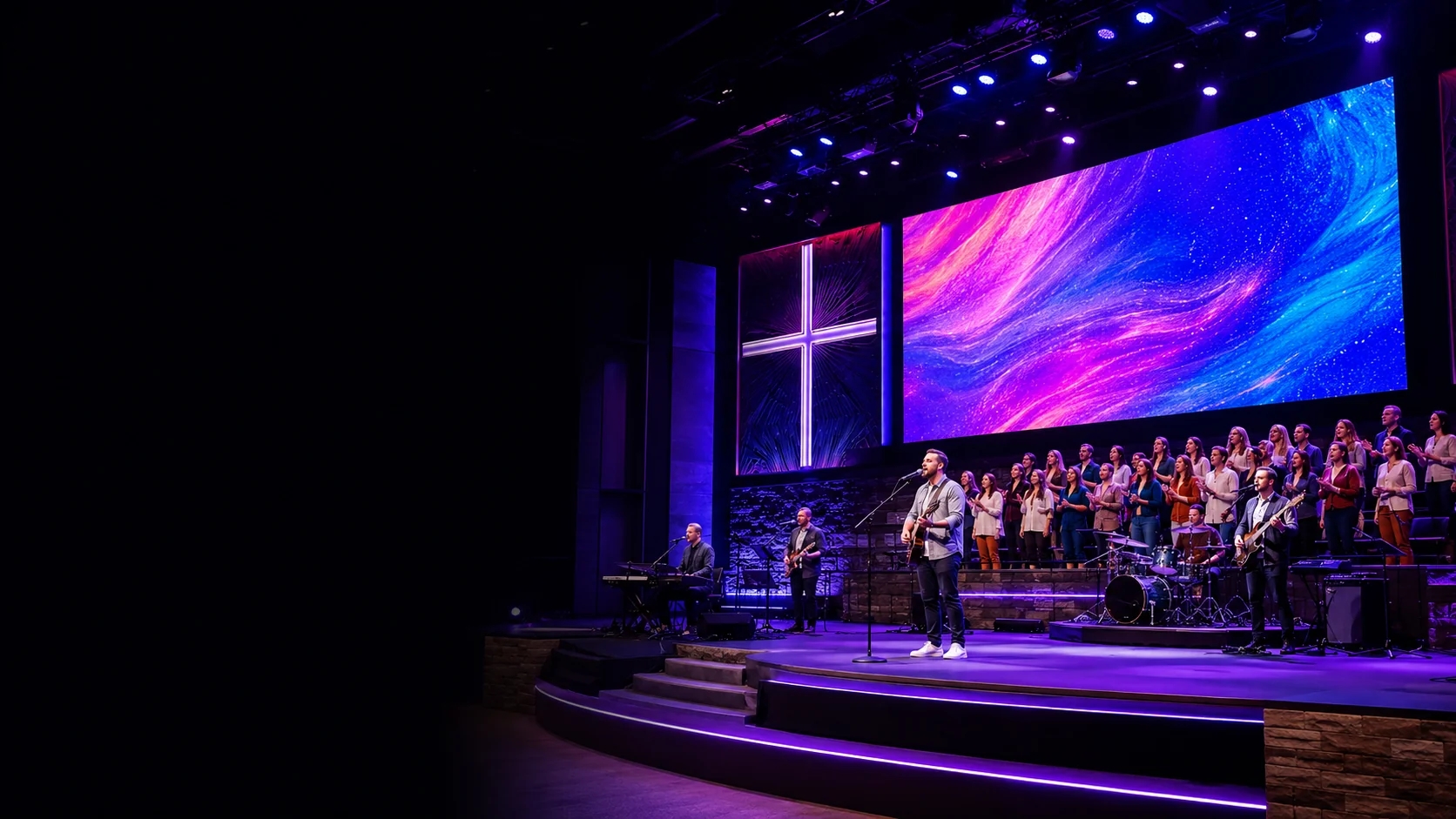
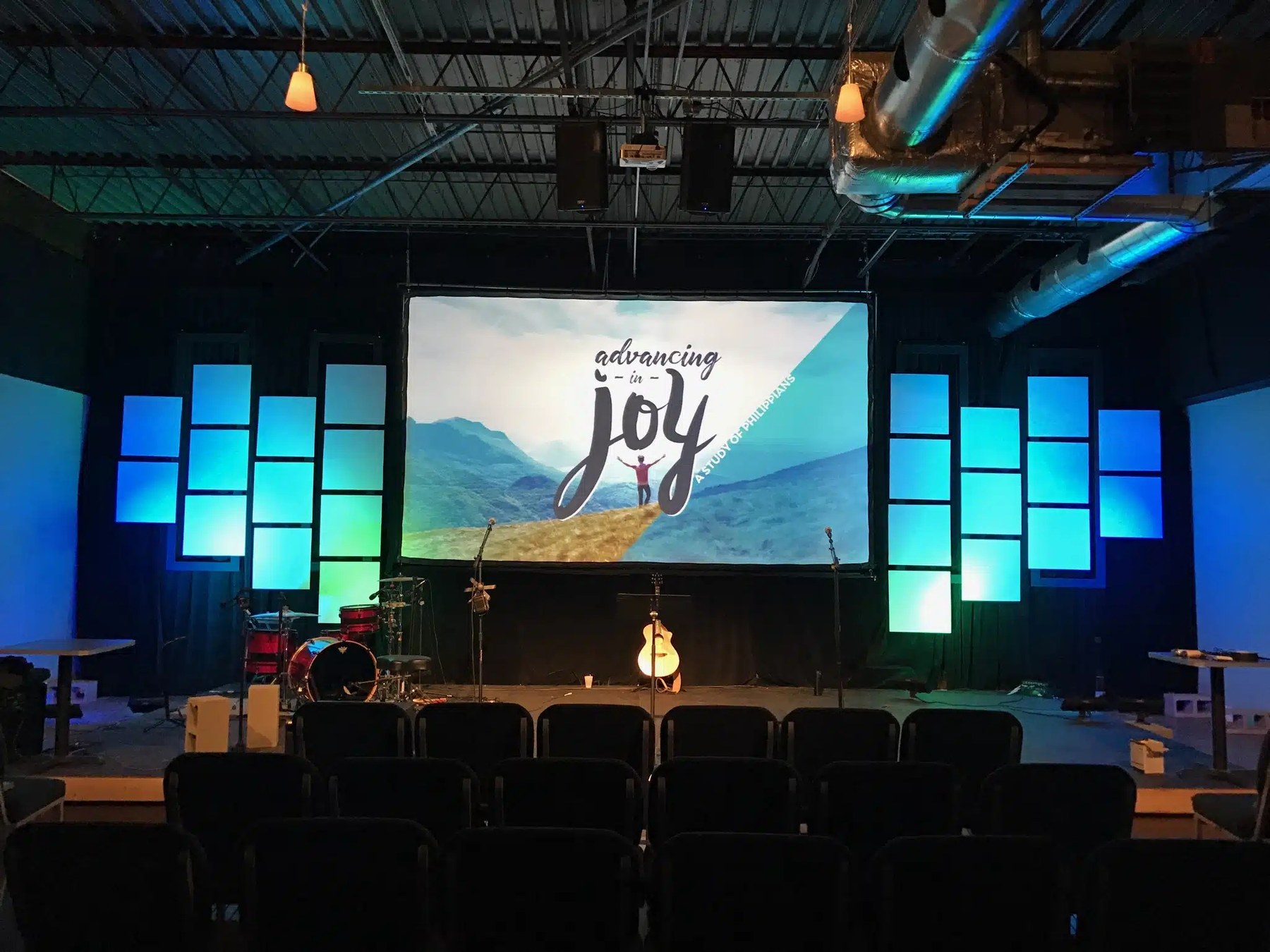
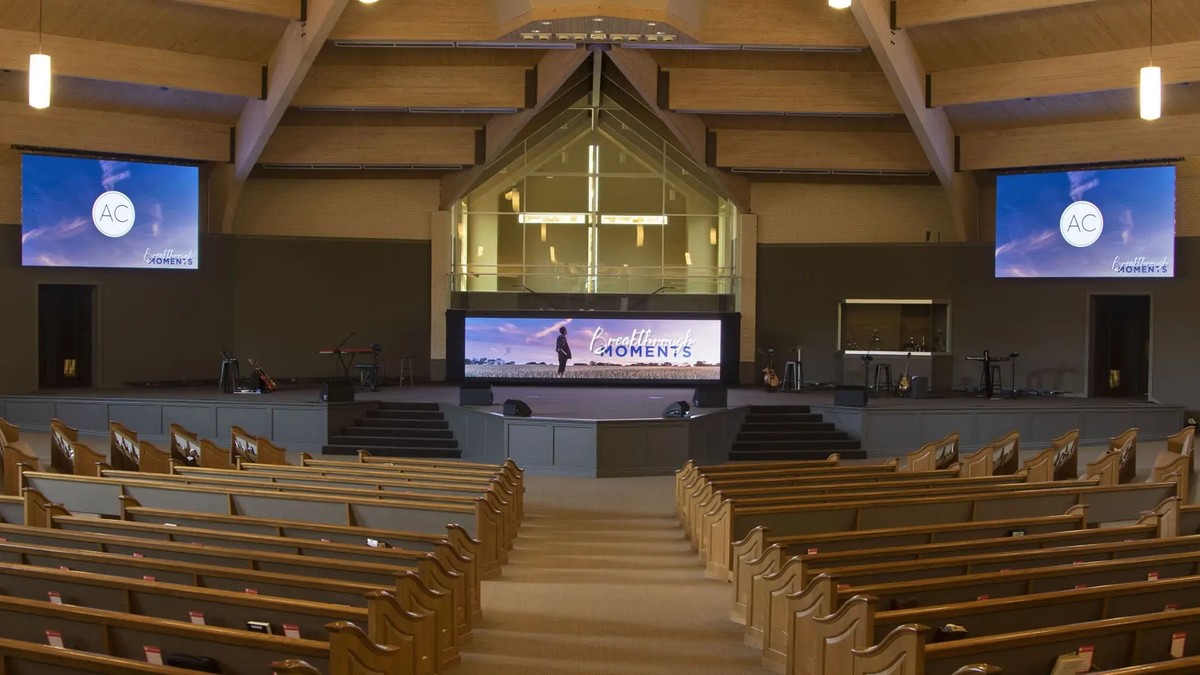
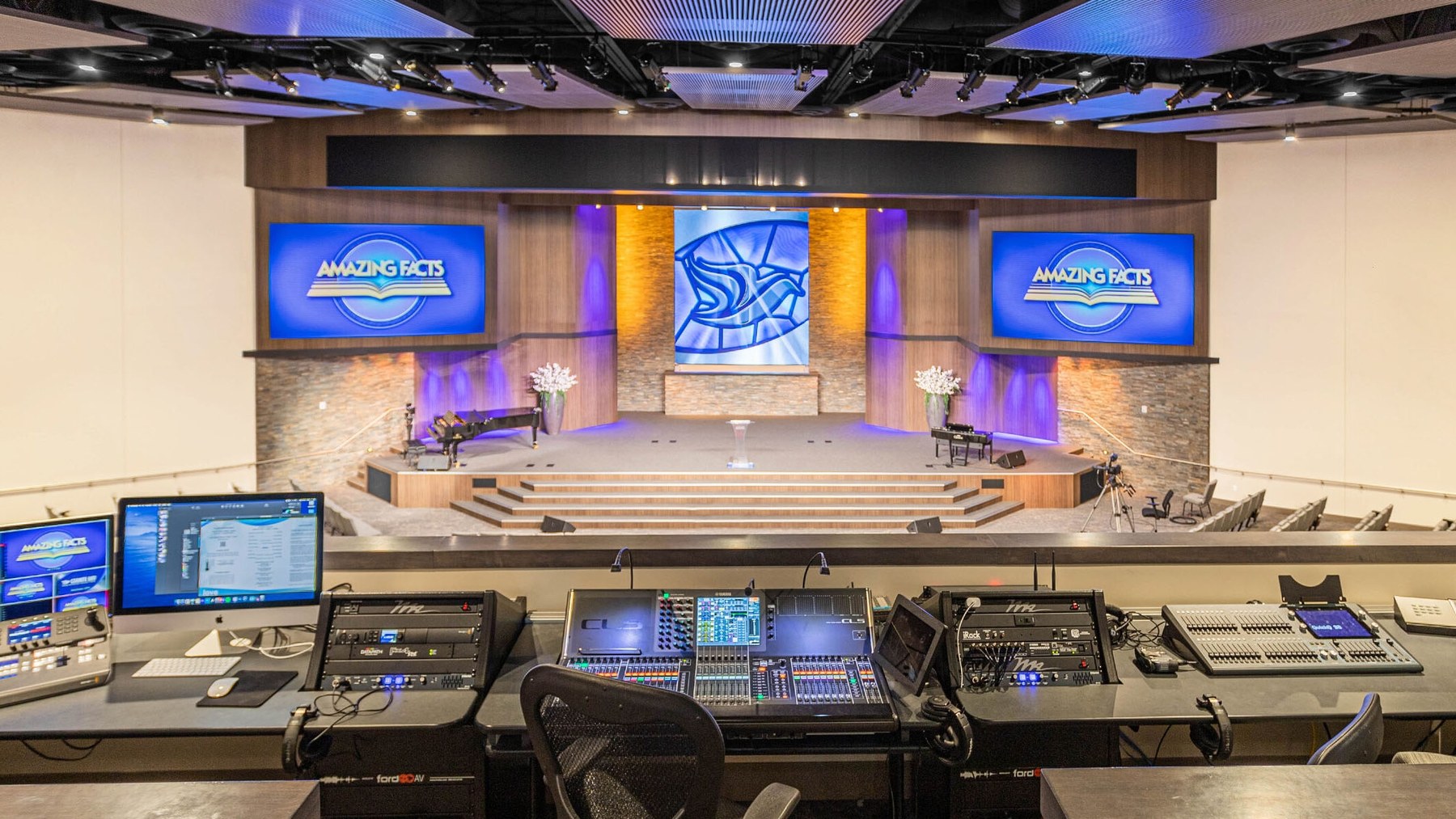
Application References
Typical worship configurations for reference. Each project is configured to its own room, sightlines and production workflow.
Worship Screen FAQ
What pixel pitch is suitable for a church stage LED wall?
Pixel pitch should follow the closest normal viewing distance and the content shown. For a congregation seated several metres away, a mid-range pitch can display lyrics and sermon graphics clearly; where the screen is also filmed for livestreaming, camera distance and the display refresh performance matter as much as pitch. Screens viewed closely by the worship team or on stage generally call for a finer pitch. Confirm the choice against the room layout, camera positions and the product datasheet.
Which LED display type is suitable for a church sanctuary?
Selection depends on viewing distance, content detail, screen size, camera use, mounting depth and budget. Indoor fixed displays are commonly used for main sanctuary walls and stage backdrops. Fine-pitch displays may be considered where viewers or cameras are closer and text detail is important. Compare Indoor-Slim Series, Indoor-BM Series and FHD-PRO Series against the room layout and approved system design; final suitability should be confirmed from the relevant datasheet.
How should we determine screen size and viewing position?
Start with room dimensions, seating layout, balcony depth and the farthest and closest viewing positions. Test whether lyrics, scripture references and presentation text remain readable from representative seats. Also check viewing angles from side sections and any obstruction from railings, columns or stage equipment. Final screen dimensions and mounting height should be coordinated with the architect, structural contractor, worship team and AV integrator.
What installation access is required behind the LED screen?
Access requirements depend on the display structure, wall condition and maintenance method. The design should provide suitable space for mounting, cabling, ventilation, power distribution and module service. Where rear access is limited, confirm whether the selected configuration supports the required maintenance approach. Structural loading and attachment points should be reviewed by qualified project personnel, and electrical work should follow applicable local requirements.
Can the system support lyric, presentation and live camera sources?
Yes — with suitable switching and processing, lyric, presentation and live camera sources can share one system. Map each source and destination before choosing the signal equipment. Presentation computers, cameras, media players and guest devices may feed a switcher or processor, with separate outputs assigned to the main display, confidence screens, recording and streaming systems. Required formats, resolutions and cable distances depend on the equipment used. Confirm compatibility throughout the path and plan how services will continue if a source or cable fails.
How can the LED wall look clear on camera during livestreaming?
Camera results depend on the display settings, camera settings, refresh behavior, exposure, frame rate, shutter configuration and surrounding lighting. A display that looks acceptable to the congregation may appear differently in recorded or streamed video. Test the proposed setup with the actual camera chain where possible. Color, brightness and processing should be adjusted together, while keeping the in-room viewing experience comfortable and content legible.
What information is needed to prepare a church LED display proposal?
Provide room drawings, wall dimensions, photos, seating and balcony layouts, approximate viewing distances and the intended screen locations. Include the content types, camera and streaming requirements, available signal sources, equipment-room position, cable routes and service-access limits. Power and structural information should also be supplied where available. LINEX can then review the application and suggest a configuration, subject to detailed site and system confirmation.